
TL;DR -- Quick Decision Table
Looking for the best free AI video generator in 2026? We tested 8 platforms using the same prompt and scored each on visual quality, motion naturalness, free tier generosity, watermark policy, and signup friction. Here is the quick-pick summary:
| Rank | Tool | Best For | Free Tier | Watermark | Quality /10 |
|---|---|---|---|---|---|
| 1 | Seedance 2.0 | Best Overall Free | Daily credits, no CC | Yes (free tier) | 9.0 |
| 2 | Google Veo 3 | Best for Audio | Free quota via AI Studio | No | 8.5 |
| 3 | Kling 3.0 | Best for Long Videos | 66 signup credits | Yes (removable) | 8.5 |
| 4 | Pika 2.0 | Best for Beginners | 150 daily credits | Yes (free tier) | 7.5 |
| 5 | Luma Dream Machine | Best for 3D | 5 free/day | No | 7.5 |
| 6 | Hailuo (MiniMax) | Best for Speed | 10 free/day | No | 7.0 |
| 7 | Runway Gen-4 | Best for Editing | 125 signup credits | Yes (free tier) | 8.0 |
| 8 | PixVerse | Best Budget Option | 60 daily credits | No | 7.0 |
No single tool is perfect. Seedance offers the strongest combination of quality and daily free credits, but its free tier includes a watermark. Veo 3 has no watermark but requires a Google account and offers limited monthly quota. Every tool has genuine trade-offs.
For our full paid-and-free comparison of 10 tools (including Sora and open-source options), see the Best AI Video Generators 2026: Complete Comparison.
Try the top-ranked free option now -->
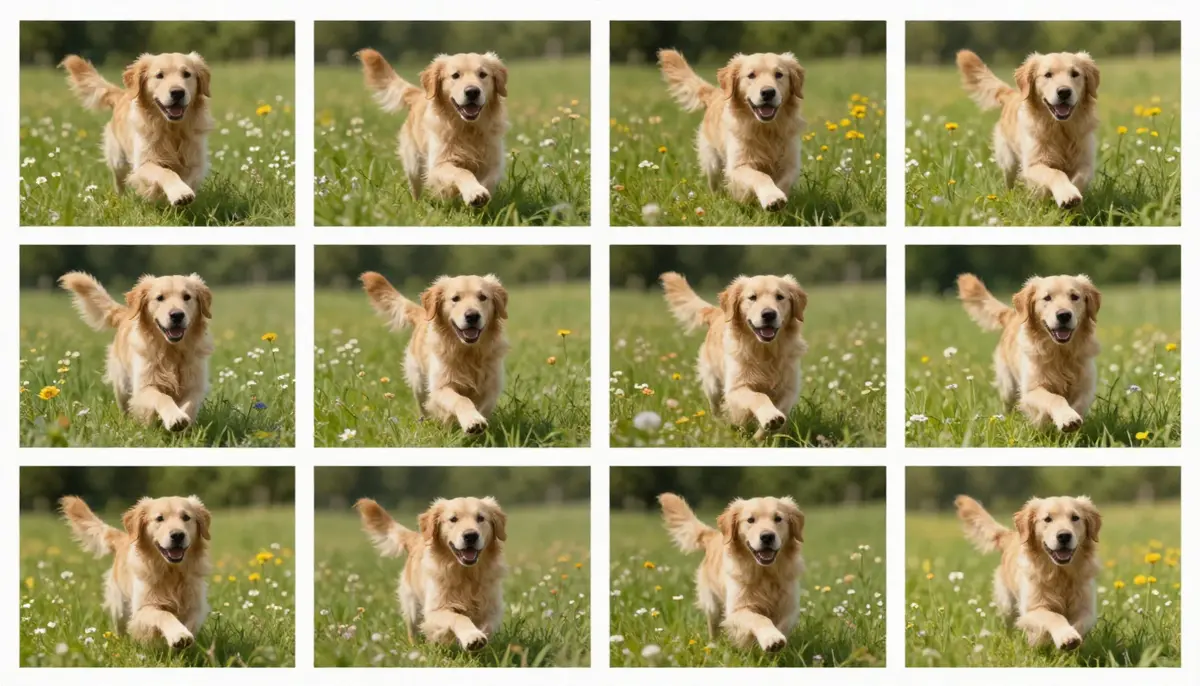
Same prompt, eight platforms, zero dollars spent. The differences in quality, motion, and detail are immediately visible when you compare free AI video generators side by side.
What "Free" Really Means in AI Video
Before we rank anything, you need to understand what "free" actually means in AI video generation. The word is used loosely across the industry, and the differences matter. We identified four distinct models:
1. Completely Free (No Limits)
The rarest category. The tool is free to use with no credit system, no daily limits, and no paid tier required. In the AI video space, this essentially only applies to open-source models you self-host (like Wan), which require your own GPU hardware. None of the 8 cloud tools in this comparison are completely free in this sense.
2. Freemium (Daily or Monthly Credits)
The most common model. You get a set number of free credits or generations each day or month. Once depleted, you wait for the reset or pay to continue. Seedance, Pika, Hailuo, and PixVerse use this model. The key questions are: how many free credits do you get, how fast do they reset, and what quality do you receive?
3. Free Trial (One-Time Credits)
You receive a fixed pool of credits when you sign up. Once those credits are spent, there is no free replenishment. Kling and Runway use variations of this approach. The advantage is that you often get enough credits for a serious evaluation. The disadvantage is that the free experience has a hard expiration.
4. Free with Restrictions (Watermarks, Lower Resolution, Slower Queue)
Some tools offer ongoing free access but with visible limitations: watermarks stamped on output, resolution capped below paid tiers, or your generations placed in a slower processing queue. Seedance, Pika, and Runway all apply watermarks to free-tier output. Kling caps free-tier resolution below its maximum.
Why this matters: If you need watermark-free output for a client project, "free" tools with watermarks are effectively demos. If you are experimenting for personal projects, a watermarked free tier might be perfectly fine. Understanding the free model helps you choose the right tool for your actual use case.

Not all "free" is created equal. Understanding the four free models helps you set realistic expectations before you start generating.
How We Tested: Methodology
Marketing pages and cherry-picked examples tell you nothing about real-world free-tier performance. Here is exactly how we conducted this comparison.
The Test Prompt
We used a single standardized prompt across all 8 tools:
"A golden retriever puppy runs through a sunlit meadow with wildflowers, slow motion, shallow depth of field, warm golden hour lighting, cinematic quality"
This prompt was chosen deliberately. It tests:
- Subject rendering -- Can the model generate a convincing animal with fur physics?
- Motion quality -- Does the slow-motion running look natural or glitchy?
- Environment detail -- Are the wildflowers and meadow rendered with texture, or are they blurry blobs?
- Lighting fidelity -- Can the model handle golden hour lighting with lens effects?
- Overall coherence -- Does the scene hold together across all frames without visual artifacts?
We ran this exact prompt on each tool's free tier on the same day (February 18, 2026) to ensure consistency. No prompt modifications, no image inputs, no retries. What you see in this article is the first output from each platform.
Five Scoring Dimensions
Each tool was scored on five dimensions using a 1-10 scale:
| Dimension | What We Measured | Weight |
|---|---|---|
| Visual Quality | Resolution, detail, textures, absence of artifacts | /10 |
| Motion Naturalness | Fluid movement, physics accuracy, temporal consistency | /10 |
| Free Generosity | Number of free generations, reset frequency, credit card requirement | /10 |
| Watermark Policy | Whether free output has a watermark, and how obtrusive it is | Y/N |
| Signup Complexity | How many steps and what information is required to start generating | /10 |
The overall score combines Visual Quality (30%), Motion Naturalness (30%), Free Generosity (25%), and Signup Simplicity (15%). Watermark policy is reported separately as a binary yes/no because its importance depends entirely on your use case.
What We Did NOT Do
We did not accept promotional credits, early access, or sponsored accounts from any platform. Every test was run on publicly available free tiers. We also did not retry generations to find the best output -- each tool's score reflects its first attempt with the standardized prompt.
For a deeper look at how we evaluate AI video tools including paid tiers, see our complete 10-tool comparison.
The 8 Best Free AI Video Generators (Ranked)
#1 Seedance 2.0 -- Best Overall Free Option
Overall Score: 8.8/10
Seedance 2.0 claims the top spot because it delivers the highest visual quality on a free tier, offers daily credit refreshes (not a one-time allowance), and provides access to every feature including text-to-video, image-to-video, sound effects, music generation, and lip sync -- even for free users.

Seedance 2.0 free-tier output from our test prompt. Notice the fur detail, accurate shadow casting, and natural bokeh in the background.
Free Tier Details:
| Specification | Details |
|---|---|
| Free credits | Daily credits (refreshed every 24 hours) |
| Credit card required | No |
| Max resolution (free) | Up to 2K |
| Max duration (free) | Up to 10 seconds |
| Watermark | Yes (small, bottom-right on free tier) |
| Signup required | Email or Google account |
| Audio support | SFX, music, lip sync (all available on free tier) |
| Input modes | Text-to-video, image-to-video, video-to-video |
Test Results:
- Visual Quality: 9/10 -- The highest in our free-tier test. Fur rendering, lighting, and background detail were all excellent.
- Motion Naturalness: 9/10 -- The puppy's running motion was fluid with natural physics. No limb distortion or frame jittering.
- Free Generosity: 8/10 -- Daily credit refresh is generous. Most free users can generate 2-4 videos per day depending on settings.
- Signup Complexity: 9/10 -- Email or Google SSO, under 30 seconds, no credit card.
Pros:
- Highest visual quality available on any free tier in 2026
- Daily credit reset means you are never permanently locked out
- Full feature access including audio, lip sync, and multi-modal input even on free
Cons:
- Free-tier output includes a watermark (not ideal for professional or commercial use)
- Daily credit pool limits batch production -- you cannot generate 50 videos in one sitting
- Queue times can be longer during peak hours for free-tier users
Best for: Creators who want the highest quality free output and are willing to accept a watermark, or who want to evaluate Seedance before upgrading. For a complete guide to maximizing your free credits, see Seedance Free: Create AI Videos Without Paying.
#2 Google Veo 3 (via AI Studio) -- Best for Audio
Overall Score: 8.3/10
Google Veo 3 earns the runner-up position for a distinctive reason: it is one of the only free AI video generators that produces native audio. When you generate a video of a dog running through a meadow, you get ambient birdsong, rustling grass, and soft panting -- automatically, without a separate audio generation step.

Veo 3 via Google AI Studio. The visual quality is strong, and the automatically generated ambient audio adds a dimension most free tools lack entirely.
Free Tier Details:
| Specification | Details |
|---|---|
| Free credits | Monthly quota via Google AI Studio (limited) |
| Credit card required | No (Google account required) |
| Max resolution (free) | 1080p |
| Max duration (free) | 8 seconds |
| Watermark | No |
| Signup required | Google account |
| Audio support | Native audio generation (SFX, ambient, dialogue) |
| Input modes | Text-to-video, image-to-video |
Test Results:
- Visual Quality: 8.5/10 -- Excellent detail and color accuracy. Slightly softer than Seedance on fine textures but very close.
- Motion Naturalness: 8.5/10 -- Fluid, natural motion with good physics. The slow-motion interpretation was convincing.
- Free Generosity: 7/10 -- The free quota through AI Studio is limited. Power users will exhaust it within a few days of active use.
- Signup Complexity: 8/10 -- Requires a Google account and navigating to AI Studio, which is slightly less intuitive than a dedicated app.
Pros:
- Native audio generation sets it apart from every other free tool except Seedance
- No watermark on free-tier output
- Google's infrastructure means fast generation times and high reliability
Cons:
- Free quota is monthly and relatively limited compared to daily-refresh models
- Requires navigating Google AI Studio rather than a polished consumer UI
- Max duration of 8 seconds is shorter than several competitors
Best for: Users who need audio-visual content without watermarks and are comfortable with Google's ecosystem. For a detailed head-to-head between Seedance and Veo 3, see our upcoming Seedance vs Veo 3 comparison.
#3 Kling 3.0 -- Best for Long Videos
Overall Score: 8.1/10
Kling 3.0 by Kuaishou stands out in the free-tier category for one reason: duration. While most free tools cap output at 5-10 seconds, Kling's credit system allows you to generate videos exceeding 20 seconds with your signup bonus. If your use case demands longer clips, Kling's free offering is uniquely positioned.

Kling 3.0 delivers respectable quality and the longest free-tier clip duration in our test. The trade-off is that its free credits are a one-time signup bonus.
Free Tier Details:
| Specification | Details |
|---|---|
| Free credits | 66 credits at signup (one-time) |
| Credit card required | No |
| Max resolution (free) | 1080p |
| Max duration (free) | 5-10 sec per clip (standard), extendable with more credits |
| Watermark | Yes (small, removable on paid plans) |
| Signup required | Email, phone, or Google account |
| Audio support | No native audio |
| Input modes | Text-to-video, image-to-video |
Test Results:
- Visual Quality: 8.5/10 -- Sharp detail, good color reproduction. Kling handles animal fur and natural environments well.
- Motion Naturalness: 8/10 -- Solid motion quality. Occasional micro-stutters in complex scenes, but the golden retriever test was smooth.
- Free Generosity: 7/10 -- 66 credits is enough for approximately 6-10 standard generations. Generous for a trial, but no replenishment once spent.
- Signup Complexity: 8/10 -- Straightforward registration. Phone number verification is available but optional.
Pros:
- Longest possible clip duration among free options when using credits for extended generation
- Strong visual quality that competes with top-tier tools
- Affordable paid plans ($6.99/month) make upgrading painless if you like the results
Cons:
- Free credits are a one-time signup bonus with no daily or monthly refresh
- No native audio generation -- you need to add sound in post-production
- Watermark present on free-tier output
Best for: Users who need longer clips for short films, narratives, or social media content that requires more than 5-second snippets. See also our complete AI video generators comparison for how Kling compares across all categories.
#4 Pika 2.0 -- Best for Beginners
Overall Score: 7.8/10
Pika 2.0 is the most approachable free AI video generator available. Its interface is clean, the learning curve is near zero, and the daily free credit allowance means you can experiment indefinitely. The signature Pikaffects feature lets you apply creative transformations -- melting, exploding, inflating, crushing -- that are genuinely fun and unique to this platform.

Pika 2.0 produces pleasant results with minimal effort. The output is softer than top-tier competitors, but the ease of use is unmatched.
Free Tier Details:
| Specification | Details |
|---|---|
| Free credits | 150 daily credits (refreshed every 24 hours) |
| Credit card required | No |
| Max resolution (free) | 720p (1080p on paid) |
| Max duration (free) | 5 seconds |
| Watermark | Yes (Pika logo, bottom-right) |
| Signup required | Google or Discord account |
| Audio support | Limited SFX via Pikaffects |
| Input modes | Text-to-video, image-to-video |
Test Results:
- Visual Quality: 7.5/10 -- Adequate for social content but noticeably softer than Seedance, Veo, or Kling. The 720p resolution cap on free is the main limitation.
- Motion Naturalness: 7.5/10 -- Good basic motion. Pika handles simple actions well but can struggle with complex physics.
- Free Generosity: 9/10 -- 150 daily credits is one of the most generous daily allowances. You can generate 5-8 videos per day for free.
- Signup Complexity: 10/10 -- Google SSO or Discord login. Under 15 seconds to start generating.
Pros:
- Most generous daily free credit allowance of any tool tested
- Simplest, most intuitive interface -- genuinely zero learning curve
- Pikaffects (melt, explode, inflate, etc.) are fun and unique to this platform
Cons:
- Free tier capped at 720p resolution, which is visibly lower quality than competitors
- Maximum 5-second clip duration is the shortest in this comparison
- Visual quality trails behind the top 3 tools in detail and realism
Best for: First-time users, casual creators, social media experimenters, and anyone who values simplicity over maximum quality. For a deep comparison with the top-ranked tool, see Seedance vs Pika: Which Is Better?.
#5 Luma Dream Machine -- Best for 3D
Overall Score: 7.6/10
Luma Dream Machine brings a distinctive strength to the free AI video category: spatial intelligence. Born from Luma AI's background in 3D capture and NeRF technology, Dream Machine excels at generating scenes with convincing depth, camera movement through 3D space, and cinematic establishing shots. If your content involves architecture, landscapes, or any scenario where camera parallax matters, Luma's free tier is worth testing.
Free Tier Details:
| Specification | Details |
|---|---|
| Free credits | 5 generations per day |
| Credit card required | No |
| Max resolution (free) | 1080p |
| Max duration (free) | 5 seconds |
| Watermark | No |
| Signup required | Google account or email |
| Audio support | No |
| Input modes | Text-to-video, image-to-video |
Test Results:
- Visual Quality: 7.5/10 -- Good overall quality with strong spatial depth. Slightly less detailed on fine textures like fur, but excels at environmental rendering.
- Motion Naturalness: 8/10 -- Camera movements are the highlight. Tracking shots, orbits, and dolly movements feel natural and cinematic.
- Free Generosity: 6/10 -- 5 generations per day is functional but limiting. Heavy users will hit the cap quickly.
- Signup Complexity: 9/10 -- Simple Google or email signup.
Pros:
- Best 3D spatial awareness and camera movement of any free tool
- No watermark on free-tier output
- Strong at architectural visualization and landscape cinematography
Cons:
- Only 5 free generations per day -- the most restrictive daily allowance in this comparison
- Less detailed on organic subjects (people, animals) compared to Seedance or Kling
- No audio support at all
Best for: Real estate creators, architects, landscape videographers, and anyone whose content relies heavily on camera movement through 3D environments.
#6 Hailuo (MiniMax) -- Best for Speed
Overall Score: 7.4/10
Hailuo AI, built by MiniMax, wins the speed category outright. Where most free AI video generators take 60-180 seconds to produce a clip, Hailuo routinely delivers results in 30-45 seconds. If you are iterating on ideas and need quick turnaround, Hailuo's free tier is remarkably efficient.
Free Tier Details:
| Specification | Details |
|---|---|
| Free credits | 10 free generations per day |
| Credit card required | No |
| Max resolution (free) | 720p |
| Max duration (free) | 6 seconds |
| Watermark | No |
| Signup required | Email or phone number |
| Audio support | No |
| Input modes | Text-to-video, image-to-video |
Test Results:
- Visual Quality: 7/10 -- Decent but not industry-leading. The 720p resolution cap is noticeable. Colors and lighting are handled competently.
- Motion Naturalness: 7/10 -- Acceptable motion quality. Fast generation comes with some trade-offs in temporal smoothness.
- Free Generosity: 8/10 -- 10 generations per day with no credit card is solid. The daily reset keeps it accessible.
- Signup Complexity: 8/10 -- Quick registration, though phone number verification is required in some regions.
Pros:
- Fastest generation time of any tool tested (30-45 seconds average)
- No watermark on free output
- 10 daily generations is a reasonable free allowance
Cons:
- Visual quality is noticeably below the top 3 tools, especially at 720p
- No audio support
- The interface is functional but less polished than Pika or Seedance
Best for: Rapid prototyping, quick social media content, and situations where iteration speed matters more than maximum visual quality. Hailuo is also a good option for testing ideas before generating a final version on a higher-quality platform.
#7 Runway Gen-4 -- Best for Editing
Overall Score: 7.3/10
Runway Gen-4 ranks seventh not because its quality is low -- it is actually one of the better models -- but because its free tier is the most restrictive in this comparison. You receive 125 credits at signup with no daily refresh. That translates to approximately 3-5 video generations before the free experience ends. However, Runway earns its place because of something no other tool offers for free: professional-grade editing tools integrated directly into the generation workflow.
Free Tier Details:
| Specification | Details |
|---|---|
| Free credits | 125 credits at signup (one-time) |
| Credit card required | No |
| Max resolution (free) | 720p (1080p+ on paid) |
| Max duration (free) | 5 seconds (10 seconds on paid) |
| Watermark | Yes (Runway logo) |
| Signup required | Email or Google account |
| Audio support | No native audio |
| Input modes | Text-to-video, image-to-video, video-to-video |
Test Results:
- Visual Quality: 8/10 -- Strong visual output. Gen-4 produces detailed, well-composed frames. The 720p free cap is the main limitation.
- Motion Naturalness: 8/10 -- Good motion quality, particularly with the Motion Brush tool that allows frame-by-frame motion control.
- Free Generosity: 4/10 -- 125 one-time credits is the least generous free offering in this comparison. No daily or monthly refresh.
- Signup Complexity: 8/10 -- Standard email or Google signup.
Pros:
- Built-in Motion Brush, inpainting, and professional editing tools that no other platform matches
- High visual quality when you can generate output
- Strong ecosystem with green screen, style transfer, and multi-layer composition
Cons:
- Most restrictive free tier: 125 one-time credits with no refresh gives you only 3-5 videos total
- Free resolution capped at 720p
- Watermark on free output
Best for: Professional video editors who want to evaluate Runway's unique editing capabilities before committing to a $15/month subscription. If you primarily need generation without editing tools, other platforms offer more free runway (no pun intended).
#8 PixVerse -- Best Budget Option
Overall Score: 7.1/10
PixVerse rounds out our list as the quiet budget contender. It does not lead any single category, but it offers a genuinely usable free tier with no watermark, decent quality, and a generous daily credit allowance. If you want a no-frills, no-watermark free AI video generator for basic content creation, PixVerse delivers.
Free Tier Details:
| Specification | Details |
|---|---|
| Free credits | 60 daily credits |
| Credit card required | No |
| Max resolution (free) | 720p (1080p on paid) |
| Max duration (free) | 8 seconds |
| Watermark | No |
| Signup required | Email or Google account |
| Audio support | No |
| Input modes | Text-to-video, image-to-video |
Test Results:
- Visual Quality: 7/10 -- Adequate for social media. Textures and fine details are less refined than top-tier options. The 720p cap is noticeable.
- Motion Naturalness: 7/10 -- Basic motion is handled well. Complex physics and multi-subject scenes can show inconsistencies.
- Free Generosity: 8/10 -- 60 daily credits allows 3-5 generations per day, which is practical for regular use.
- Signup Complexity: 9/10 -- Quick email or Google SSO registration.
Pros:
- No watermark on free output -- one of only four tools in this comparison with watermark-free free tier
- Generous daily credit refresh
- 8-second maximum duration is above average for free tiers
Cons:
- Visual quality trails the top 5 tools
- No audio support
- The platform is less well-known, with a smaller community and fewer tutorials available
Best for: Users who need watermark-free output on a zero budget and whose quality requirements are "good enough for social media" rather than "cinematic excellence."
Complete Comparison Table
Here is the master comparison of all 8 free AI video generators tested. Bookmark this table for reference.
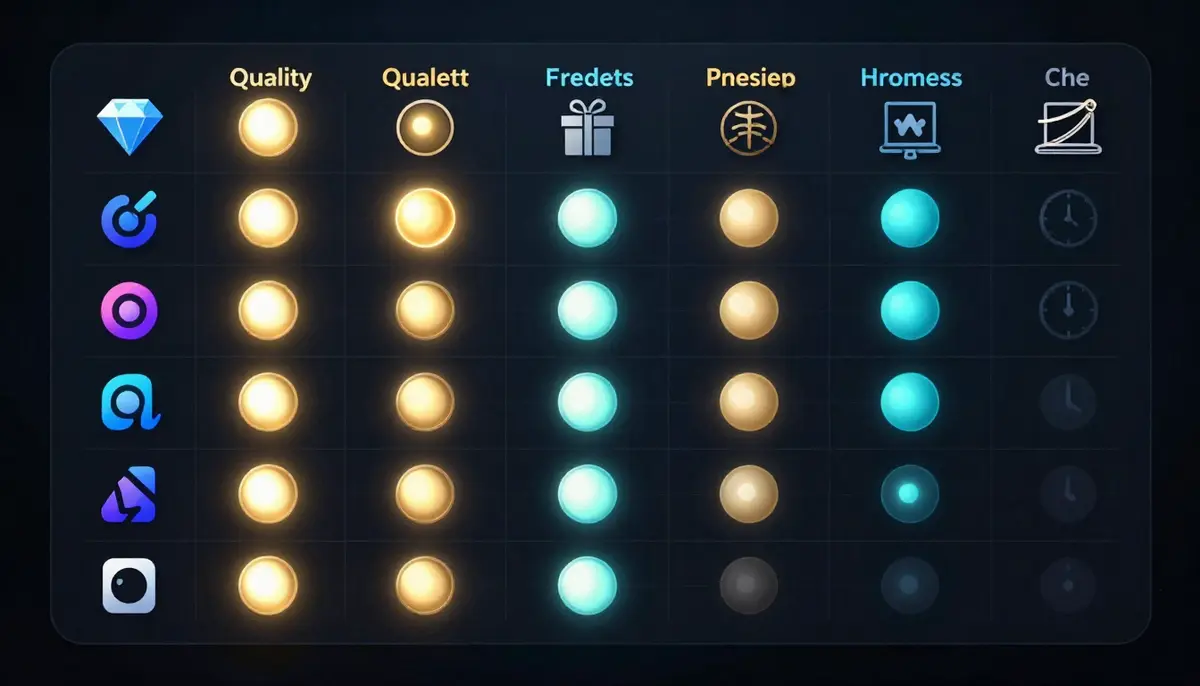
The full comparison at a glance. Seedance leads in quality but includes a watermark on free. Veo 3 and Luma offer watermark-free output with different trade-offs.
| Feature | Seedance 2.0 | Veo 3 | Kling 3.0 | Pika 2.0 | Luma | Hailuo | Runway Gen-4 | PixVerse |
|---|---|---|---|---|---|---|---|---|
| Quality /10 | 9.0 | 8.5 | 8.5 | 7.5 | 7.5 | 7.0 | 8.0 | 7.0 |
| Motion /10 | 9.0 | 8.5 | 8.0 | 7.5 | 8.0 | 7.0 | 8.0 | 7.0 |
| Free Model | Daily credits | Monthly quota | One-time signup | Daily credits | 5/day | 10/day | One-time signup | Daily credits |
| Free Generosity /10 | 8 | 7 | 7 | 9 | 6 | 8 | 4 | 8 |
| Max Res (Free) | 2K | 1080p | 1080p | 720p | 1080p | 720p | 720p | 720p |
| Max Duration | 10s | 8s | 5-10s | 5s | 5s | 6s | 5s | 8s |
| Watermark | Yes | No | Yes | Yes | No | No | Yes | No |
| Credit Card | No | No | No | No | No | No | No | No |
| Audio | SFX + Music + Lip Sync | SFX + Ambient + Dialogue | No | Limited SFX | No | No | No | No |
| Signup | Email/Google | Google account | Email/Phone/Google | Google/Discord | Google/Email | Email/Phone | Email/Google | Email/Google |
| Overall /10 | 8.8 | 8.3 | 8.1 | 7.8 | 7.6 | 7.4 | 7.3 | 7.1 |
Key Observations
Quality leaders: Seedance 2.0 and Google Veo 3 deliver the best visual output on free tiers. The gap between the top 3 and the bottom 5 is noticeable, particularly in fine detail rendering and temporal consistency.
Generosity leaders: Pika 2.0 offers the most daily credits. Hailuo and PixVerse are also generous with daily allowances. Runway is the most restrictive with its one-time-only credit system.
Watermark-free leaders: Veo 3, Luma, Hailuo, and PixVerse all offer watermark-free output on their free tiers. If watermark-free is a hard requirement, your choice is among these four.
Audio leaders: Only Seedance and Veo 3 offer meaningful audio generation. If you need sound with your video, these are your only free options.
"Free" Limitations You Should Know
Every free tier comes with limitations. Before you invest time learning a platform, understand what you are giving up compared to paid users.
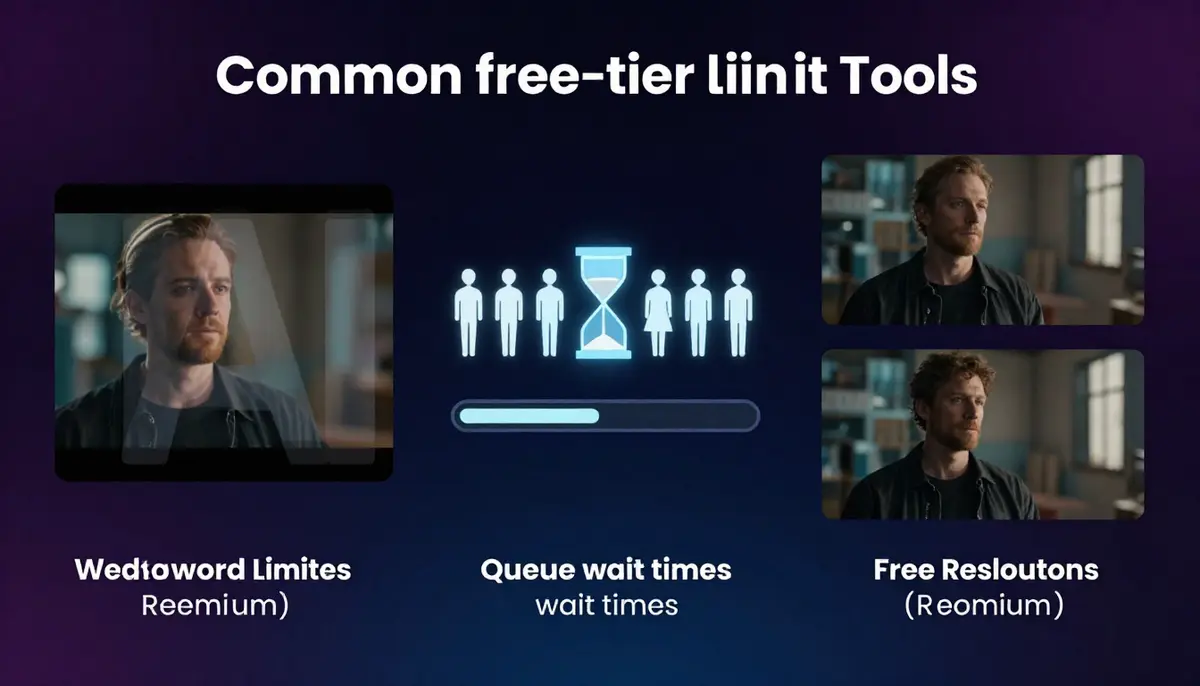
The five most common limitations across free AI video generator tiers. Understanding these up front prevents frustration later.
Watermarks
Four of the eight tools add watermarks to free output: Seedance, Kling, Pika, and Runway. Watermarks typically appear as a small logo in the corner of the video. While they are subtle, they make free output unsuitable for professional client work, commercial distribution, or situations where brand cleanliness matters. If you need watermark-free output, prioritize Veo 3, Luma, Hailuo, or PixVerse.
Resolution Caps
Five tools cap free-tier resolution at 720p: Pika, Hailuo, Runway, PixVerse, and (in practice) some Kling modes. Only Seedance offers up to 2K on free, and Veo 3 and Luma offer 1080p. On a phone screen, 720p versus 1080p is barely noticeable. On a desktop monitor, tablet, or TV, the difference is clear. For social media (TikTok, Instagram Reels, YouTube Shorts), 720p is generally acceptable. For YouTube long-form or professional work, you want 1080p minimum.
Queue Priority
Most platforms place free-tier users in a slower processing queue during peak hours. This means your generation might take 2-5 minutes instead of 30-90 seconds. Seedance, Runway, and Kling all implement some form of queue priority for paid users. This is rarely documented clearly, and wait times vary by time of day and server load.
Commercial Usage Rights
This is the limitation most people overlook. Free tiers typically come with restrictive or ambiguous commercial usage rights. Here is the general landscape:
- Seedance: Free-tier output can be used for personal projects. Commercial rights require a paid plan.
- Veo 3: Google AI Studio terms allow experimentation. Commercial usage terms vary by plan.
- Kling: Free output is for personal use. Commercial licensing requires a subscription.
- Pika: Free output can be shared on social media. Commercial usage requires a paid plan.
- Runway: Free output is for personal and non-commercial use only.
- Luma, Hailuo, PixVerse: Terms vary. Check each platform's current terms of service before commercial use.
Bottom line: If you plan to monetize your AI-generated videos (client work, advertising, products for sale), plan to pay for a subscription on whichever platform you choose. Free tiers are for experimentation and evaluation, not for running a production workflow.
Privacy and Data Usage
Free-tier users should also consider how platforms handle their data. Most AI video generators use free-tier prompts and outputs for model training unless you opt out. Some platforms display free-tier outputs in public galleries. If you are generating content with proprietary concepts, brand elements, or sensitive ideas, read the privacy policy before using a free tier.
For a deeper understanding of how text-to-video AI technology works -- including the models, architectures, and training data that power these tools -- see our complete guide.
When Free Is Enough (And When to Upgrade)
The honest answer is: it depends on what you are making and who is going to see it.

Follow this decision tree to determine whether a free tier meets your needs or whether a paid plan is worth the investment.
When Free Is Enough
Personal exploration and learning. If you are new to AI video and want to understand what is possible, free tiers on any of these 8 tools give you enough room to experiment. Start with Pika for the easiest onboarding, or Seedance for the highest quality learning experience.
Social media content (informal). If you are creating content for personal social media accounts where watermarks and 720p resolution are acceptable, free tiers are perfectly functional. Hailuo and PixVerse are strong choices here because they offer watermark-free output at no cost.
Prototyping and concept testing. Before committing to a paid plan or investing time in a complex video project, use free tiers to test prompts, validate ideas, and compare styles across platforms. This is perhaps the best use of free AI video generators -- as evaluation tools.
Educational projects. Students, teachers, and academic researchers can accomplish meaningful work within free tier limits. The watermark is irrelevant for classroom presentations and research demonstrations.
One-off personal projects. Need a custom birthday video, wedding slideshow animation, or personal art project? Free tiers handle these use cases well.
When to Upgrade
Client work or commercial projects. The moment someone is paying you for video content, you need watermark-free output, commercial usage rights, and reliable production capacity. No free tier adequately serves this use case.
Consistent production volume. If you are publishing multiple videos per week -- YouTube, TikTok, marketing campaigns -- free credit allowances will bottleneck you. A $10-20/month subscription eliminates this friction.
Resolution requirements. If your distribution channel demands 1080p or higher (YouTube long-form, broadcast, digital signage), you need a paid tier on most platforms. Only Seedance (2K) and Veo 3 (1080p) offer high resolution for free.
Faster turnaround. When deadlines matter, free-tier queue delays are unacceptable. Paid plans on every platform include priority processing.
Brand and professional reputation. If your name or your company's name is attached to the output, watermarks undermine credibility. Invest in a paid plan.
The Smart Strategy
The smartest approach is to use free tiers strategically:
- Test all 8 tools using their free tiers with your actual use-case prompts (not generic demos)
- Identify which tool's output style matches your aesthetic preferences and project needs
- Evaluate the paid pricing of your top 2-3 choices (see our pricing comparison for Seedance plans)
- Subscribe to one platform that best fits your primary workflow
- Keep free access on 1-2 secondary platforms for specific features (e.g., Veo 3 for audio, Luma for 3D shots)
This approach costs you nothing during evaluation and ensures you invest in the right tool when you do commit.
Frequently Asked Questions
What is the best free AI video generator in 2026?
Based on our testing, Seedance 2.0 is the best overall free AI video generator in 2026. It delivers the highest visual quality (9/10) on a free tier, offers daily credit refreshes, provides access to all features including audio and lip sync, and outputs at up to 2K resolution. The trade-off is a watermark on free-tier output. If you need watermark-free output for free, Google Veo 3 via AI Studio is the strongest alternative.
Is there a free AI video generator with no watermark?
Yes. Four tools in our comparison offer watermark-free output on their free tiers: Google Veo 3 (via AI Studio), Luma Dream Machine, Hailuo (MiniMax), and PixVerse. Among these, Veo 3 has the highest visual quality, Luma excels at 3D camera work, Hailuo is the fastest, and PixVerse is the most generous with daily credits.
Do I need a credit card to use free AI video generators?
No. All 8 tools in this comparison allow you to access their free tiers without providing a credit card. You will need an email address or a Google/social account to register, but no payment information is required for free-tier access on any of these platforms.
Which free AI video generator has the best quality?
Seedance 2.0 scored highest for visual quality (9/10) in our standardized testing, followed by Google Veo 3 and Kling 3.0 (both 8.5/10). However, Seedance and Kling both apply watermarks on free output, while Veo 3 does not. If watermark-free quality is your criterion, Veo 3 is the leader.
Can I use free AI video generators for commercial projects?
Generally, no. Most free tiers restrict output to personal and non-commercial use. Even platforms that do not explicitly prohibit commercial use often apply watermarks to free output, making it impractical for professional distribution. If you plan to use AI-generated video commercially, budget for a paid subscription. Seedance pricing plans start at accessible price points that include commercial usage rights.
How many free AI videos can I make per day?
It varies by platform. Pika 2.0 offers the most at approximately 5-8 generations per day with its 150 daily credits. Seedance 2.0 provides enough daily credits for 2-4 videos. Hailuo gives 10 per day. Luma gives 5 per day. Kling and Runway use one-time signup credits, so your daily limit depends on how quickly you want to spend your allocation. PixVerse allows 3-5 per day with 60 daily credits.
Which free AI video generator supports audio?
Only two tools offer meaningful audio support on free tiers. Seedance 2.0 provides sound effects, music generation, and lip sync -- all accessible with free credits. Google Veo 3 generates native ambient audio and dialogue. Pika 2.0 offers limited sound effects through its Pikaffects feature. The remaining five tools (Kling, Luma, Hailuo, Runway, PixVerse) output silent video.
How long can free AI videos be?
Maximum clip duration varies across platforms. Kling 3.0 supports the longest clips at 5-10 seconds per generation with the ability to use credits for extensions. Seedance 2.0 supports up to 10 seconds. Veo 3 and PixVerse go up to 8 seconds. Hailuo allows 6 seconds. Pika, Luma, and Runway are capped at 5 seconds on free tiers. For longer content, you can stitch multiple clips together in a video editor, though this requires additional effort.
Start Creating Free AI Videos
You have seen the data. You have compared the free tiers. Now it is time to test them yourself. Here are our recommendations based on what you need:
- Want the highest quality free output? Start with Seedance 2.0. Daily credits, full feature access, up to 2K resolution.
- Need watermark-free output? Try Google Veo 3 via AI Studio or Luma Dream Machine.
- Total beginner? Start with Pika 2.0 for the simplest onboarding experience.
- Need speed above all? Hailuo delivers results in under a minute.
- Planning to go paid eventually? Use free tiers on your top 3 choices, then subscribe to the one that fits your workflow. See Seedance pricing for plan details.
For a complete guide to maximizing your free credits on the top-ranked platform, read Seedance Free: Create AI Videos Without Paying.
For detailed head-to-head comparisons, see:
