
TL;DR
If your team still builds marketing videos with disconnected tools, you are likely losing speed and consistency. A stronger approach is a single pipeline: plan the space, decompose visuals into editable layers, then render final video assets.
In this guide, we walk through a practical workflow that starts with AI floor plan ideation, continues with layered PSD asset preparation, and finishes in Seedance for production-ready video output.
Why This Workflow Matters for Marketing Teams
Most creators do not fail because they lack ideas. They fail because their assets are not production-ready:
- Layout concepts are unclear at the brief stage.
- Visual components are flattened and hard to edit.
- Video output is treated as a separate process, so brand consistency breaks.
A design-to-video pipeline solves this by aligning three stages:
- Spatial intent (what the scene should communicate)
- Editable visual assets (what can be iterated quickly)
- Final motion output (what goes live in ads, socials, and landing pages)
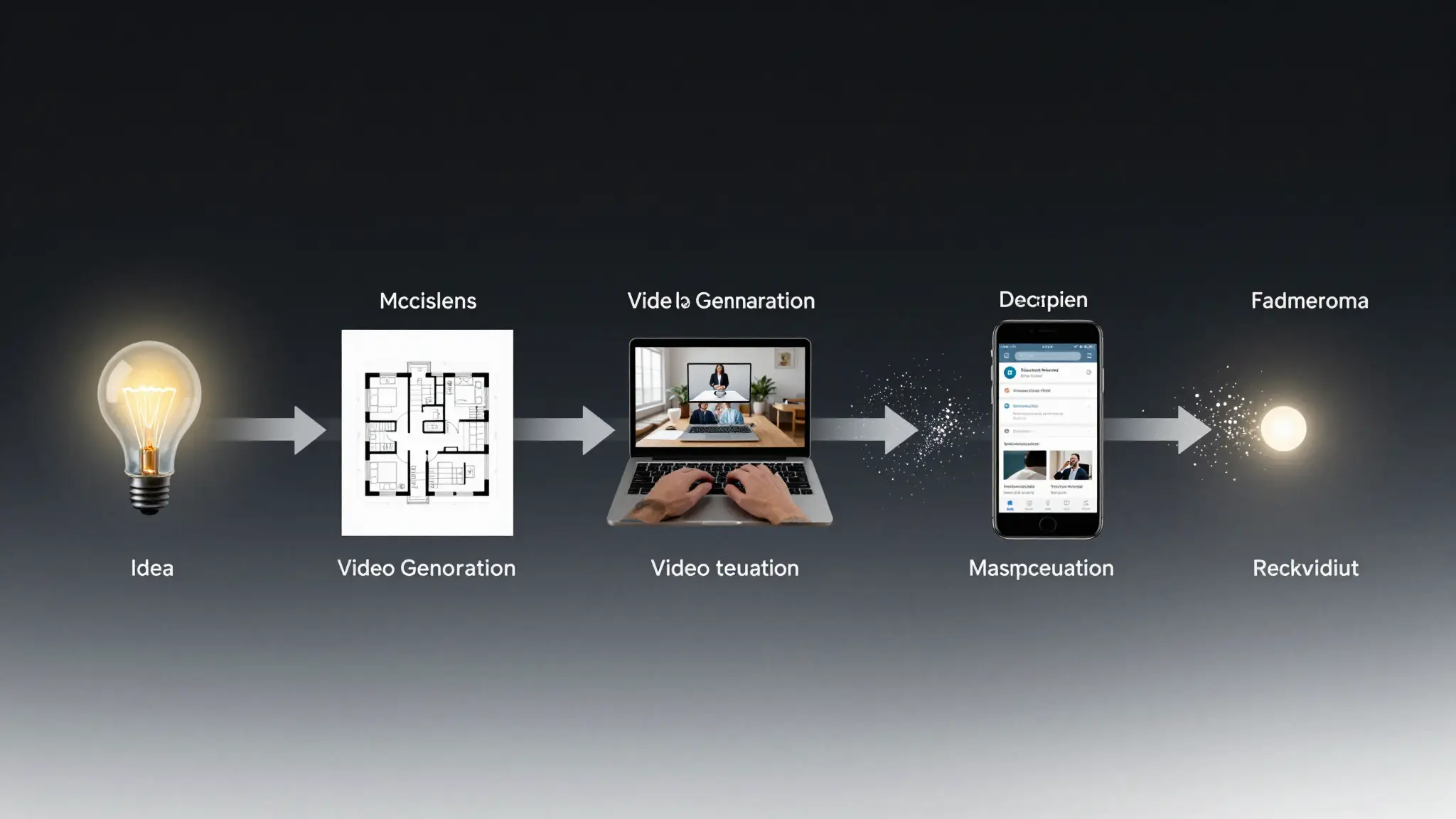
A practical pipeline: spatial concept, layered assets, then final video delivery.
This model works especially well for:
- Real estate marketing videos
- Interior design showcase content
- Home product launch campaigns
- Renovation service explainers
Step 1: Generate a Space Concept with AI Floor Planning
For campaigns that feature rooms, showrooms, apartments, or retail environments, your first bottleneck is usually concept layout. If your art direction is vague, all downstream visuals become inconsistent.
Use an AI floor plan generator in this stage to quickly test layout hypotheses before you move into detailed visual production.
Recommended input pattern
Start with a short but structured prompt:
3-bedroom apartment, open kitchen and living area,
one primary suite with walk-in closet,
modern minimal style, family-friendly circulation,
target: 110-130 sqm
Then evaluate output with a production mindset:
- Does the plan support your narrative (e.g., family comfort, premium lifestyle)?
- Are hero spaces clear enough for later scene generation?
- Is room zoning coherent for camera movement ideas?
Practical output checklist
- 1 primary hero area (for main visual narrative)
- 2-3 supporting zones (for cutaway scenes)
- clear circulation path (helps motion continuity in video scripts)
If this step is skipped, teams usually waste time later trying to “fix” weak scene logic during video generation.
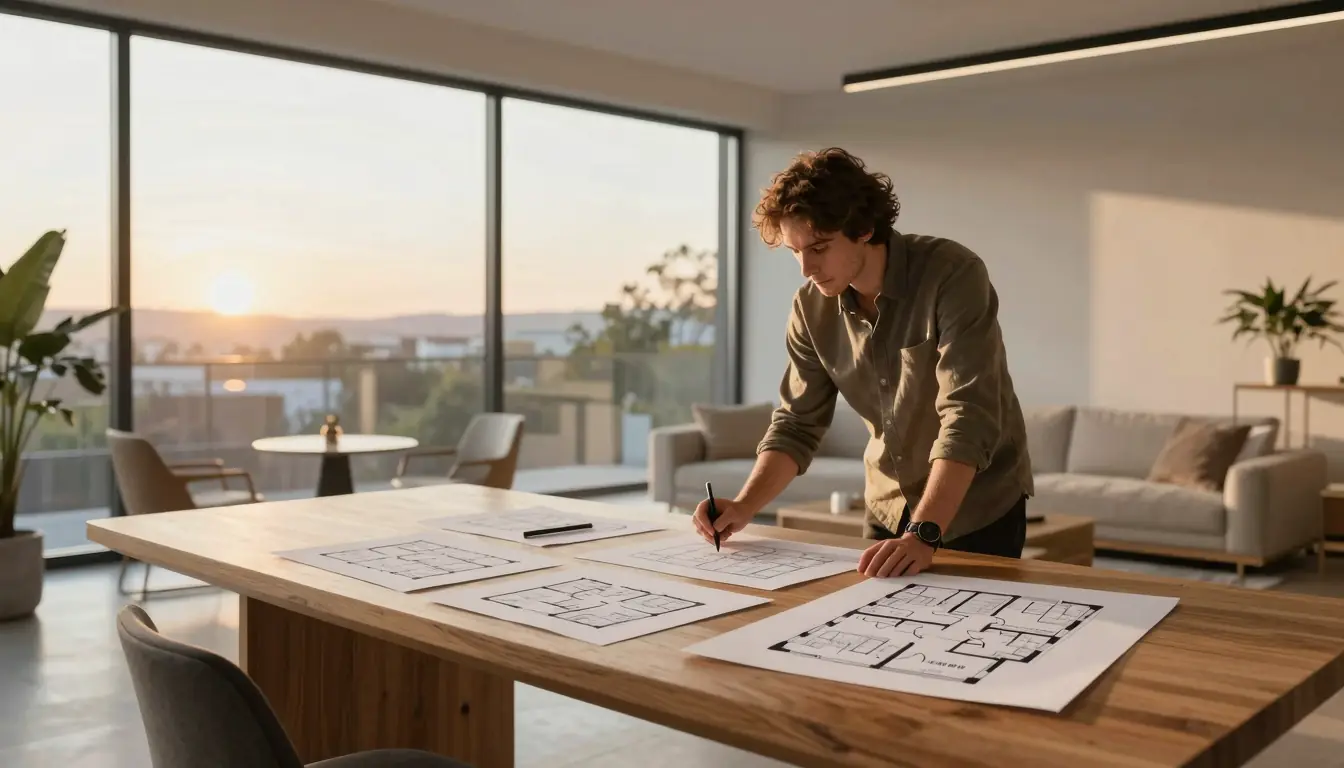
Floor plan exploration helps lock scene narrative before visual production starts.
Step 2: Convert Flat Visuals into Layered PSD Assets
After defining the space concept, many teams create reference images or mockups. The next issue: these images are often flat files, so editing objects, backgrounds, and accents becomes expensive.
This is where an image to layered PSD converter becomes useful.
When this step adds real value
Use PSD decomposition when you need:
- quick color palette iteration for multiple campaign variants
- object-level replacement (furniture, product, sign, accent elements)
- cleaner handoff between design and motion teams
Suggested usage pattern
- Upload a clean JPG/PNG visual draft.
- Choose a layer depth that matches scene complexity.
- Review if key objects are separated logically.
- Export PSD and finalize naming conventions for reusable elements.
Trust note (important)
Auto-layering is strong for common marketing compositions, but not perfect in every case.
Complex overlaps (glass, hair, translucent fabrics, dense shadows) may still need manual cleanup. Treat AI layering as a speed multiplier, not a total replacement for production QA.
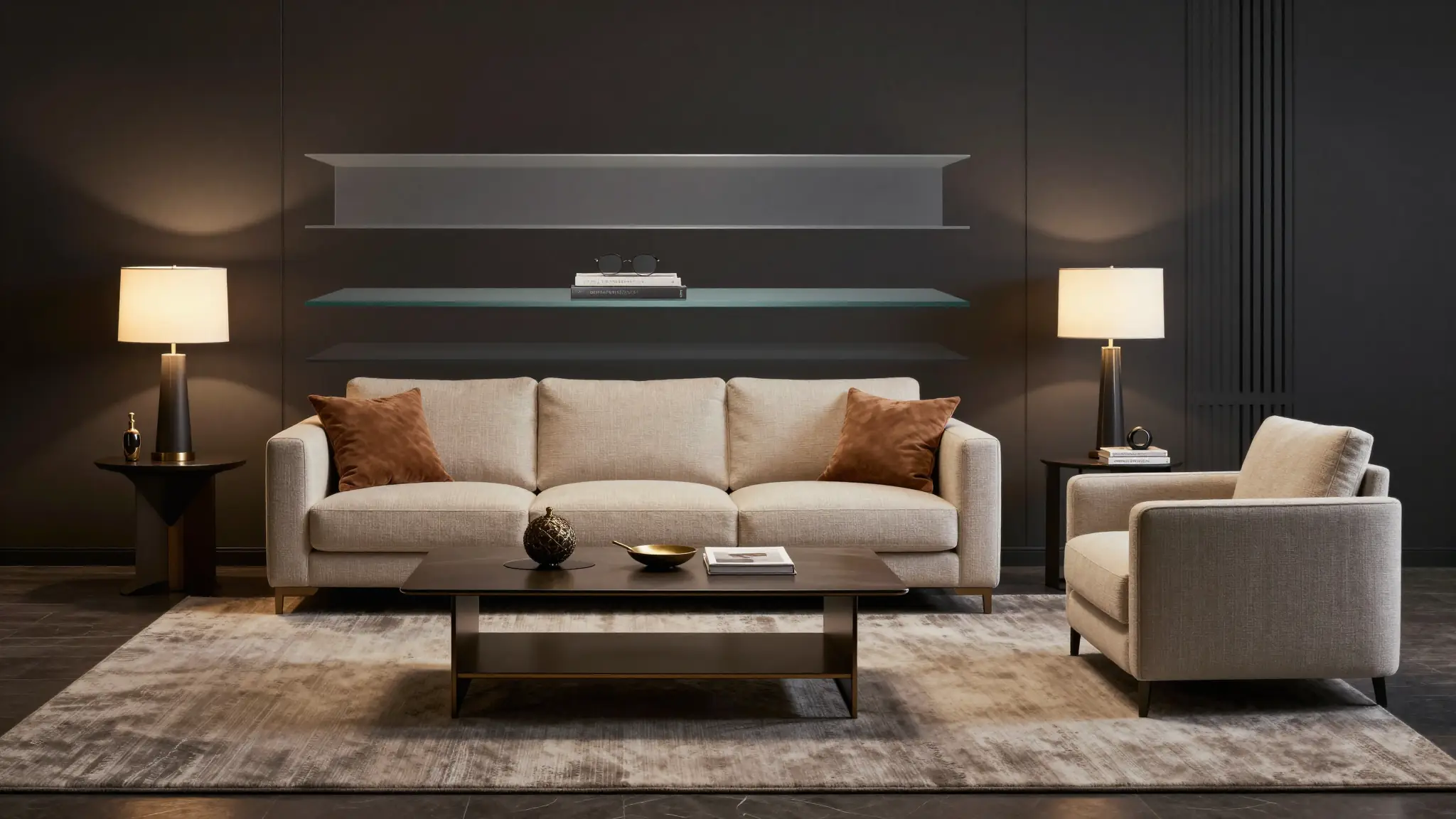
Layered assets make fast iteration possible without rebuilding every visual from scratch.
Step 3: Produce Final Video Assets in Seedance
With structure (Step 1) and editable assets (Step 2) in place, video generation becomes far more predictable.
In Seedance, you can move from design-ready references to final output faster because:
- scene intent is already defined by the floor plan logic
- visual hierarchy is clearer from layered asset prep
- prompt writing is less ambiguous
Recommended generation workflow in Seedance
- Define your target asset objective (ad, social clip, or landing hero video).
- Bring the visual references and scene constraints from previous steps.
- Generate drafts and compare by one variable at a time (camera, pacing, style).
- Lock the highest-performing variant and render final delivery versions.
For teams who want prompt support before rendering, use Video Prompt Generator.
If you already have a final prompt, go directly to Text to Video or Image to Video.
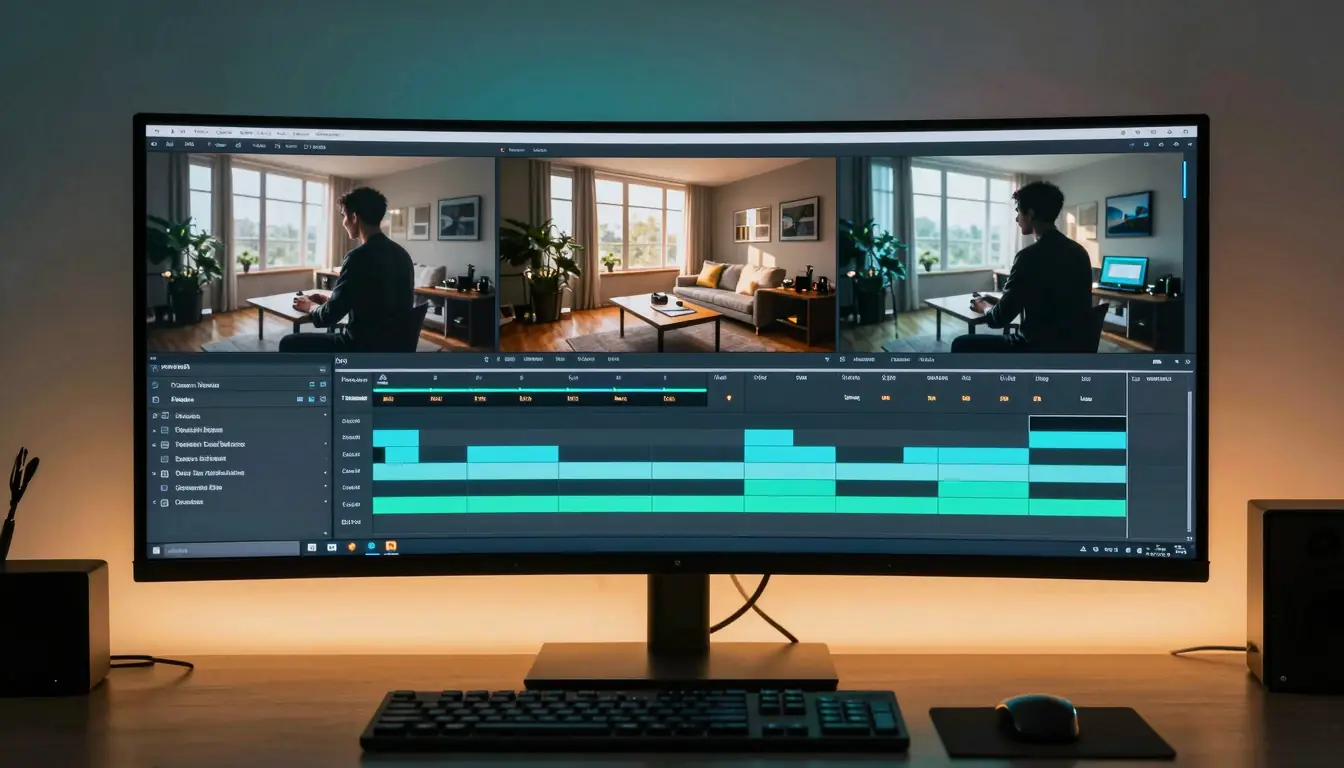
With clear constraints and references, final video generation becomes far more stable.
End-to-End Example: Real Estate Launch Creative
Here is a practical case structure you can replicate.
Campaign goal
Promote a new apartment listing with a 30-45 second cinematic social ad.
Pipeline
Phase A — Spatial narrative
- Build apartment layout concepts with AI floor planning.
- Choose one plan emphasizing open kitchen + family living core.
Phase B — Visual production preparation
- Produce key still compositions (living room hero, kitchen detail, bedroom ambiance).
- Convert stills using layered PSD conversion.
- Update color grading and furniture accents per audience segment.
Phase C — Motion output
- Use Seedance to generate sequence variants:
- intro establishing shot
- mid-scene lifestyle moments
- closing value proposition scene
Business outcome lens
Even before paid scaling, this process usually improves:
- speed to first usable draft
- consistency between static and motion creatives
- iteration velocity for A/B variants
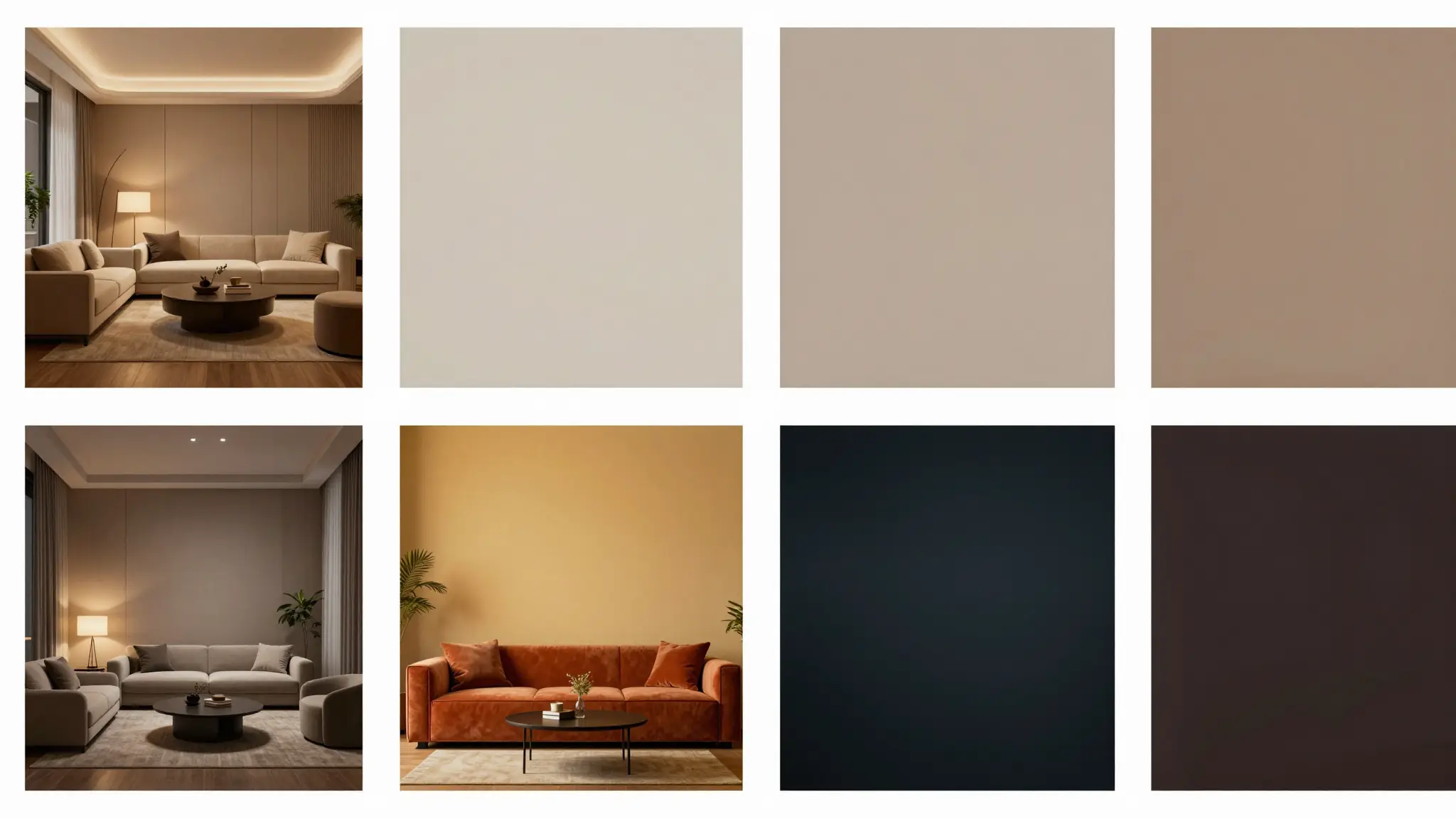
One composition can produce multiple campaign directions when assets are editable.
Common Failure Points and Fixes
1) Weak scene intent
Symptom: Outputs look beautiful but not persuasive.
Fix: Rework floor plan narrative first (who, where, why), then regenerate.
2) Too many uncontrolled design edits
Symptom: Every variant looks unrelated.
Fix: Enforce PSD layer naming and lock non-test variables per iteration cycle.
3) Prompt bloat
Symptom: Long prompts with conflicting style directions.
Fix: Use short structured prompts + iterative passes, not one overloaded mega-prompt.
4) No QA gate before publishing
Symptom: Ads are visually inconsistent with landing page tone.
Fix: Add a final check for brand palette, typography feel, and scene continuity.
Who Should Use This Pipeline (and Who Should Not)
Best fit
- Performance marketing teams shipping weekly creative variations
- Agencies handling design + motion deliverables for the same client
- Founders creating launch assets without large in-house production teams
Not ideal
- Projects requiring photogrammetry-level precision from the first draft
- Highly technical architectural documentation workflows
- Teams that cannot run final manual QA at all
Being transparent about fit improves trust and leads to stronger long-term SEO value than overpromising.
FAQ
Is this workflow only for real estate?
No. Real estate is a strong use case, but the same pipeline works for home decor, furniture brands, renovation services, hospitality spaces, and product storytelling scenes.
Do I need Photoshop skills to use layered PSD assets?
Basic layer editing skills help, but many teams use PSD mainly for structured handoff and simple variant changes.
Can I skip the floor planning step and still get good videos?
Yes, but consistency drops in complex spatial scenes. Planning first usually reduces rework in later stages.
Is AI layer decomposition always accurate?
No. It is often very good for standard compositions, but complex overlap cases still need manual review.
What is the fastest way to move from idea to final video in this pipeline?
Use a small loop: define one clear scene narrative, create editable assets, generate 2-3 focused video variants, pick winner, then scale.
Where should I start if I am new?
Start with one campaign brief and one scene only. Use Video Prompt Generator to structure prompts, then render in Text to Video.
Final Takeaway
If you want both speed and quality, treat AI content creation as a connected system, not separate tools.
The most practical path is:
- Plan spatial intent
- Build editable visual layers
- Generate final motion output with clear constraints
When done well, this approach does more than save time. It improves creative consistency across your full funnel.
Ready to build your next campaign video? Start from Text to Video, or draft cleaner prompts in Video Prompt Generator.
