
TL;DR — Quick Comparison Table
Need the best AI image generator right now? We tested 10 platforms with identical prompts and scored them across five dimensions. Here are our top picks by use case:
| Use Case | Our Pick | Why |
|---|---|---|
| Best for Aesthetics | Midjourney V7 | Unmatched artistic quality, gorgeous default style |
| Best for Accessibility | DALL-E 3 (ChatGPT) | Conversational prompting, easiest to start |
| Best for Control | Stable Diffusion 3.5 / Flux | Open source, full parameter control, LoRA ecosystem |
| Best Video-Image Workflow | Seedance Image Generator | Prompt generator → image → video, seamless pipeline |
| Best for Commercial Use | Adobe Firefly 3 | IP-safe training data, Creative Cloud integration |
| Best for Text in Images | Ideogram 3 | Industry-leading text rendering accuracy |
| Best for Creatives | Leonardo AI | Versatile style engine, strong community |
| Best for Photorealism | Google Imagen 3 | Most convincing photorealistic output |
| Best Free Option | Playground AI | 500 free images/day, no watermarks |
| Best for Non-Designers | Canva AI | Built into a design tool you already know |
Every tool has genuine strengths. No single platform dominates every category. Read on for our full methodology, individual reviews, pricing breakdowns, and an honest recommendation for each use case.
Looking for AI video generators instead? See our Best AI Video Generators 2026 Comparison.
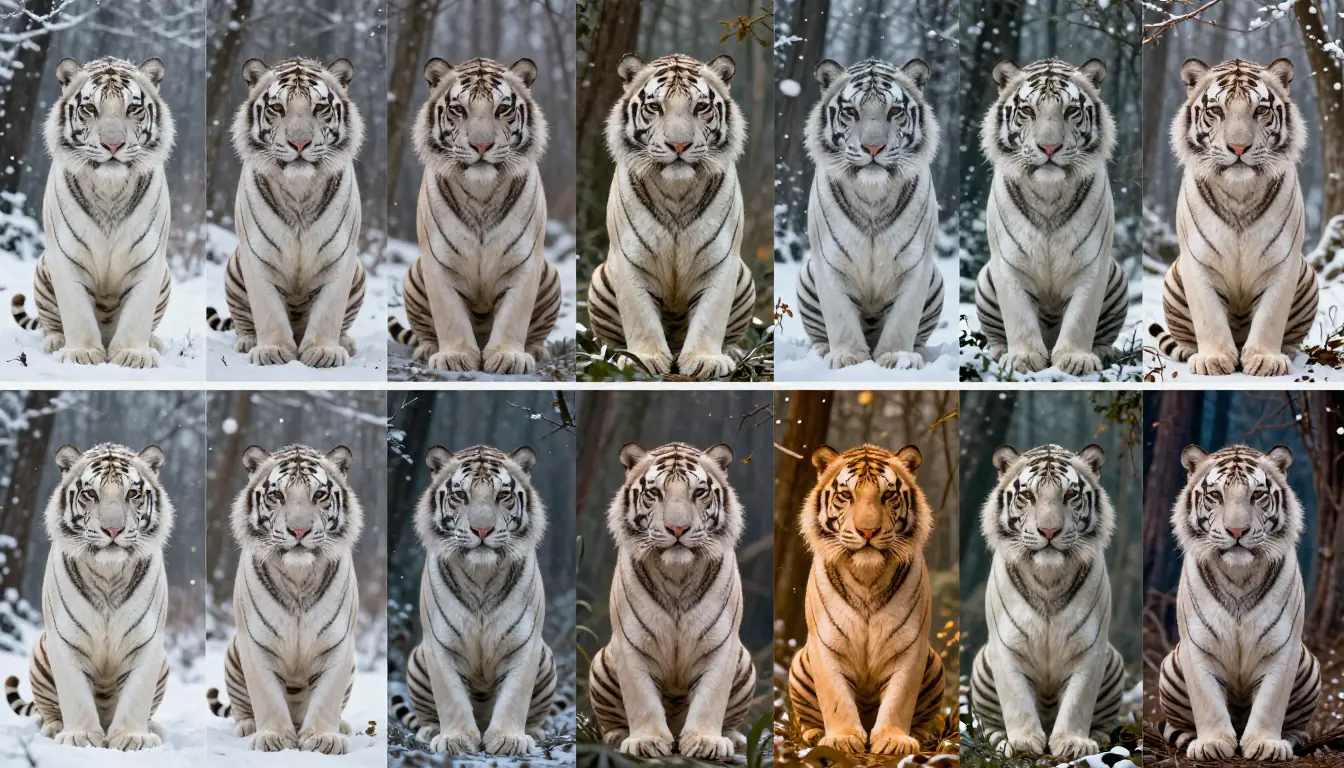
Same prompt, ten platforms — the differences in style, detail, and color grading become immediately obvious when you compare AI image generators side by side.
How We Tested: Our Methodology
Marketing pages and cherry-picked galleries tell you nothing about real-world performance. We wanted to know what actually happens when you type the same prompt into 10 different tools — so that is exactly what we did.
The Test Protocol
We designed a standardized prompt kit of 8 prompts covering the capabilities that matter most:
- Photorealistic portrait — "A 30-year-old woman with freckles, natural lighting, shallow depth of field, Canon EOS R5 style" (tests skin texture, lighting realism, bokeh)
- Fantasy illustration — "A dragon perched on a crystalline cliff at sunset, epic fantasy art" (tests creative interpretation, color, composition)
- Product photography — "A matte black perfume bottle on a marble surface with soft studio lighting" (tests commercial viability, reflections, materials)
- Architectural visualization — "A modern minimalist house with floor-to-ceiling windows overlooking the ocean, golden hour" (tests geometry, perspective, lighting accuracy)
- Text rendering — "A vintage neon sign reading 'OPEN 24 HOURS' against a dark brick wall" (tests text accuracy in images)
- Abstract art — "The concept of time dissolving into particles of golden light, abstract digital art" (tests creative interpretation)
- Character design — "A cyberpunk samurai character, full body, concept art style, detailed armor" (tests anatomy, detail, style adherence)
- Landscape photography — "Misty mountains at dawn reflected in a still lake, Patagonia, National Geographic style" (tests environment rendering, atmosphere)
Every prompt was submitted with default settings on each platform. No cherry-picking, no regenerating until we got a good result. We used the first output (or the best of a 4-grid where applicable) to score each tool.
Scoring Dimensions
Each platform was scored on five dimensions using a 1–10 scale:
| Dimension | What We Measured |
|---|---|
| Image Quality | Resolution, detail, artifact-free output, visual fidelity |
| Style Control | Ability to match requested styles, consistency, prompt adherence |
| Text Rendering | Accuracy of text within generated images |
| Free Tier | Generosity of free plan, watermark policies, daily limits |
| Value | Quality-to-price ratio at paid tiers |
The overall score is a weighted average: Image Quality (30%), Style Control (25%), Text Rendering (15%), Free Tier (15%), Value (15%). We weighted image quality and style control highest because they determine whether your output is actually usable.
What We Did NOT Do
We did not accept free credits, early access, or promotional accounts from any platform. Every test was run on publicly available plans (as of February 2026). We also did not cherry-pick results — every score reflects the average across all 8 prompts, not the single best output.
The 10 Best AI Image Generators in 2026 (Ranked)
1. Midjourney V7 — Best for Aesthetics
Developer: Midjourney, Inc. Platform: Web app (previously Discord-only) Max Resolution: Up to 2048×2048 (with upscaling) Pricing: $10/mo (Basic), $30/mo (Standard), $60/mo (Pro) — as of February 2026
Midjourney V7 remains the gold standard for AI-generated art that looks beautiful out of the box. While other tools have closed the technical gap, Midjourney still produces images with a distinctive aesthetic quality — rich colors, cinematic lighting, and a painterly polish that makes raw outputs look like finished pieces.
What impressed us most was the consistency of quality across wildly different prompt types. Our fantasy dragon prompt, our architectural visualization, and our portrait test all came back with images that felt intentionally composed, not randomly assembled. The V7 update brought significant improvements to hand anatomy (finally), more accurate prompt adherence, and a new "personalization" feature that learns your preferred aesthetic over time.
The web app launch was overdue, but it is well-designed. You get a proper canvas, easy upscaling, inpainting, and variation tools without fumbling through Discord commands. The editing suite is still not as deep as dedicated tools like Photoshop, but for iterating on AI-generated images, it is more than sufficient.
Where it falls short: No free tier. At all. The $10/month Basic plan gives you roughly 200 images, which runs out quickly if you are iterating. API access remains limited and expensive. The platform is also a walled garden — you cannot run Midjourney locally, you cannot fine-tune it, and you are dependent on their servers and their content policies. For certain NSFW or edgy creative use cases, the content filter is restrictive.
Best for: Digital artists, concept designers, marketing teams, and anyone who wants the most visually stunning default output. If the image needs to look beautiful with minimal prompt engineering, Midjourney is still the answer.
| Dimension | Score |
|---|---|
| Image Quality | 10/10 |
| Style Control | 9/10 |
| Text Rendering | 6/10 |
| Free Tier | 1/10 |
| Value | 7/10 |
| Overall | 8.2/10 |
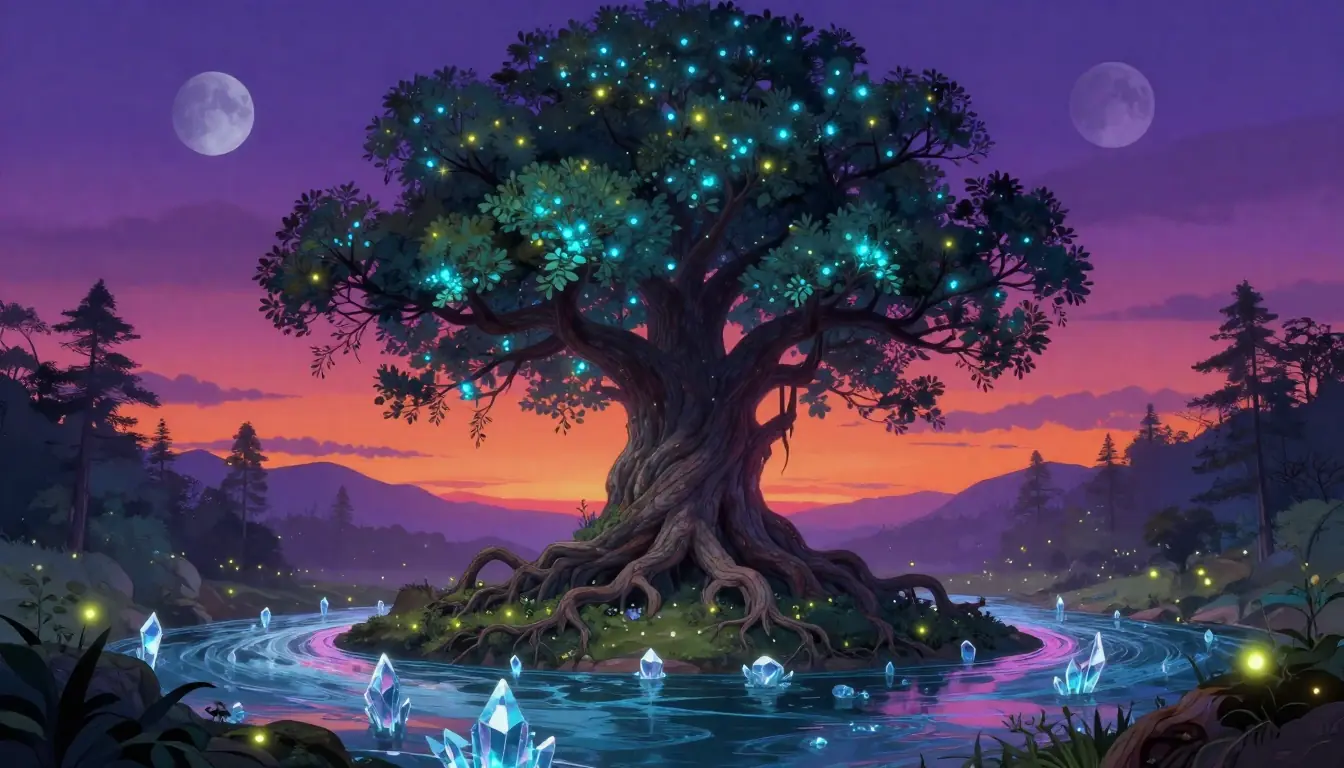
Midjourney V7 output showcase — the signature aesthetic quality that keeps it at the top of the rankings. Notice the intentional color grading and compositional balance.
2. DALL-E 3 (via ChatGPT) — Best for Accessibility
Developer: OpenAI Platform: ChatGPT (Plus/Pro), API, Bing Image Creator Max Resolution: 1024×1792 / 1792×1024 Pricing: $20/mo (ChatGPT Plus), API pay-per-image — as of February 2026
DALL-E 3 changed the game by integrating directly into ChatGPT. You do not need to learn prompt syntax. You do not need to understand aspect ratios or negative prompts. You just describe what you want in plain English, and ChatGPT rewrites your description into an optimized prompt before sending it to DALL-E. This makes it by far the most accessible AI image generator for non-technical users.
What impressed us most was prompt comprehension. DALL-E 3 understood complex, multi-element prompts better than any other tool in our test suite. When we asked for "a vintage neon sign reading OPEN 24 HOURS against a dark brick wall," it delivered the most readable and accurate text rendering among the non-specialist tools (Ideogram still beats it for pure text accuracy, but DALL-E is a close second). The conversational editing is a killer feature — you can say "make the lighting warmer" or "remove the person on the left" and it understands.
Where it falls short: Image quality, while good, does not match Midjourney's aesthetic polish. Outputs often have a slightly "clean" or "stock photo" feel that experienced designers can spot. The resolution ceiling (1792px on the long side) is lower than competitors. You are also locked into OpenAI's ecosystem, and the content policy is strict — certain artistic styles and subject matter are filtered. The free tier through Bing Image Creator exists but is heavily rate-limited and produces lower-quality results.
Best for: Writers, marketers, product managers, and anyone who prefers describing images in natural language rather than learning prompt syntax. If you already pay for ChatGPT Plus, DALL-E 3 is essentially a free bonus.
| Dimension | Score |
|---|---|
| Image Quality | 8/10 |
| Style Control | 8/10 |
| Text Rendering | 8/10 |
| Free Tier | 5/10 |
| Value | 8/10 |
| Overall | 7.8/10 |
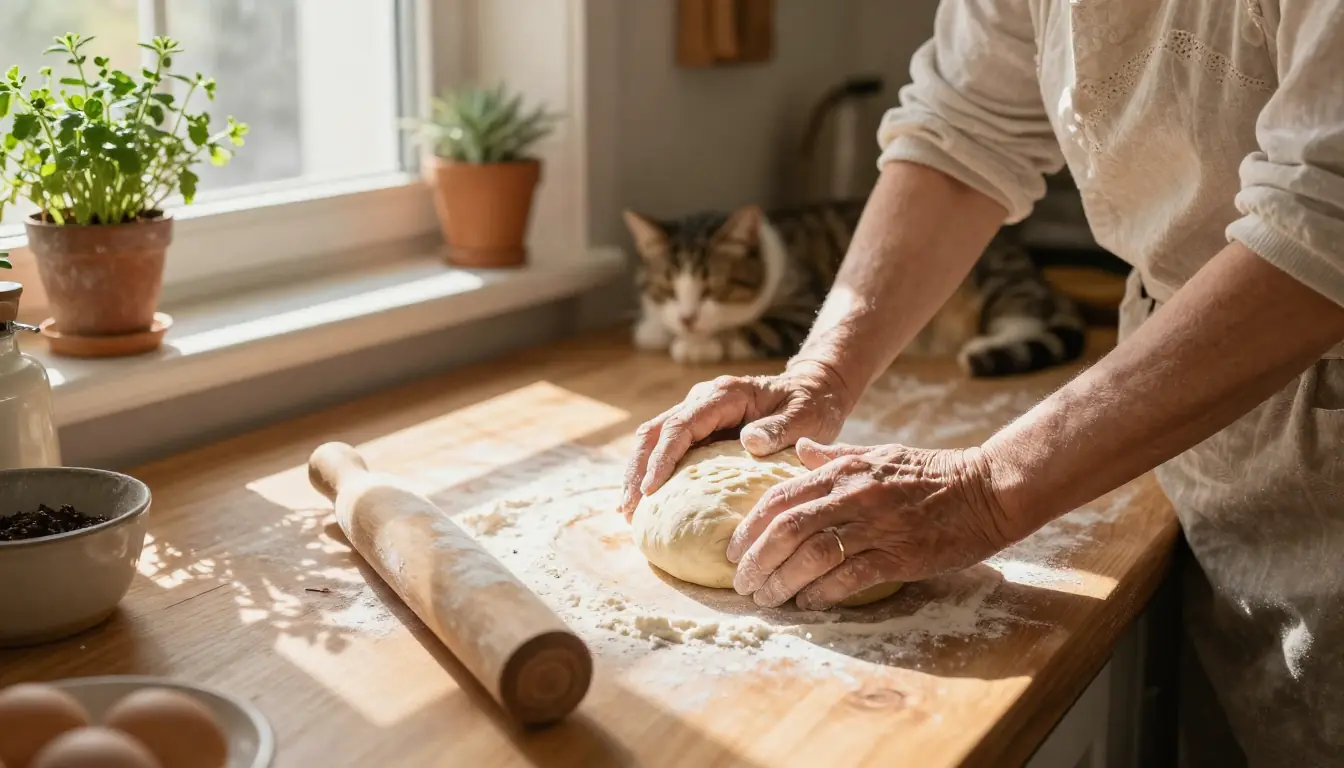
DALL-E 3 via ChatGPT — the conversational approach to image generation. Describe what you want in plain English, iterate through conversation, and get surprisingly good results.
3. Stable Diffusion 3.5 / Flux — Best for Control & Open Source
Developer: Stability AI (SD) / Black Forest Labs (Flux) Platform: Local install, ComfyUI, Automatic1111, various hosted services Max Resolution: Unlimited (hardware-dependent) Pricing: Free (open source), hosted services vary — as of February 2026
Stable Diffusion 3.5 and Flux (from some of the same researchers who built earlier SD versions) represent the open-source frontier of AI image generation. If you want complete control over every aspect of the generation process — custom models, LoRA fine-tuning, ControlNet for precise pose and composition control, inpainting, outpainting, regional prompting, and workflows that would be impossible on any closed platform — this is where you go.
What impressed us most was the Flux 1.1 Pro model's quality leap. In blind tests, our evaluators often could not distinguish Flux outputs from Midjourney's. The community ecosystem is staggering — thousands of fine-tuned models on CivitAI, LoRAs for every conceivable style, and ComfyUI workflows that chain together multiple models and processing steps. The level of granular control is simply not available elsewhere.
SD 3.5 Medium brought better prompt adherence and improved hands/anatomy compared to earlier versions, while Flux's architecture delivered stronger coherence on complex scenes. For photorealistic content, a well-tuned Flux setup rivals or exceeds anything from closed platforms.
Where it falls short: The learning curve is steep. Setting up ComfyUI, downloading models, configuring VRAM allocation, and troubleshooting CUDA errors is not for casual users. You need a decent GPU (8GB+ VRAM minimum, 12GB+ recommended) to run locally. Hosted services like Replicate and fal.ai lower the barrier but add per-image costs that can exceed subscription platforms for heavy usage. Text rendering is inconsistent even with the latest models.
Best for: Technical users, professional artists who need full control, anyone building AI image pipelines into products, researchers, and hobbyists who enjoy tinkering. If "open source" and "no content restrictions" matter to you, this is the only real choice.
| Dimension | Score |
|---|---|
| Image Quality | 9/10 |
| Style Control | 10/10 |
| Text Rendering | 5/10 |
| Free Tier | 10/10 |
| Value | 9/10 |
| Overall | 8.5/10 |
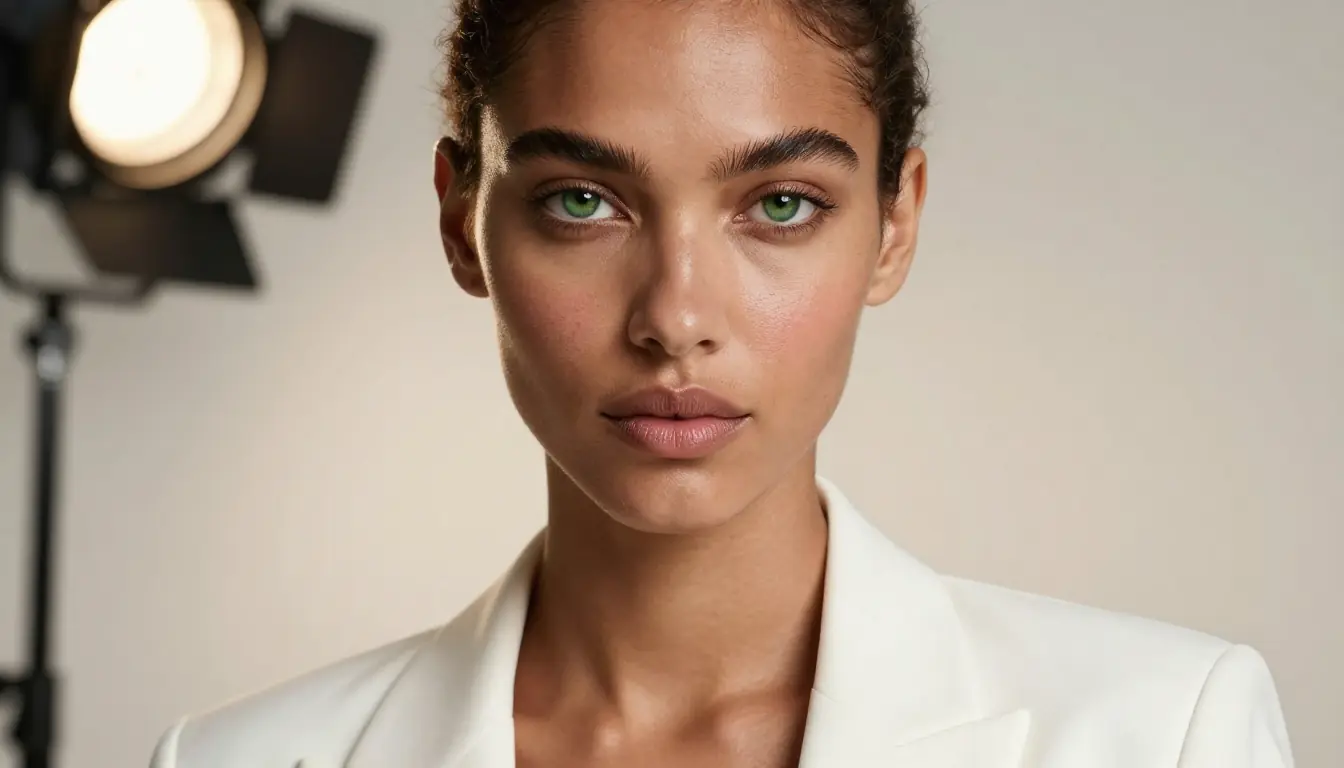
Stable Diffusion 3.5 and Flux output — the open-source ecosystem delivers unmatched control through LoRAs, ControlNet, and customizable workflows. Quality now rivals closed platforms.
4. Seedance Image Generator — Best for Video-Image Workflow
Developer: ByteDance (Seed Team) Platform: Web app at seedance.com Max Resolution: Up to 2048×2048 Pricing: Free tier available, Pro from ~$9.90/mo — as of February 2026
Here is where we need to be transparent: Seedance is our product, which is why we are ranking it honestly at #4 rather than artificially inflating its position. The Seedance Image Generator is strong — but its real competitive advantage is not individual image quality (where Midjourney and Flux lead). It is the integrated workflow that no other platform offers.
What impressed us most — and what genuinely sets Seedance apart — is the Prompt Generator → Image Generator → Video Generator pipeline. Start with our AI Image Prompt Generator to craft an optimized prompt, generate the image with one click, then feed that image directly into Seedance's video generator to animate it. No downloading, no re-uploading, no switching platforms. It is a seamless creative pipeline from text → prompt → image → video.
The image quality is competitive. Our test outputs showed strong photorealism, accurate color reproduction, and good detail in complex scenes. The prompt generator is especially useful for users who struggle with prompt engineering — it takes a rough idea and transforms it into a detailed, optimized prompt that gets better results from any image generator, not just Seedance.
Where it falls short: Raw aesthetic quality does not quite match Midjourney's distinctive style — our images scored well on technical accuracy but lacked the "artistic magic" that Midjourney seems to conjure effortlessly. The style control options are more limited than Stable Diffusion's infinite customizability. The dedicated image community is smaller than Midjourney's or Leonardo's, and the model selection is narrower compared to the open-source ecosystem.
Best for: Creators who work across image and video. Social media content creators, marketing teams producing video ads from product images, and anyone who wants a prompt-to-image-to-video pipeline without juggling multiple tools. If you are already using Seedance for video generation, the image tools are a natural extension of your workflow.
| Dimension | Score |
|---|---|
| Image Quality | 8/10 |
| Style Control | 7/10 |
| Text Rendering | 6/10 |
| Free Tier | 8/10 |
| Value | 8/10 |
| Overall | 7.4/10 |
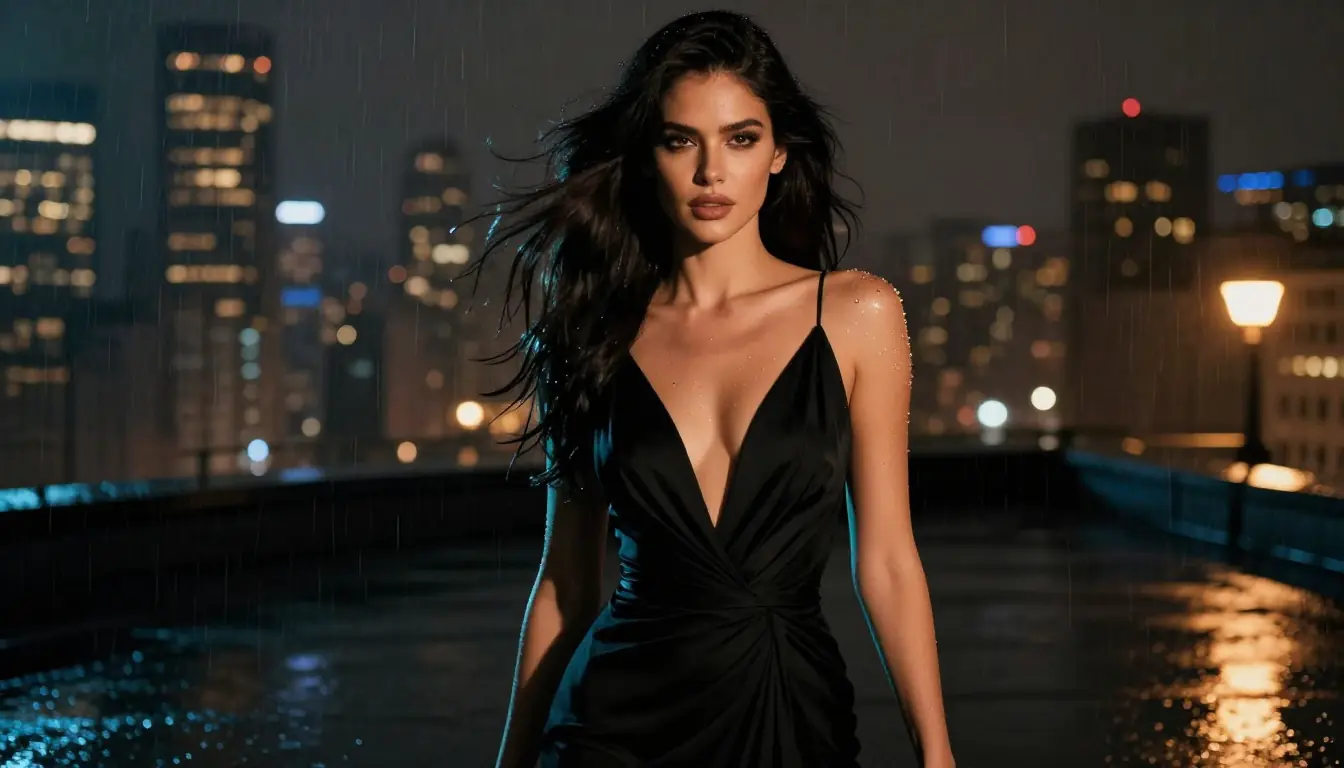
Seedance Image Generator — the unique advantage is the end-to-end workflow. Generate a prompt, create the image, animate it to video — all within a single platform.
Try the workflow yourself: Image Prompt Generator → AI Image Generator → AI Video Generator
For prompt crafting tips, see our AI Image Prompt Generator Guide and 50 AI Image Prompts with Examples.
5. Adobe Firefly 3 — Best for Commercial/Legal Safety
Developer: Adobe Platform: Web app, Photoshop, Illustrator, Express Max Resolution: Up to 2048×2048 Pricing: Free tier (limited), included with Creative Cloud ($22.99/mo+) — as of February 2026
Adobe Firefly 3 is the only major AI image generator trained exclusively on licensed, public domain, and Adobe Stock content. This is not just a marketing talking point — it is a genuine legal differentiator. If you are generating images for commercial use (ads, packaging, client work), Firefly is the only tool where Adobe explicitly offers IP indemnification for the output. For enterprise clients and agencies with legal teams, this matters enormously.
What impressed us most was the Creative Cloud integration. Generative Fill in Photoshop is legitimately one of the best AI editing features in any software. You can select an area, type what you want, and Firefly generates it seamlessly matched to the existing image's lighting, perspective, and style. Illustrator's text-to-vector and pattern generation are similarly impressive. Firefly is not just an image generator — it is an AI layer woven through Adobe's entire creative suite.
The quality has improved dramatically with version 3. Early Firefly versions produced noticeably inferior results compared to Midjourney or DALL-E. The gap has narrowed substantially, especially for commercial photography styles, product mockups, and design assets.
Where it falls short: Despite the improvements, raw creative output still trails Midjourney and Flux for artistic and fantasy content. The free tier is heavily restricted (25 generative credits/month, which is about 25 images). If you are not already in the Adobe ecosystem, the pricing is steep — you are essentially paying for Creative Cloud, not just Firefly. The content policy is conservative, and the style range is narrower than open-source alternatives.
Best for: Professional designers already using Adobe Creative Cloud, agencies needing IP-safe assets, e-commerce teams generating product photography variants, and any commercial use case where legal liability is a concern.
| Dimension | Score |
|---|---|
| Image Quality | 8/10 |
| Style Control | 7/10 |
| Text Rendering | 7/10 |
| Free Tier | 3/10 |
| Value | 6/10 |
| Overall | 6.8/10 |
Adobe Firefly 3 — commercially safe AI image generation integrated directly into Photoshop and Creative Cloud. The Generative Fill feature alone justifies the subscription for design professionals.
6. Ideogram 3 — Best for Text in Images
Developer: Ideogram AI Platform: Web app, API Max Resolution: Up to 1536×1536 Pricing: Free tier (10 images/day), Plus $8/mo, Pro $20/mo — as of February 2026
Ideogram carved out its niche by solving the one problem that every other AI image generator struggles with: putting readable text into images. If you need a logo mockup, a poster with a headline, a t-shirt design with text, or any image where typography is a key element, Ideogram 3 is the best tool available.
What impressed us most was the text accuracy. Our "OPEN 24 HOURS" neon sign test — which most tools butcher with misspellings, reversed letters, or illegible rendering — came out perfectly legible from Ideogram on the first try. We also tested multi-line text, curved text on products, and small text in signage. Ideogram consistently outperformed every competitor by a significant margin.
The overall image quality has improved considerably with version 3. Earlier versions produced text accurately but the surrounding image often looked generic. The latest model generates images that are genuinely attractive — not Midjourney-level, but solidly above average. The "Magic Prompt" feature enhances your input without completely rewriting it, which is a nice balance.
Where it falls short: While image quality has improved, it still does not match the top aesthetic engines. Fantasy art, photorealistic portraits, and abstract compositions all look somewhat plain compared to Midjourney or Flux. The editing tools are basic — no inpainting, no outpainting, limited variation controls. The community is small relative to Midjourney or Stable Diffusion. And while the free tier exists (10 images/day), the quality on free generations is noticeably lower than paid.
Best for: Graphic designers creating text-heavy assets (posters, social media graphics, logos, t-shirt designs), marketers needing mockups with readable copy, and anyone whose primary need is accurate text in AI-generated images.
| Dimension | Score |
|---|---|
| Image Quality | 7/10 |
| Style Control | 6/10 |
| Text Rendering | 10/10 |
| Free Tier | 7/10 |
| Value | 7/10 |
| Overall | 7.2/10 |
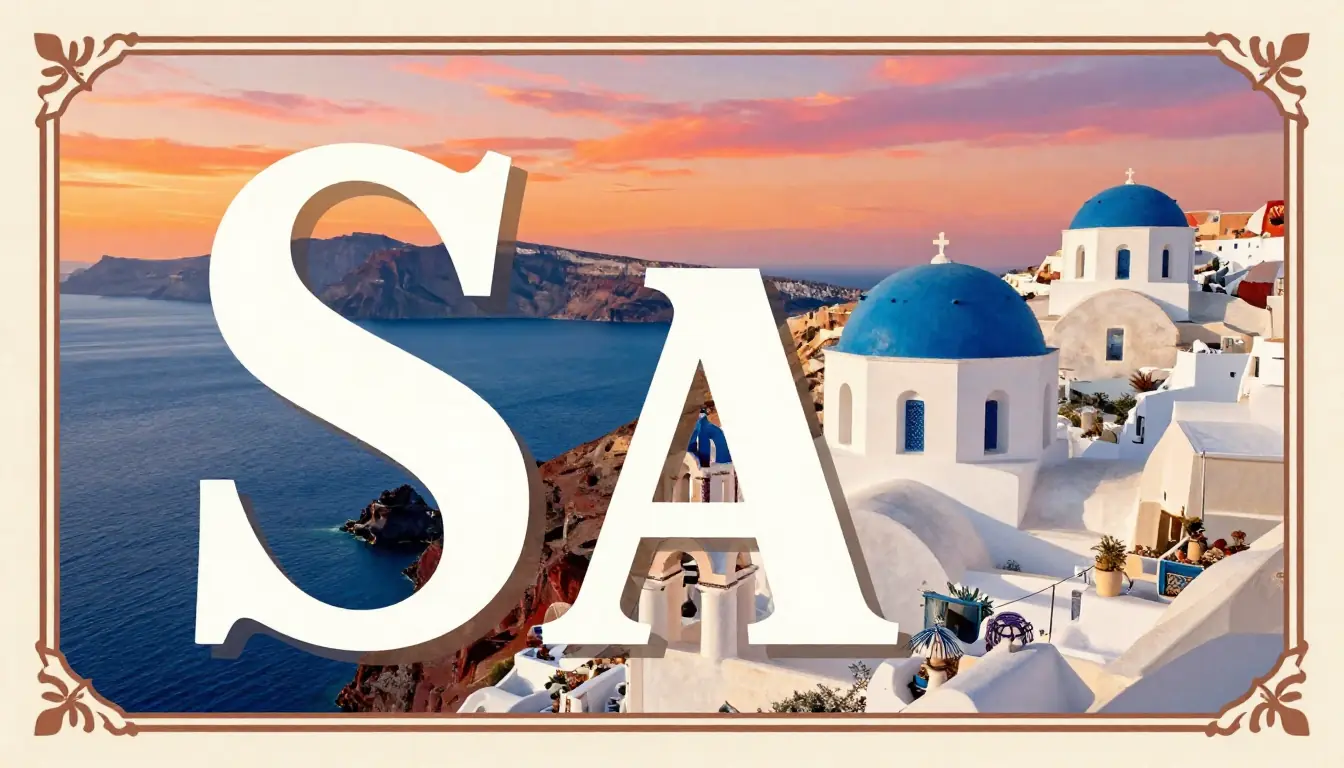
Ideogram 3 — the clear leader in text rendering. While other generators struggle with basic spelling, Ideogram consistently produces legible, accurate typography in any style.
7. Leonardo AI — Best for Creative Professionals
Developer: Leonardo Interactive Platform: Web app, API Max Resolution: Up to 2048×2048 (with upscaling) Pricing: Free tier (150 tokens/day), Apprentice $12/mo, Artisan $30/mo, Maestro $60/mo — as of February 2026
Leonardo AI has built one of the most feature-complete AI image platforms available. Where Midjourney focuses on raw aesthetic quality and DALL-E on accessibility, Leonardo bets on breadth: multiple foundational models (including their own Phoenix and Kino XL), a real-time "Canvas" editor, ControlNet-style guidance tools, motion generation, a texture generator for 3D assets, and a training feature for custom models. It is closer to an AI creative suite than a single image generator.
What impressed us most was the versatility. In a single session, we generated a photorealistic product shot, a stylized anime character, an abstract artwork, and a game texture — all at genuinely good quality. The real-time Canvas mode is addictive: you sketch rough shapes and watch the AI fill in details as you draw. The Alchemy V2 refiner produces remarkably detailed upscaled images. And the community gallery is one of the most active in the space, making it easy to discover and remix prompts.
Where it falls short: The token-based pricing is confusing. Different models and features consume different token amounts, making it hard to predict costs. The free tier sounds generous (150 tokens/day), but premium models and features drain tokens quickly — you might get as few as 10–15 high-quality images per day on free. Some features feel half-baked; the motion generation, for example, is functional but far behind dedicated video tools. The sheer number of options can be overwhelming for beginners.
Best for: Game developers, concept artists, 3D artists needing textures, and creative professionals who value breadth of features over single-dimension excellence. If you need one platform that does many things reasonably well rather than one thing perfectly, Leonardo is a strong choice.
| Dimension | Score |
|---|---|
| Image Quality | 8/10 |
| Style Control | 8/10 |
| Text Rendering | 5/10 |
| Free Tier | 7/10 |
| Value | 7/10 |
| Overall | 7.2/10 |
8. Google Imagen 3 — Best for Photorealism
Developer: Google DeepMind Platform: Gemini, Google AI Studio, Vertex AI Max Resolution: 1536×1536 Pricing: Included with Gemini Advanced ($20/mo), API pricing varies — as of February 2026
Google Imagen 3 quietly produces some of the most photorealistic AI images available. In our portrait test, Imagen 3 generated skin textures, eye detail, and hair rendering that was borderline indistinguishable from a professional photograph. Where Midjourney tends to "beautify" everything with an artistic filter, Imagen aims for camera-accurate realism — and it delivers.
What impressed us most was the photographic fidelity. Our landscape photography prompt produced an image that our team genuinely mistook for a real photograph in a blind test. The lighting simulation is physically accurate in a way that other generators approximate but do not quite achieve. Material rendering — glass, metal, fabric, skin — is exceptional.
Imagen 3 is also deeply integrated into Google's ecosystem. You can access it through Gemini (Google's chatbot), Google AI Studio for API testing, and Vertex AI for production workloads. The API is well-documented and competitively priced for batch usage.
Where it falls short: Access is fragmented. The best Imagen 3 capabilities require Gemini Advanced ($20/mo), and in some regions, the full model is not available yet. Creative/artistic output is weaker than Midjourney — Imagen excels at "what a camera would capture" but struggles with painterly, fantasy, or heavily stylized content. The content filter is the most restrictive of any platform we tested. No local deployment option. The editing capabilities are minimal compared to dedicated platforms.
Best for: Product photographers, real estate agents needing virtual staging, stock photography replacement, and any use case where the output needs to pass as a real photograph rather than AI art.
| Dimension | Score |
|---|---|
| Image Quality | 9/10 |
| Style Control | 6/10 |
| Text Rendering | 7/10 |
| Free Tier | 4/10 |
| Value | 6/10 |
| Overall | 6.8/10 |
9. Playground AI — Best Free Option
Developer: Playground AI Platform: Web app Max Resolution: Up to 1024×1024 (free), higher on paid Pricing: Free (500 images/day), Pro $15/mo — as of February 2026
If you want to generate AI images without spending a dime, Playground AI offers the most generous free tier in the industry. 500 images per day, no watermarks, commercial use allowed. That is not a typo — five hundred images, for free, every day. No other platform comes close.
What impressed us most was the sheer volume of the free tier combined with reasonable quality. Playground uses multiple underlying models (including Stable Diffusion and their own fine-tuned variants) and provides a "Board" interface that combines generation with a lightweight canvas editor. You can mix AI generations with manual edits, layer multiple elements, and create compositions — all without paying.
The quality is genuinely decent for free. Our test outputs were clean, colorful, and stylistically varied. Not Midjourney-tier, but absolutely usable for social media, blog illustrations, concept exploration, and personal projects.
Where it falls short: "You get what you pay for" applies to the quality ceiling. The best outputs from Playground are good, but they rarely reach the refinement of Midjourney, Flux, or Imagen. The platform leans toward a specific "Playground aesthetic" — slightly oversaturated, digitally polished — that may not suit every project. Advanced controls are limited on the free plan. The Pro plan ($15/mo) is competitively priced but does not offer anything that justifies switching from Midjourney or Leonardo at similar price points.
Best for: Hobbyists, students, bloggers, social media managers on a budget, and anyone who generates high volumes of "good enough" images and does not want to pay a subscription. The free tier is genuinely remarkable.
| Dimension | Score |
|---|---|
| Image Quality | 6/10 |
| Style Control | 6/10 |
| Text Rendering | 4/10 |
| Free Tier | 10/10 |
| Value | 8/10 |
| Overall | 6.4/10 |
10. Canva AI — Best for Non-Designers
Developer: Canva Platform: Web app, mobile app Max Resolution: Up to 1024×1024 Pricing: Free (limited), Canva Pro $13/mo — as of February 2026
Canva AI (powered by their "Magic Media" feature) is not trying to be the best AI image generator in isolation. It is trying to be the most useful one — and for a specific audience, it succeeds. If you are a small business owner making Instagram posts, a teacher creating classroom materials, or a non-designer who needs "decent images fast," Canva AI meets you exactly where you are.
What impressed us most was the integration. You generate an image and it drops directly into a Canva design template. No downloading, no re-uploading, no file management. Need a social media post with an AI-generated background, your logo, and some text? Canva does that in three clicks. The platform understands that most people do not want to generate standalone art — they want images within designs.
The quality is acceptable for its target audience. The AI output is clean, appropriately styled for business/social media use, and blends well with Canva's template system. It will not win any art competitions, but it will make your Instagram feed look professional.
Where it falls short: The image quality is the lowest of any tool on this list when judged on its own merits. Detail, realism, creative interpretation, and artistic quality all lag significantly behind dedicated generators. The generation options are basic — limited style controls, no negative prompts, no advanced parameters. The free tier gives you only 50 lifetime uses of Magic Media, after which you need Canva Pro. And the 1024×1024 resolution ceiling is restrictive.
Best for: Non-designers who need images embedded in designs, small business owners, social media managers, educators, and anyone already working in the Canva ecosystem. If you are reading this article because you are a designer or artist, Canva AI is probably not for you.
| Dimension | Score |
|---|---|
| Image Quality | 5/10 |
| Style Control | 4/10 |
| Text Rendering | 5/10 |
| Free Tier | 5/10 |
| Value | 7/10 |
| Overall | 5.2/10 |
Complete Comparison Table
Here is the master comparison table covering all 10 AI image generators across 15+ dimensions. Bookmark this — it is the most comprehensive side-by-side comparison available for 2026.
| Feature | Midjourney V7 | DALL-E 3 | SD 3.5/Flux | Seedance | Firefly 3 | Ideogram 3 | Leonardo | Imagen 3 | Playground | Canva AI |
|---|---|---|---|---|---|---|---|---|---|---|
| Our Score | 8.2 | 7.8 | 8.5 | 7.4 | 6.8 | 7.2 | 7.2 | 6.8 | 6.4 | 5.2 |
| Image Quality | ★★★★★ | ★★★★ | ★★★★★ | ★★★★ | ★★★★ | ★★★★ | ★★★★ | ★★★★★ | ★★★ | ★★★ |
| Best Style | Artistic | General | Any (custom) | Photorealistic | Commercial | Text-heavy | Versatile | Photorealistic | General | Business |
| Text Rendering | Fair | Good | Fair | Fair | Good | Excellent | Poor | Good | Poor | Fair |
| Max Resolution | 2048² | 1792px | Unlimited | 2048² | 2048² | 1536² | 2048² | 1536² | 1024² | 1024² |
| Free Tier | No | Limited | Yes (open) | Yes | Very limited | 10/day | 150 tokens | Limited | 500/day | 50 total |
| Free Watermark | N/A | No | No | No | Yes | No | No | No | No | Yes |
| Starting Price | $10/mo | $20/mo* | Free | ~$9.90/mo | $22.99/mo* | $8/mo | $12/mo | $20/mo* | $15/mo | $13/mo |
| API Access | Limited | Yes | Yes (open) | Yes | Yes | Yes | Yes | Yes | No | No |
| Local/Self-Host | No | No | Yes | No | No | No | No | No | No | No |
| Inpainting | Yes | Yes | Yes | Limited | Yes (best) | No | Yes | Limited | Yes | No |
| Batch Generation | 4-grid | Single | Unlimited | Single | Single | 4-grid | Varies | Single | Multiple | Single |
| Model Fine-tuning | No | No | Yes (LoRA) | No | No | No | Yes | No | No | No |
| Content Filter | Moderate | Strict | None (local) | Moderate | Strict | Moderate | Moderate | Very strict | Moderate | Strict |
| Commercial Rights | Yes | Yes | Yes | Yes | Yes (indemnified) | Yes | Yes | Yes | Yes | Yes (Pro) |
| Video Integration | No | No | No | Yes (native) | No | No | Limited | No | No | No |
| Prompt Generator | No | ChatGPT | Community | Yes (built-in) | No | Magic Prompt | No | Gemini | No | No |
*Prices marked with asterisk include the image generator as part of a broader subscription (ChatGPT Plus, Creative Cloud, Gemini Advanced).
Free AI Image Generators: What's Actually Free
"Free AI image generator" is one of the most searched terms in this space, so let us be brutally honest about what "free" actually means for each platform:
Truly Free (No Catch)
- Stable Diffusion / Flux (local) — Completely free if you have the hardware. No limits, no watermarks, no content restrictions. The catch: you need a GPU with 8GB+ VRAM and technical knowledge to set it up.
- Playground AI — 500 images/day, commercial rights included, no watermarks. The most generous hosted free tier by far.
Free Tier (With Limits)
- Seedance — Free credits on signup, enough for meaningful testing. Try it free.
- Ideogram — 10 images/day on the free plan. Quality is lower than paid tiers.
- Leonardo AI — 150 tokens/day. How many images that translates to depends on which model and features you use (roughly 10–50).
- DALL-E 3 — Free via Bing Image Creator with heavy rate limiting and lower quality. The ChatGPT version requires Plus ($20/mo).
- Canva AI — 50 lifetime uses of Magic Media on free plan. That is not "free" in any meaningful ongoing sense.
Not Free At All
- Midjourney — No free tier. Period. The $10/mo Basic plan is the minimum entry point.
- Adobe Firefly — 25 generative credits/month on the free plan, but meaningful use requires Creative Cloud.
- Google Imagen 3 — Limited free access through Gemini; the full model requires Gemini Advanced ($20/mo).
The Honest Truth About "Free"
If you need to generate images regularly without paying, your realistic options are: Stable Diffusion/Flux (if you are technical), Playground AI (if you want hosted simplicity), or Seedance's free tier (if you also want the video workflow). Everything else is either a trial, a teaser, or too limited for production use.
For free AI video generation options, see our Free AI Video Generators 2026 Guide.
AI Image Generator + Prompt Generator: The Power Combo
Here is a truth that most AI image generator comparisons ignore: the quality of your output is only as good as the quality of your prompt. The gap between a vague prompt and an optimized one is enormous — easily the difference between a mediocre image and a stunning one.
This is where the combination of a prompt generator and an image generator becomes a genuine force multiplier.
The Problem With Prompting
Most people write prompts like this:
"a beautiful sunset over the ocean"
And then wonder why the output looks generic. A well-structured prompt for the same concept looks like this:
"Golden hour sunset over a calm Pacific ocean, low angle shot from a rocky coastline, volumetric light rays through scattered cumulus clouds, deep orange and magenta color palette, long exposure water effect creating silky surface, shot on Hasselblad X2D, 8K detail"
The difference in output quality is dramatic. But writing prompts like that requires knowledge of photography terminology, art styles, rendering techniques, and generator-specific syntax. Most people do not have that knowledge — and they should not need it.
Seedance's Prompt-to-Image-to-Video Pipeline
This is Seedance's genuine competitive advantage. Our AI Image Prompt Generator works like this:
- You describe your idea in plain language — "sunset over the ocean"
- The prompt generator creates an optimized, detailed prompt — adding camera angles, lighting terms, style keywords, and technical parameters
- One click sends it to the Image Generator — no copying, no pasting, no switching tabs
- Love the image? One more click animates it into video — feeding it directly into the AI Video Generator
No other platform offers this end-to-end pipeline. Midjourney has great image quality but no video. DALL-E has good prompting via ChatGPT but no video integration. Stable Diffusion has flexibility but requires manual workflow assembly across multiple tools.
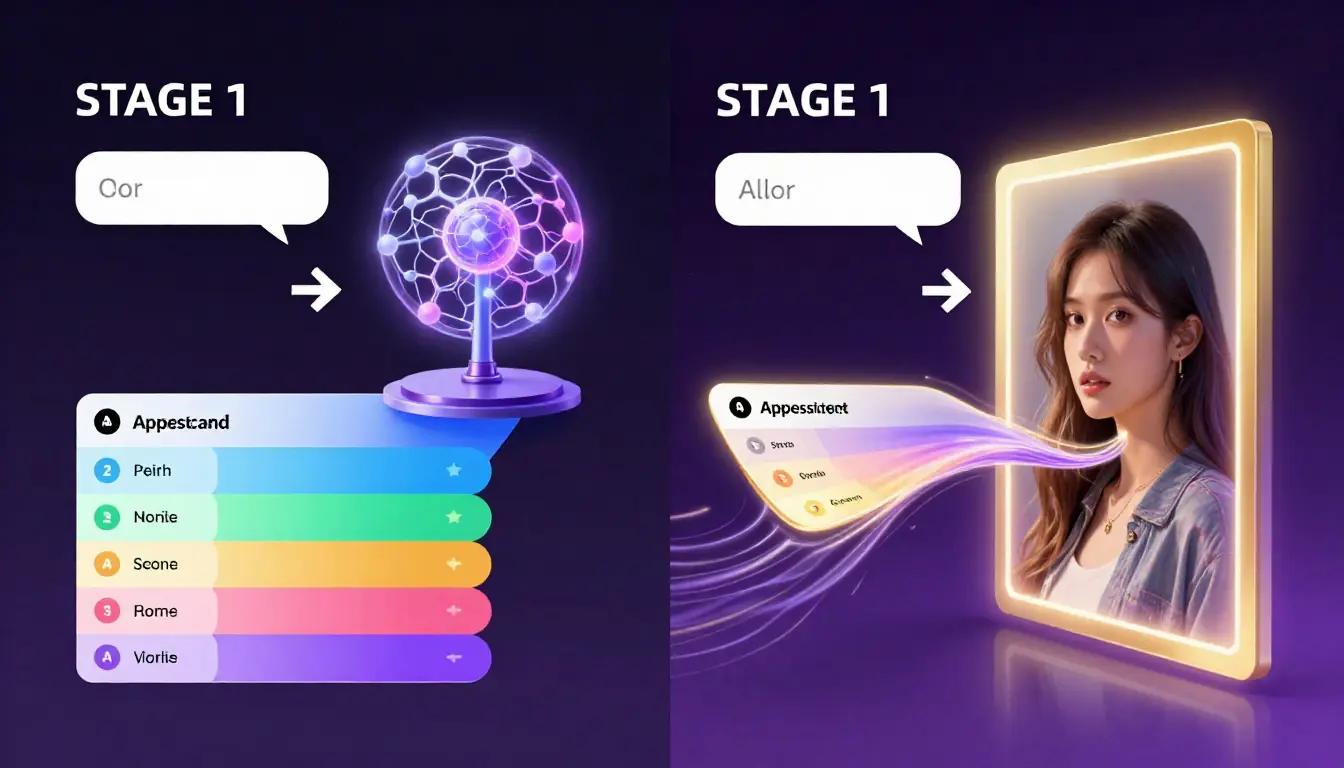
The Seedance workflow: idea → optimized prompt → image → video. Each step feeds directly into the next with zero friction.
Prompt Tips That Work Across All Generators
Regardless of which tool you choose, these prompting principles improve output quality everywhere:
- Specify the medium — "oil painting," "35mm film photograph," "digital illustration," "3D render"
- Define lighting — "golden hour," "studio lighting," "dramatic chiaroscuro," "soft diffused natural light"
- Include camera details (for photorealistic) — "85mm lens," "shallow depth of field," "low angle shot"
- Set the mood — "moody," "ethereal," "vibrant," "muted earth tones"
- Reference artists or styles — "in the style of Studio Ghibli," "Ansel Adams inspired," "Baroque composition"
For a deep dive into prompt engineering, see our AI Image Prompt Generator Guide. For ready-to-use prompts, check out 50 AI Image Prompts with Examples.
Want to level up your video prompts too? Our AI Video Prompt Generator Guide covers the video side of the workflow.
How to Choose the Right AI Image Generator
With 10 strong options, the "best" tool depends entirely on your specific situation. Here is our decision guide:
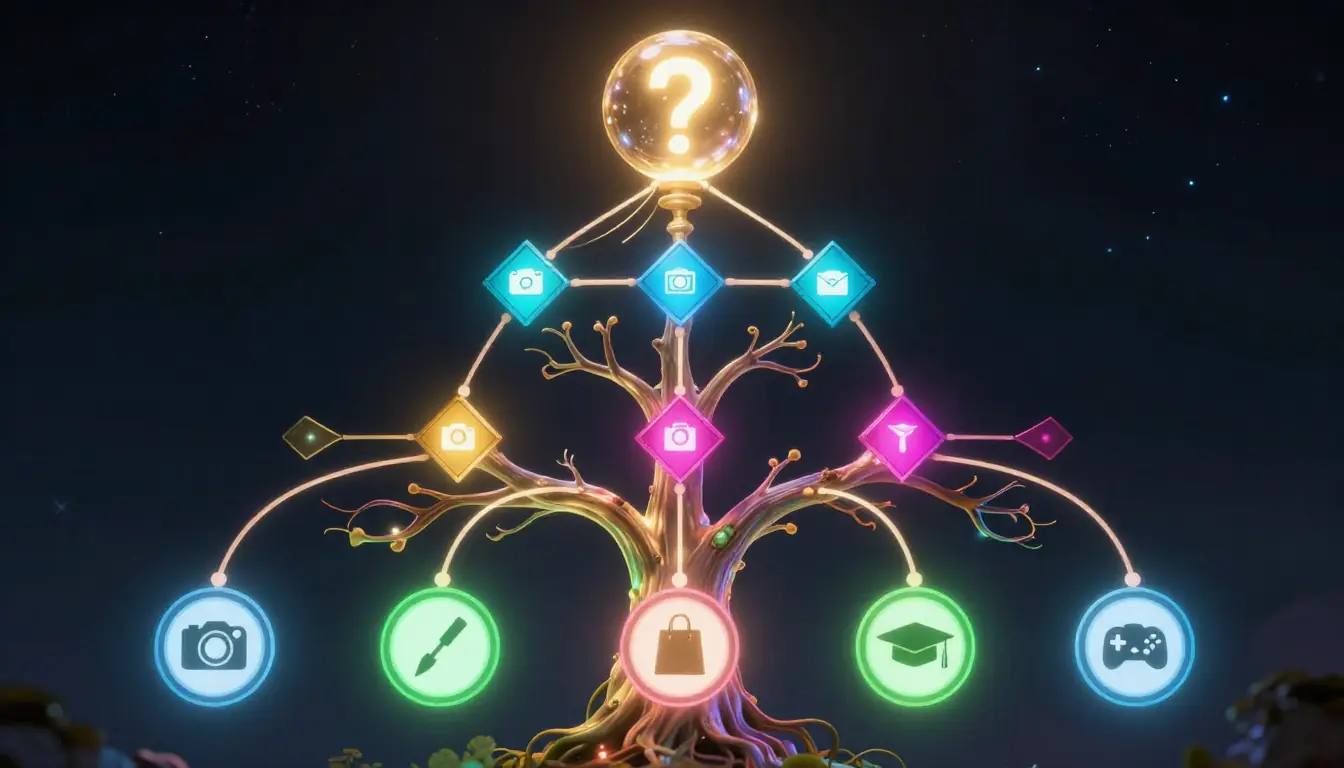
Not sure which AI image generator to pick? Follow this decision tree based on your primary use case and technical comfort level.
By Budget
- $0/month: Stable Diffusion/Flux (local, if you have the GPU), Playground AI (hosted), or Seedance free tier
- Under $15/month: Ideogram Plus ($8), Seedance Pro (~$9.90), Midjourney Basic ($10), Leonardo Apprentice ($12), Canva Pro ($13)
- $15–30/month: Playground Pro ($15), DALL-E 3 via ChatGPT Plus ($20), Imagen 3 via Gemini Advanced ($20), Ideogram Pro ($20)
- $30+/month: Midjourney Standard ($30), Leonardo Artisan ($30), Adobe Creative Cloud ($22.99+)
By Use Case
| Your Situation | Our Recommendation |
|---|---|
| "I want the most beautiful images possible" | Midjourney V7 |
| "I am not technical and want it simple" | DALL-E 3 via ChatGPT or Canva AI |
| "I need full control and run things locally" | Stable Diffusion 3.5 / Flux |
| "I make images AND videos for social media" | Seedance (prompt → image → video pipeline) |
| "I need images for commercial/client work" | Adobe Firefly 3 (IP indemnification) |
| "My images need accurate text/typography" | Ideogram 3 |
| "I'm a game dev / concept artist" | Leonardo AI |
| "I need photorealistic output" | Google Imagen 3 or Flux (fine-tuned) |
| "I want maximum free usage" | Playground AI |
| "I design in Canva already" | Canva AI |
By Technical Level
- Beginner (no AI experience): DALL-E 3 → Canva AI → Ideogram
- Intermediate (comfortable with prompting): Midjourney → Seedance → Leonardo
- Advanced (developer/artist): Stable Diffusion/Flux → ComfyUI workflows → API integrations
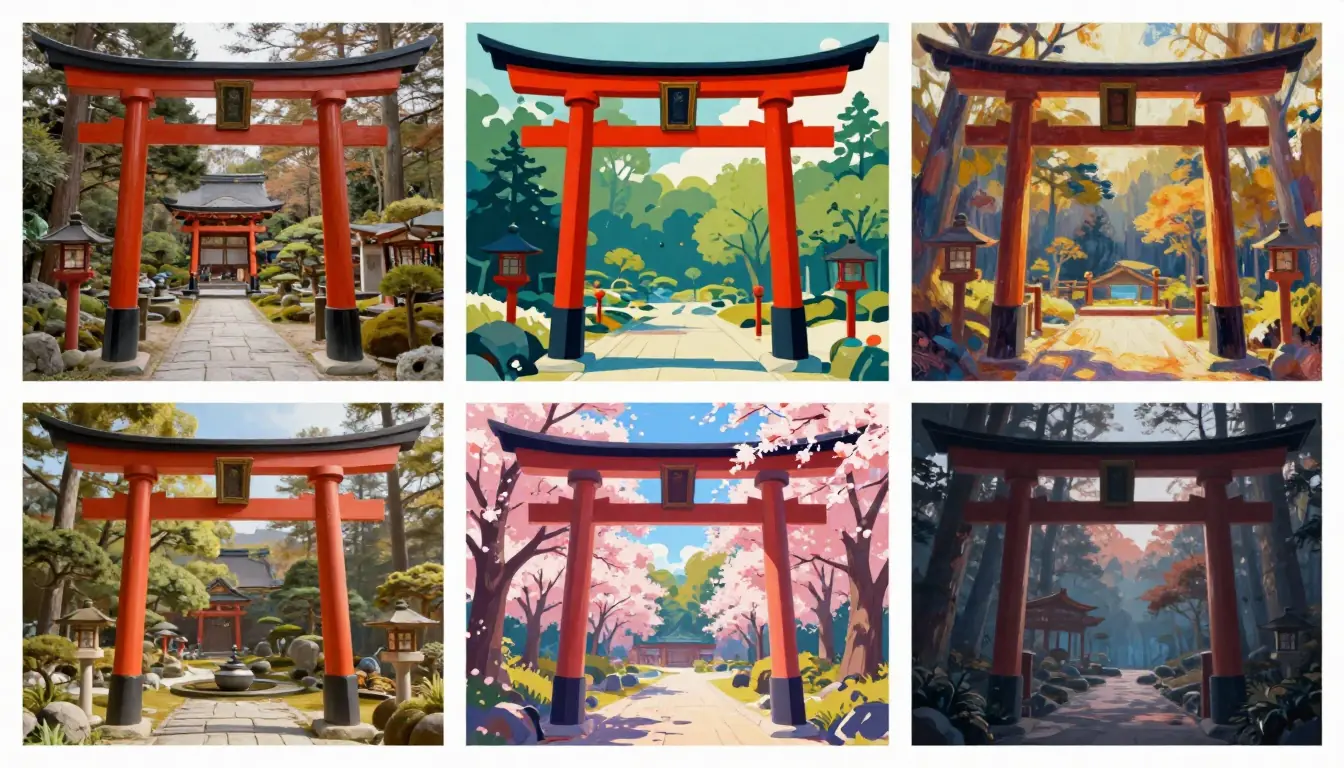
The range of styles possible across today's AI image generators — from photorealistic portraits to fantasy landscapes to abstract digital art. The right tool depends on the style you need most.
Frequently Asked Questions
What is the best AI image generator in 2026?
It depends on your needs. For pure aesthetic quality, Midjourney V7 remains the leader. For accessibility, DALL-E 3 via ChatGPT is the easiest to use. For full control and free usage, Stable Diffusion 3.5 / Flux is unbeatable. For an integrated image-to-video workflow, Seedance offers a unique pipeline that no other tool matches. There is no single "best" — only the best tool for your specific use case.
What is the best free AI image generator?
Playground AI offers 500 free images per day with commercial rights and no watermarks — the most generous free tier of any hosted platform. Stable Diffusion and Flux are completely free if you can run them locally (requires a GPU with 8GB+ VRAM). Seedance offers free credits on signup for both image and video generation. For a full breakdown, see our free tier comparison section above.
Is Midjourney still worth it in 2026?
Yes, if image quality is your top priority. Midjourney V7 still produces the most aesthetically polished output of any AI image generator. The $10/month entry price is reasonable for the quality you get. However, if you need free access, video integration, or full control over the generation process, other tools may be better suited.
Can AI-generated images be used commercially?
All 10 tools on this list allow commercial use of generated images on their paid plans. Adobe Firefly goes furthest by offering IP indemnification — meaning Adobe will cover legal costs if your Firefly-generated content is challenged. For open-source tools (Stable Diffusion, Flux), you own the output completely. Always check the specific terms of service for your plan tier and use case.
How do AI image generators handle text in images?
Most AI image generators struggle with text. Ideogram 3 is the clear leader, producing accurate, readable text consistently. DALL-E 3 and Google Imagen 3 handle simple text reasonably well. Midjourney V7 has improved but still produces errors on longer phrases. Stable Diffusion/Flux is inconsistent. If text accuracy is critical for your work, use Ideogram or generate text separately and composite it in post-production.
What is the difference between Midjourney and DALL-E?
Midjourney V7 focuses on artistic quality — it produces more visually stunning, stylized images with better composition and color grading. DALL-E 3 focuses on accessibility and prompt comprehension — it understands natural language better and integrates with ChatGPT for conversational editing. Midjourney requires a subscription ($10+/mo); DALL-E is included with ChatGPT Plus ($20/mo). Choose Midjourney for art quality, DALL-E for ease of use.
Can I use AI image generators for professional work?
Absolutely. Professional photographers use AI for concept exploration and compositing. Graphic designers use it for rapid ideation. Marketing teams generate social media content, ad visuals, and product mockups. Game studios use it for concept art and texture generation. The key is choosing the right tool: Firefly for legally safe commercial work, Midjourney for high-quality creative assets, Leonardo for game/3D assets, or Seedance when you need both images and animated videos for campaigns.
How do I write better prompts for AI image generators?
The most impactful improvements are: (1) specify the medium or style, (2) describe lighting conditions, (3) include camera/lens details for photorealism, (4) set the color palette and mood, and (5) reference specific artists or art movements. Instead of "a sunset," try "golden hour sunset over Pacific coastline, volumetric light rays, warm orange palette, shot on medium format camera, 8K detail." For a comprehensive guide, read our AI Image Prompt Generator Guide or try our Prompt Generator tool to automate the optimization.
Start Creating
You have read the comparisons, the scores, and the honest assessments. Now it is time to create something.
If you want to experience the prompt → image → video workflow that sets Seedance apart:
- Try the Image Prompt Generator — describe your idea in plain language, get an optimized prompt in seconds
- Generate your image — one click sends your prompt to the image generator
- Animate it to video — turn your still image into a dynamic video clip
Or start directly:
- Seedance Free Tier — try the full pipeline without paying
- 50 Ready-to-Use Image Prompts — grab a prompt, paste it, generate
The best AI image generator is the one that fits your workflow. We have shown you all 10. Now go make something.
