
AI Text to Animation Generator: Turn Words Into Anime, Cartoon and 3D Videos
With GenWorldAI text to animation, you name a style, describe the scene, and the AI animates it: hand-drawn anime, bouncy 2D cartoons, 3D animated characters, claymation, watercolor or pixel art. No drawing, rigging or keyframes. Sign up free for 2 credits; animations start at 20 credits.
AI Text to Animation Generator | GenWorldAI
Text to Animation Gallery: Anime, Cartoon and 3D Clips Made From Text
Rainy Evening Ride
Seaside Local Train
Pancake Flip
Knight at Sunset
Strawberry Summit
Snail Mail
Paper Boat Stream
Paper Whale Night
Like these clips? Use GenWorldAI as an AI anime video generator, a cartoon maker or a clay studio: name the style in your own prompt.
Animate Your Own SceneHow to Use the AI Text to Animation Generator in 3 Steps
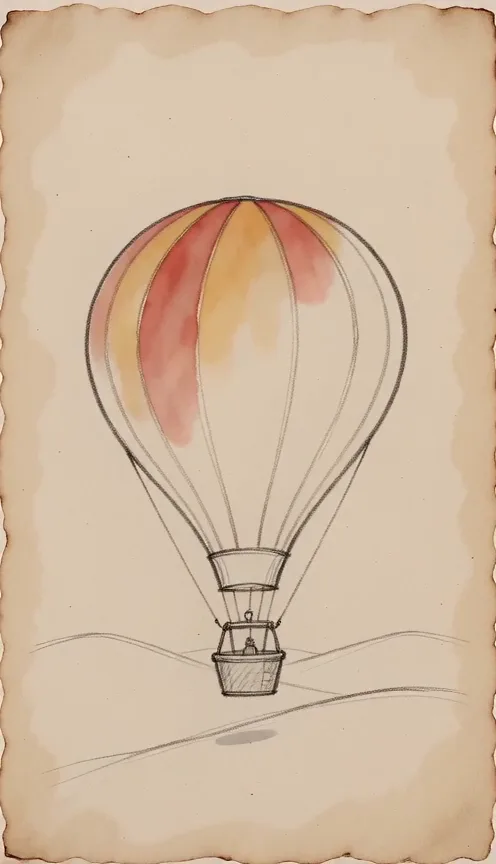
Name the Style and Describe the Scene
Start with the look, such as hand-drawn anime, flat 2D cartoon, 3D animated film, claymation, watercolor or pixel art, then write who is on screen, what they do, where it happens and how the camera moves. Prompts run from 3 to 2,500 characters.
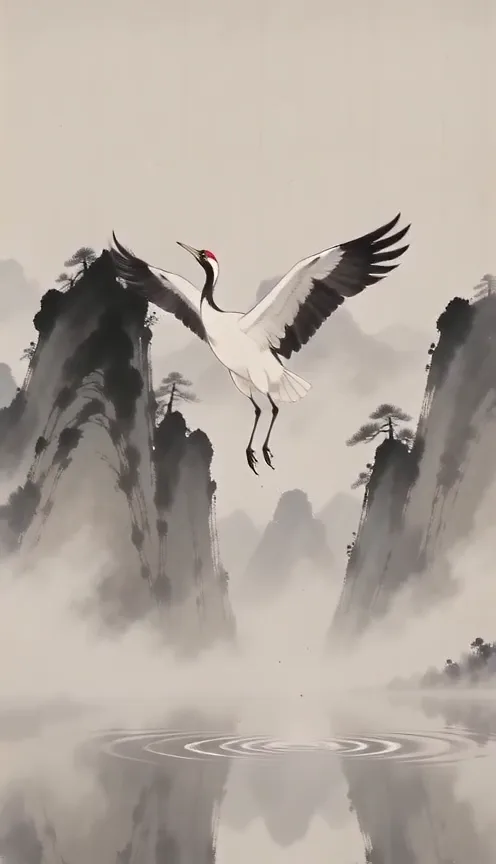
Pick Your Settings and Generate
Choose 4, 8 or 12 seconds, 480p, 720p or 1080p, one of six aspect ratios, and sound on or off. The credit cost is shown on the Generate button. Sign in, click Generate, and a progress bar shows while the AI animation generator works.
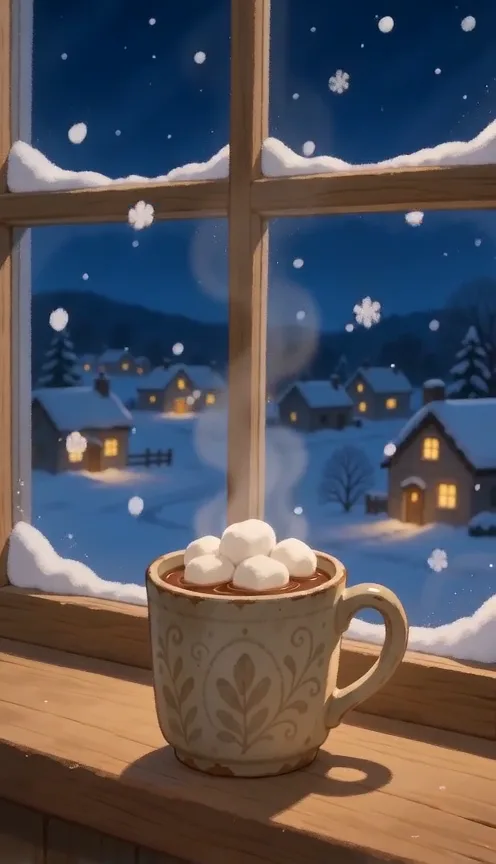
Watch, Download and Share
Your finished animation appears in History, where you can play it and download it as an MP4. Any plan or credit pack unlocks watermark-free downloads, including clips you made before buying.
GenWorldAI Text to Animation: Every Style From One Prompt
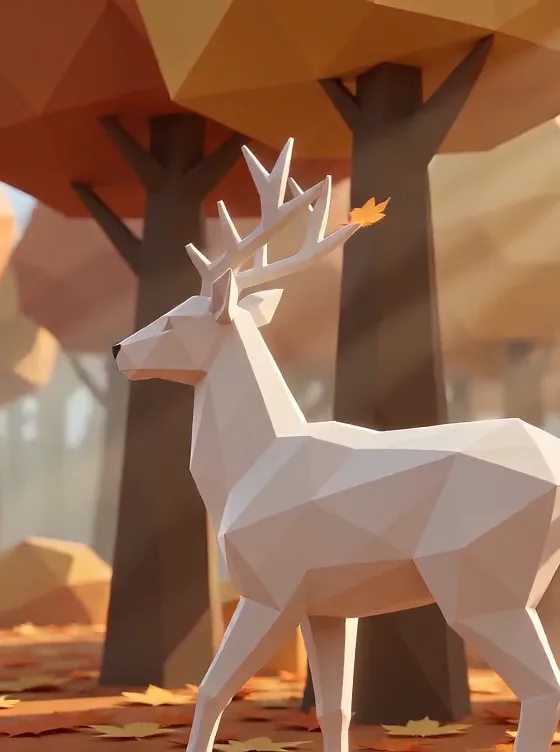
Name Any Animation Style in Your Prompt
Learning a new tool for every look takes time. Here the style is part of your text: anime, 2D cartoon, 3D animated film, low-poly, claymation, watercolor, ink wash, pixel art or paper cut-out. Every clip and picture on this page came from a prompt like that.
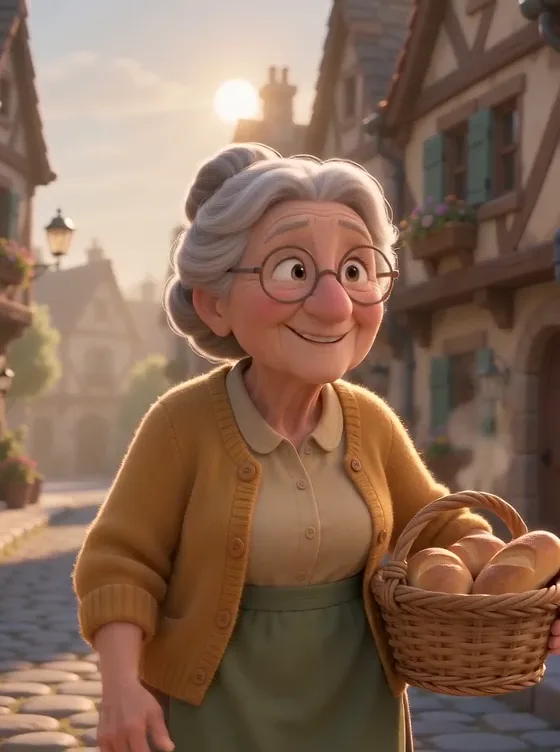
Keep Your Character on Model
Animated characters drift when the prompt is vague. Name each character's hair, clothing and props, like this baker's round glasses, mustard cardigan and green apron, to help them look the same from the first frame to the last. For an existing design, start from it in Image to Video.
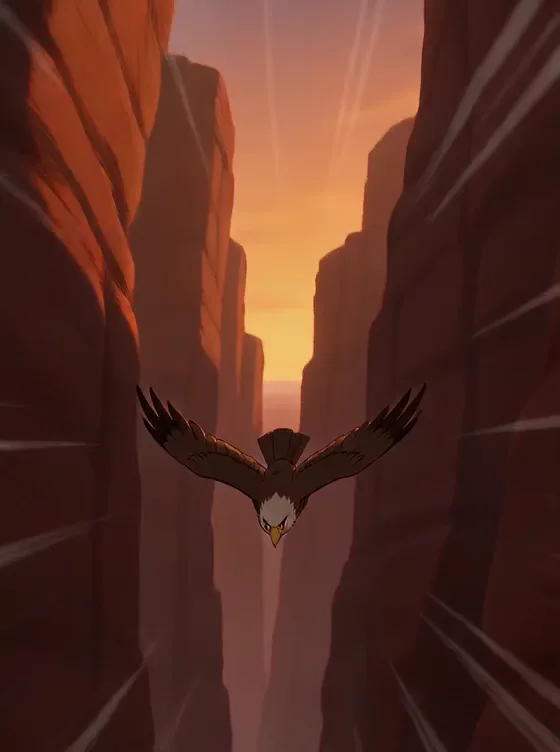
Direct the Camera and the Action in Words
Moving a camera by hand takes keyframes. Here you write it: orbit, push in, crane up, tracking shot or side scroll, plus what each character does. The eagle on this card came from one prompt asking for a fast tracking shot through a canyon at sunset, ending as it climbs into the open sky.
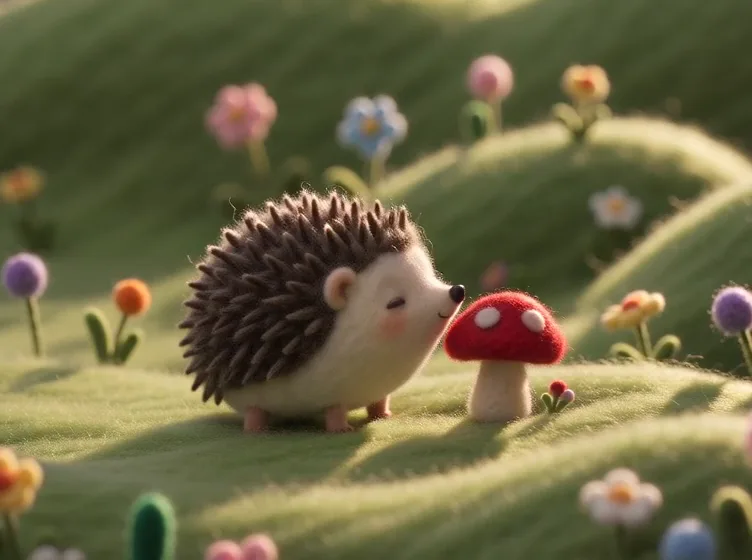
No Drawing, Rigging or Keyframes
No drawing tools to learn: this AI cartoon video generator only needs your words and four settings. Need a starting point? The Video Prompt Generator turns a short idea into a full prompt in styles such as Anime or Ink Wash.
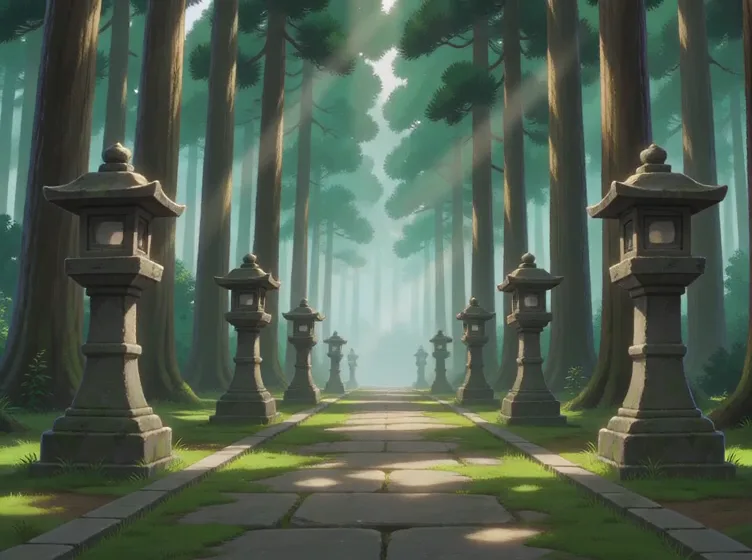
Animate at 480p, 720p or 1080p
Try a style at 480p from 20 credits, then make your favorite version at 720p or 1080p. The cost is shown before you generate.
Six Aspect Ratios for Every Channel
Vertical 9:16 for anime shorts on TikTok, Reels and Shorts, 16:9 cartoons for YouTube, 1:1 loops for feeds, plus 4:3, 3:4 and 21:9.
Frequently Asked Questions About AI Text to Animation
Have another question? Contact our team at support@seedance-2ai.org.
What is text to animation?
It turns a written description into an animated video. You describe the scene and name a style, such as anime, cartoon, 3D or claymation, and the AI animation generator draws and moves everything for you, camera included. On GenWorldAI each animation is 4, 8 or 12 seconds long at 480p, 720p or 1080p.
Which animation styles can I make?
Any style you can describe in words. The examples on this page cover hand-drawn anime, anime background art, flat 2D cartoon, 1930s rubber hose cartoon, 16-bit pixel art, 3D animated film, low-poly 3D, claymation, needle-felted wool, watercolor, gouache, ink wash, pencil sketch and layered paper cut-out. There is no style menu: put the style at the start of your prompt.
Can I use GenWorldAI as an AI anime video generator?
Yes. Open the prompt with the anime look you want, for example 'hand-drawn 2D anime, cel shading, soft painted background', then describe the characters, the setting and the camera move. The rainy bike ride and the seaside train in the gallery were made this way at 480p, so this page works as an anime AI video generator without any extra setup.
Does it work as an AI cartoon video generator?
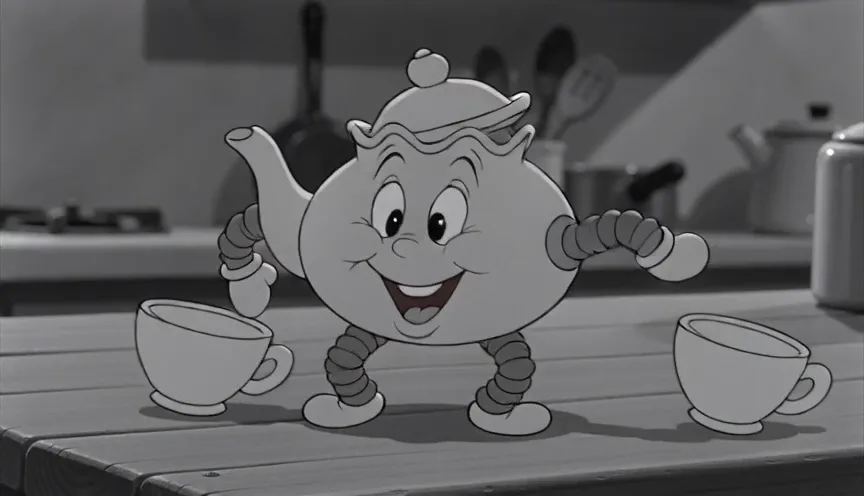
Yes. Words like 'flat 2D cartoon, thick black outlines, bright flat colors, squash-and-stretch animation' give a classic cartoon look, as in the cat chef clip. For an old-time look, try 'vintage rubber hose cartoon, black and white, film grain', like the dancing teapot above. Pixel art works the same way: name it first, then describe the scene.
How do I write a good animation prompt?
Put things in this order: 1) the style (anime, 2D cartoon, 3D animated film, claymation), 2) the subject with fixed details (a grandmother in round glasses and a mustard cardigan), 3) the action, 4) the setting and time of day, 5) the camera move (slow push in, tracking shot, orbit) and 6) the mood. Example: 'Claymation stop-motion style, visible fingerprints on the clay. A snail in a tiny blue cap pushes a letter through the door of a mushroom house. Macro camera, soft window light.' The Video Prompt Generator can write a structured prompt for you in its Anime or Ink Wash style.
Can I make animations for free?
You can start for free: signing up needs no credit card and gives you 2 free credits. An animation starts at 20 credits (4 seconds at 480p without sound), so making clips needs a plan (from $10/month) or a one-time credit pack (from $9.99, credits never expire). The 2 free credits cover one text-to-image picture or one prompt from a prompt generator.
How long and how big can my animations be?
Each clip is 4, 8 or 12 seconds at 480p, 720p or 1080p, in 16:9, 9:16, 1:1, 4:3, 3:4 or 21:9. For a longer animated story, generate several clips and edit them together; the free Storyboard Template Maker helps you plan the shots first.
Can I keep the same character across several clips?
Describe the character with the same words in every prompt: species or look, colors, clothing and props. For an exact design, use Image to Video with one or two reference images, such as a character drawing or a frame you liked. The free Video Frame Extractor saves the last frame of a clip, ready to continue the scene in Image to Video.
Can my animations have sound and music?
Yes. Generated sound is on by default and can be switched off before you generate. Describe the sounds you want in the prompt, such as rain on a window, footsteps or a playful tune. Sound on costs 25% more credits, rounded up. The clips on this page were made with sound off.
Can I use my animations for commercial projects?
Personal use is open to every account. Commercial use (ads, client work, products, monetized channels) comes with your account's first purchase, a plan or a credit pack, and covers everything you made with the account, including earlier work. Describe original characters rather than existing ones, so your animation doesn't infringe anyone's rights (see the Terms of Service).
Should I use this page or Text to Video?
Both pages use the same generator with the same settings and prices. This page is set up for animated styles, with anime, cartoon, 3D and stop-motion examples and prompt tips. For live-action and cinematic scenes, the Text to Video page has examples and tips made for that.
Ready to Try the AI Text to Animation Generator?
Sign up without a credit card and get 2 free credits. Animations start at 20 credits, with plans from $10/month and credit packs from $9.99.
- Secure & Private
- 2 Free Credits on Sign-up
- No Card Needed to Sign Up