
AI Photo Animator: Animate Photo Stills and Make a Picture Move
Your photo already holds the scene, and GenWorldAI adds the motion: waves that roll in, steam that rises, a puppy that tilts its head, a smile in an old portrait. To animate photo stills, upload one picture and say what should move. Sign up free for 2 credits; photo animations start at 20 credits.
AI Photo Animator | GenWorldAI
Add an image first. Text only? Use Text to Video
Photo Animation Examples: Stills That Now Move
Sunset Sea Stacks
Aurora Over the Cabin
Autumn Puppy
Amber Serum Bottle
Steaming Ramen
Sepia Fisherman Portrait
Have a picture you want to see move? Upload it and describe the motion.
Animate Your PhotoHow to Use the AI Photo Animator in 3 Steps
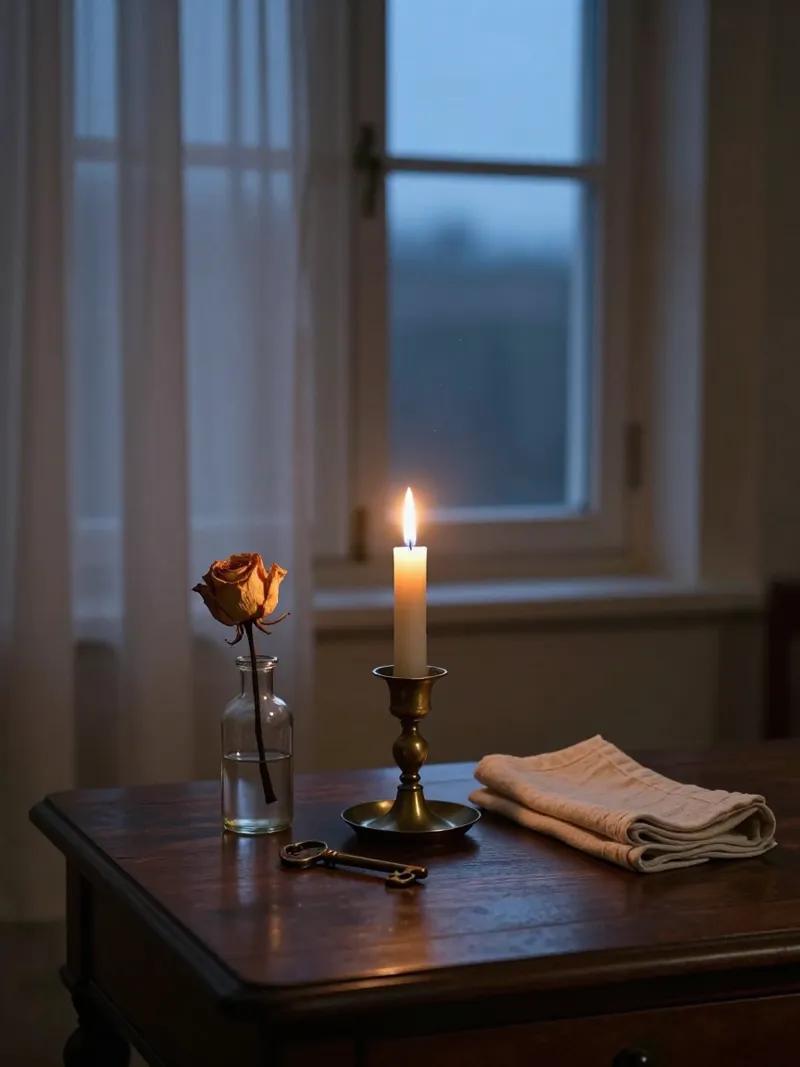
Upload Your Photo
Pick a sharp picture with something that can move: water, sky, steam, fur, hair or fabric. You can animate image files in JPG, PNG or WebP format, up to 10 MB each. Add a second picture if you want to choose the frame the clip ends on.
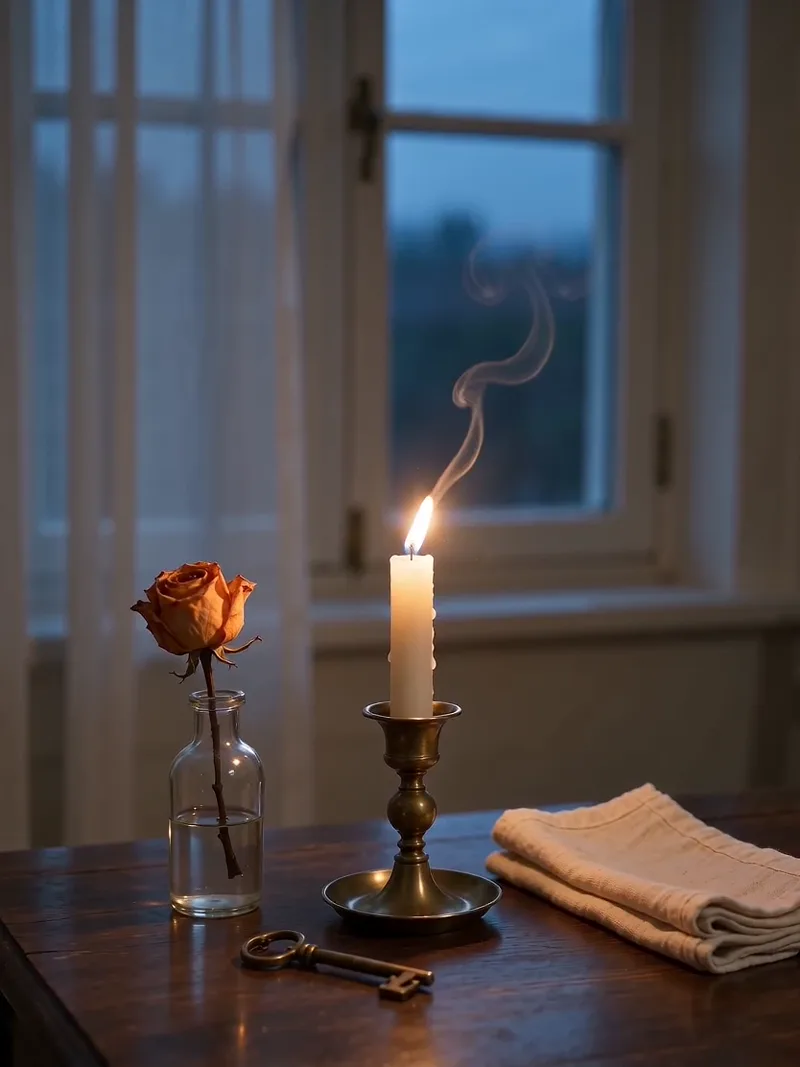
Say What Should Move
Describe the motion, not the scene: what moves, how fast, and what the camera does. Example: "The candle flame flickers, a thin ribbon of smoke curls upward, slow push-in." Then choose 4, 8 or 12 seconds, 480p, 720p or 1080p, an aspect ratio and sound on or off.
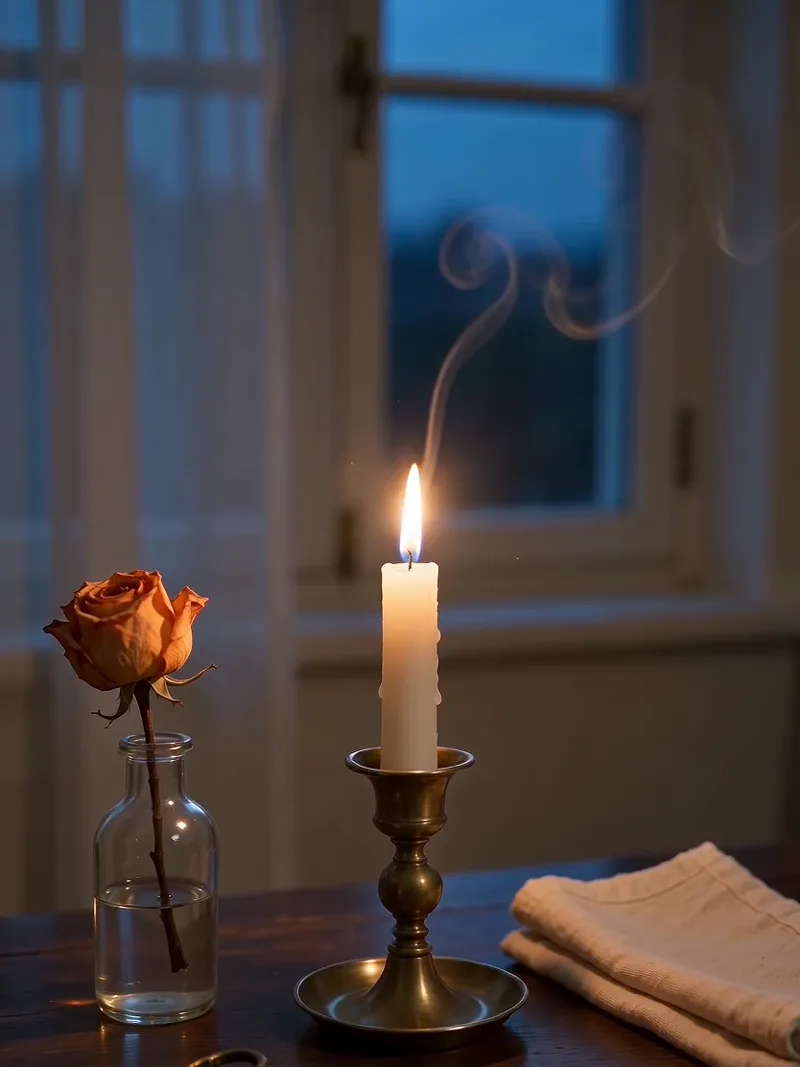
Watch and Download
Your animated photo appears in History, ready to play and download as an MP4. The credit cost shows on the Generate button before you start. Any plan or credit pack makes every download watermark-free.
Animate Photo Stills With GenWorldAI: What You Get
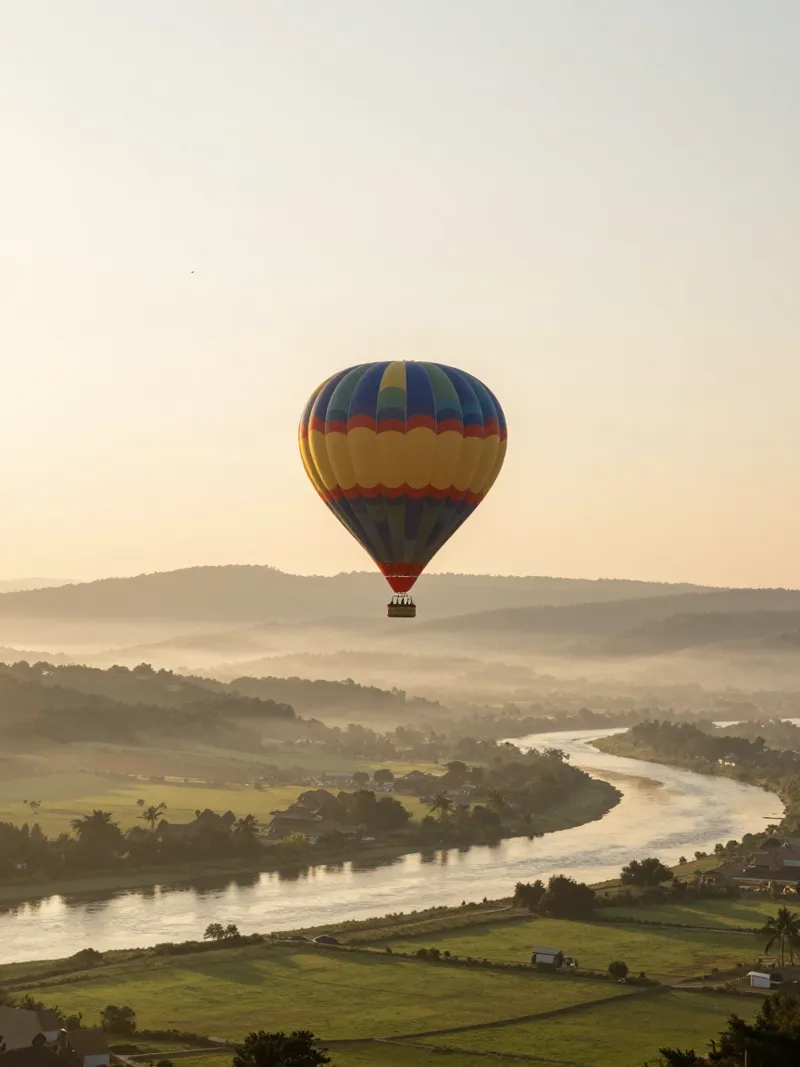
Animate Any Kind of Photo
A great shot feels flat once it sits in a camera roll. Bring landscapes, travel shots, pets, food, products, artwork and scanned prints to life, from a JPG, PNG or WebP file up to 10 MB.
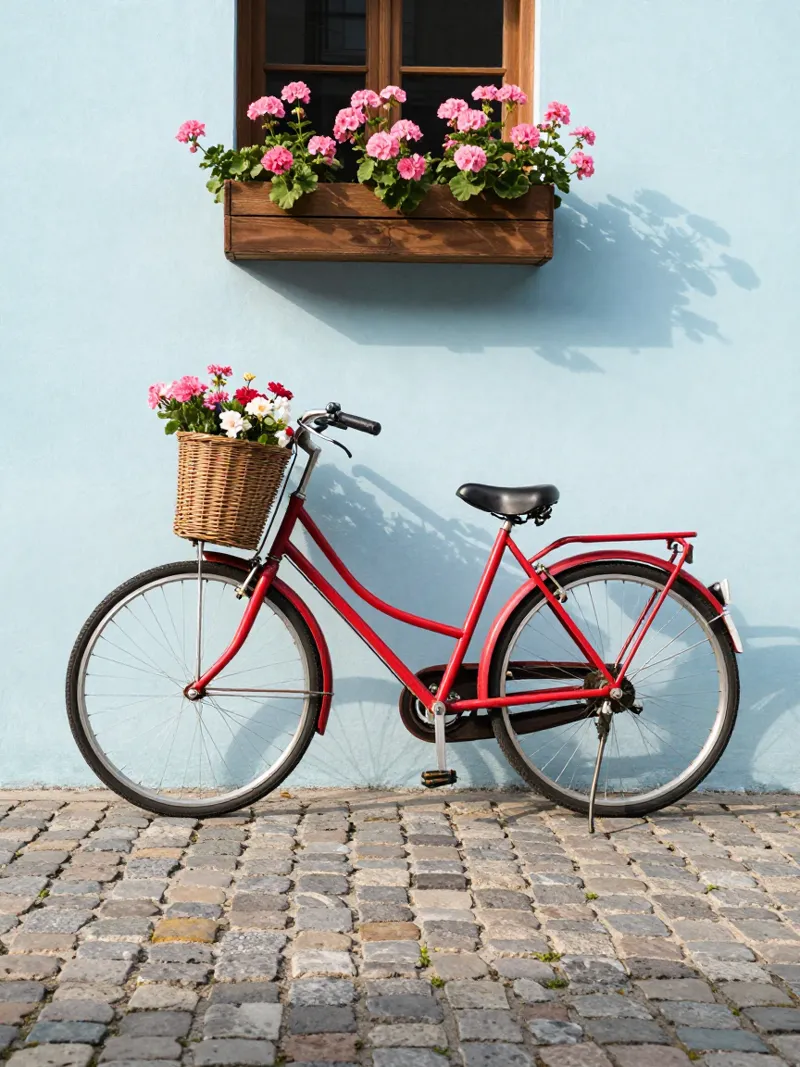
Your Picture Keeps Its Look
Your photo becomes the first frame of the clip, so its colors, framing and style carry into the motion. Gentle moves, like drifting clouds or a slow push-in, keep the most of the original.
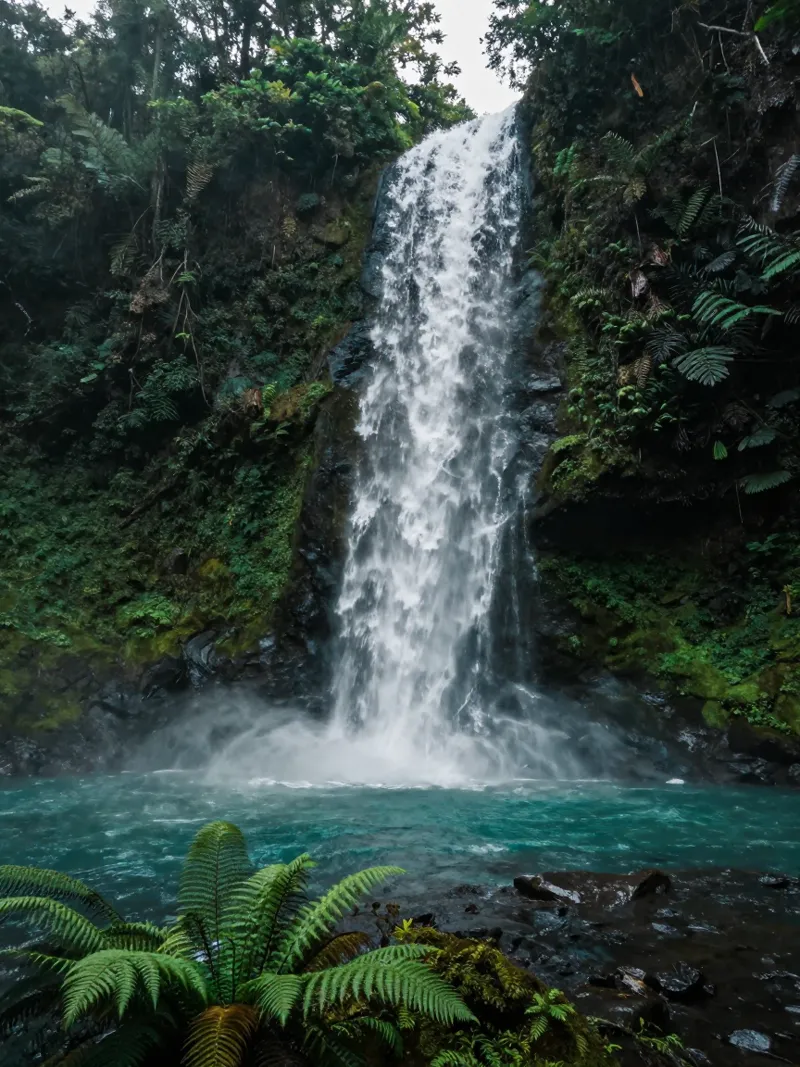
Natural Motion You Describe
Write what should move and how fast: water falling, mist rising, clouds drifting, fur in the wind, a head turning. The AI image animator fills in every frame between your still and the motion you asked for.
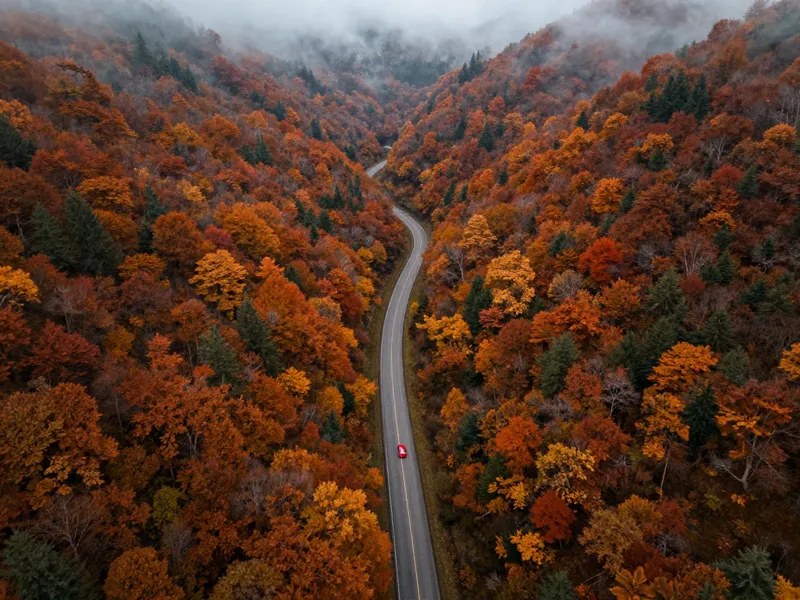
Camera Moves in Plain Words
Add a push-in, pan, orbit or aerial drift to any picture by writing it in the prompt. One sentence turns a flat photo into a shot that feels filmed.
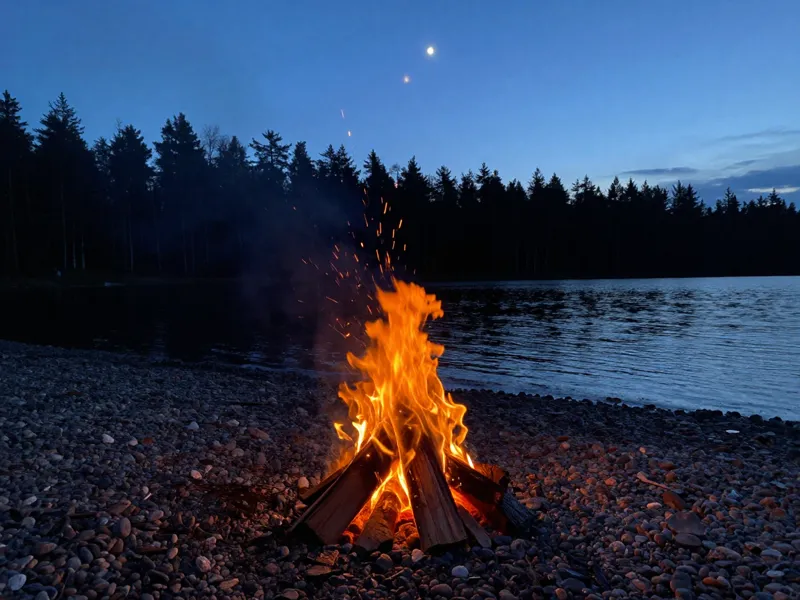
Sound On or Silent
Switch on generated sound for crackling fires, waves or city noise, or keep the clip silent for loops and slideshows. Sound adds 25% to the credit cost, rounded up.
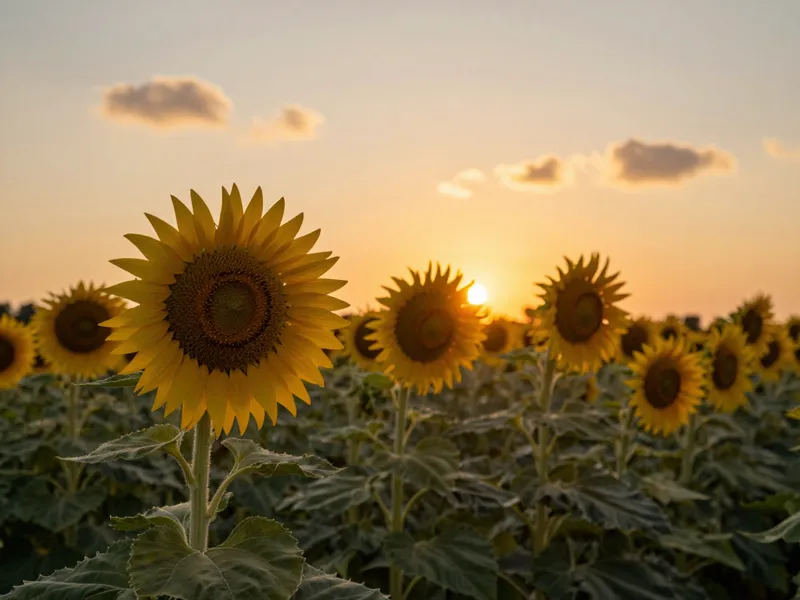
Pick the Last Frame and the Shape
Add a second picture and the clip ends on it, great for day to night or before and after. Export in 16:9, 9:16, 1:1, 4:3, 3:4 or 21:9 for any feed.
Questions About the AI Photo Animator
Have another question? Contact our team at support@seedance-2ai.org.
What is an AI photo animator?
It turns a still photo into a short video by generating the motion the picture suggests: water flows, clouds drift, steam rises, a face blinks or smiles. On GenWorldAI you upload a photo, describe the motion in a sentence or two, and get a 4, 8 or 12 second MP4 at 480p, 720p or 1080p.
How do I animate a photo with GenWorldAI?
Sign in, upload your photo to the generator on this page, describe what should move and how the camera behaves, then choose the length, resolution, aspect ratio and sound. The cost is shown on the Generate button. The animated photo appears in History when it is ready. For other methods, such as parallax and cinemagraphs, read the full guide at /blog/how-to-animate-a-photo.
Which photos animate best?
To animate photo prints or digital shots well, start with sharp, well-lit pictures that have something that naturally moves: sky, water, smoke or steam, hair, fur, fabric, leaves or traffic. Leave some space around the main subject so it has room to move. Landscapes, pets, food, product shots and portraits all work well.
Can I animate old family photos and portraits?
Yes. Scan or photograph the print, upload it, and ask for small, natural motion such as a slow blink, a soft smile or a slight turn of the head. Add "keep the black and white look" or "keep the sepia film grain" to the prompt to keep the original style. Only upload photos you have the right to use, and only animate a real person with their consent.
How long is an animated photo, and in what sizes?
Each clip is 4, 8 or 12 seconds long, at 480p, 720p or 1080p. You can export in six aspect ratios: 16:9, 9:16, 1:1, 4:3, 3:4 and 21:9. Pick the one closest to your photo's shape so nothing important is cropped, or choose 9:16 for vertical feeds.
Can I choose how the animation ends?
Yes. Upload a second picture and the clip moves from your first photo to it, so the second picture becomes the last frame. Use it for day to night, a closed flower that opens, or a product before and after. With one picture, the motion comes from your prompt alone.
How much does it cost to animate a photo?
Signing up is free and gives you 2 credits, enough for one text-to-image picture or one prompt from a prompt generator. Photo animations start at 20 credits for 4 seconds at 480p without sound; longer clips, higher resolutions and sound cost more, and the exact cost shows before you generate. Credits come from plans (from $10/month) or one-time credit packs (from $9.99, credits never expire). You only spend credits on videos you receive.
Can I use my animated photos commercially?
Every account can use its results for personal projects. Commercial use (ads, client work, products, monetized channels) comes with your account's first purchase of a plan or credit pack and covers everything you made with the account, including earlier animations. That purchase also removes the GenWorldAI watermark from your downloads. Make sure the photos you upload are yours to use (see the Terms of Service).
How is photo animation different from image to video?
Both run on the same GenWorldAI generator. This page is set up for one job: to bring a picture you already have to life while it keeps its look, with natural motion and gentle camera moves. To build new scenes, stories or ad shots from reference images, start from our Image to Video page at /image-to-video.
Do I need an app to animate a picture?
No. GenWorldAI runs in your browser on a computer or phone, so there is nothing to download. Generating needs a free account. The animation is made in the background: you can leave the page and find the finished clip in History later.
Ready to Make a Picture Move?
Sign up without a credit card, get 2 free credits, and animate photo stills from 20 credits each. Plans start at $10/month and credit packs at $9.99.
- Secure & Private
- 2 Free Credits on Sign-up
- No Card Needed to Sign Up