
Image to Prompt: Turn Any Picture Into a Detailed AI Prompt
Found a picture you love? Upload it and get the words to make more like it. Image to prompt reads your photo or artwork and writes the subject, style, composition, light and colors as a ready prompt, plus a motion prompt for video.
Upload Your Picture
Your image prompt and motion prompt will appear here.
See What Image to Prompt Writes for Real Pictures
How to Use Image to Prompt in 3 Simple Steps
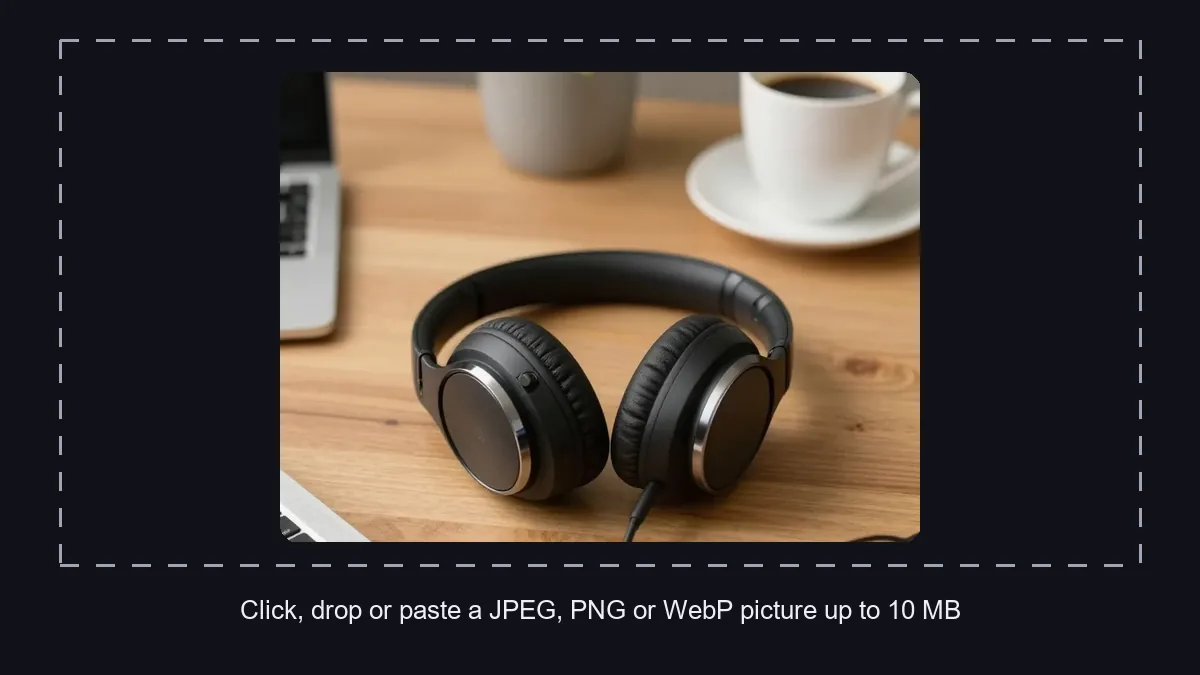
Upload Your Picture
Click the upload box, drop a file on it or paste a picture from your clipboard. JPEG, PNG and WebP files up to 10 MB work, from a phone photo to a product shot, a landscape or a digital painting.
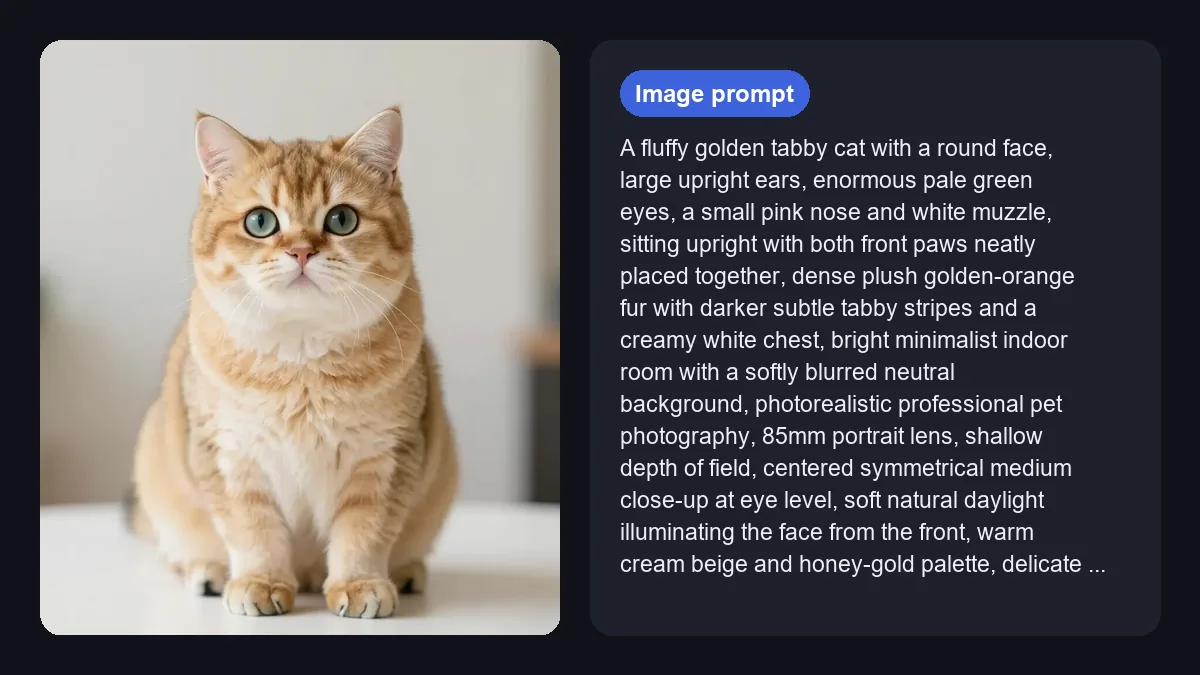
Get Your Image Prompt
Click Generate. The image to prompt generator studies the picture and writes a detailed prompt of up to 800 characters that names the subject, setting, medium, composition, lighting, colors and fine details, plus a short motion prompt. Each picture costs 2 credits.
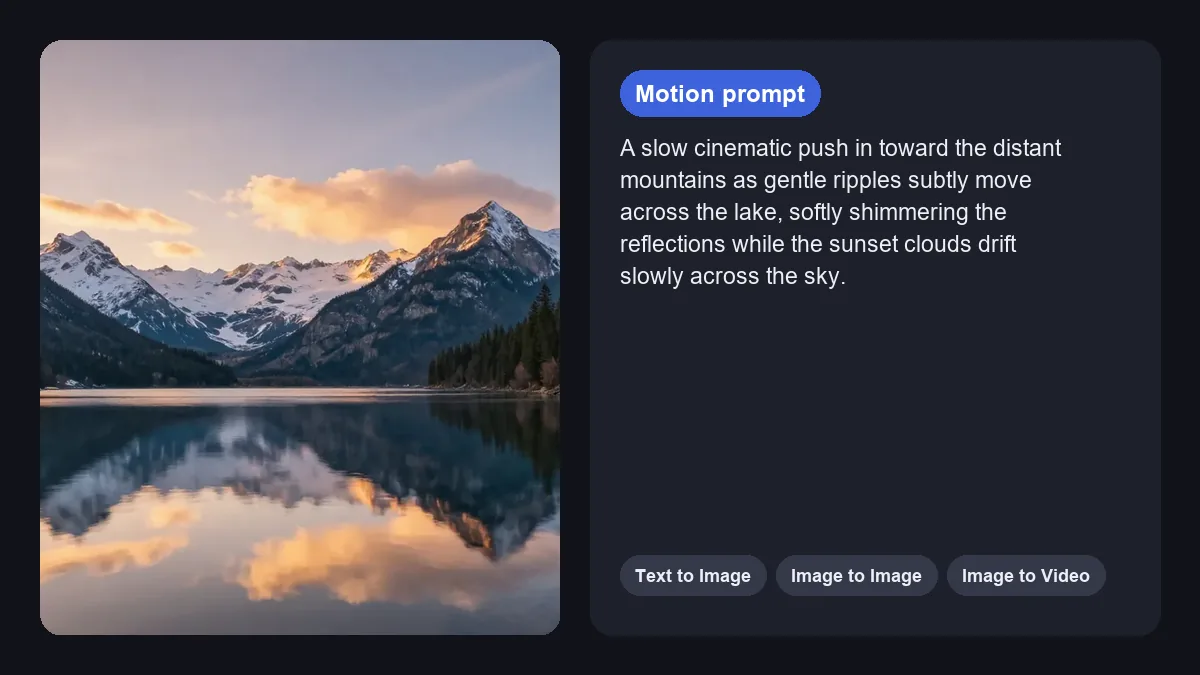
Copy It or Send It On
Edit the text if you like, then copy it or click a button: Text to Image gets the prompt, Image to Image gets the prompt and your picture as the reference, and Image to Video gets your picture as the first frame with the motion prompt.
Image to Prompt That Feeds Straight Into Your Next Creation
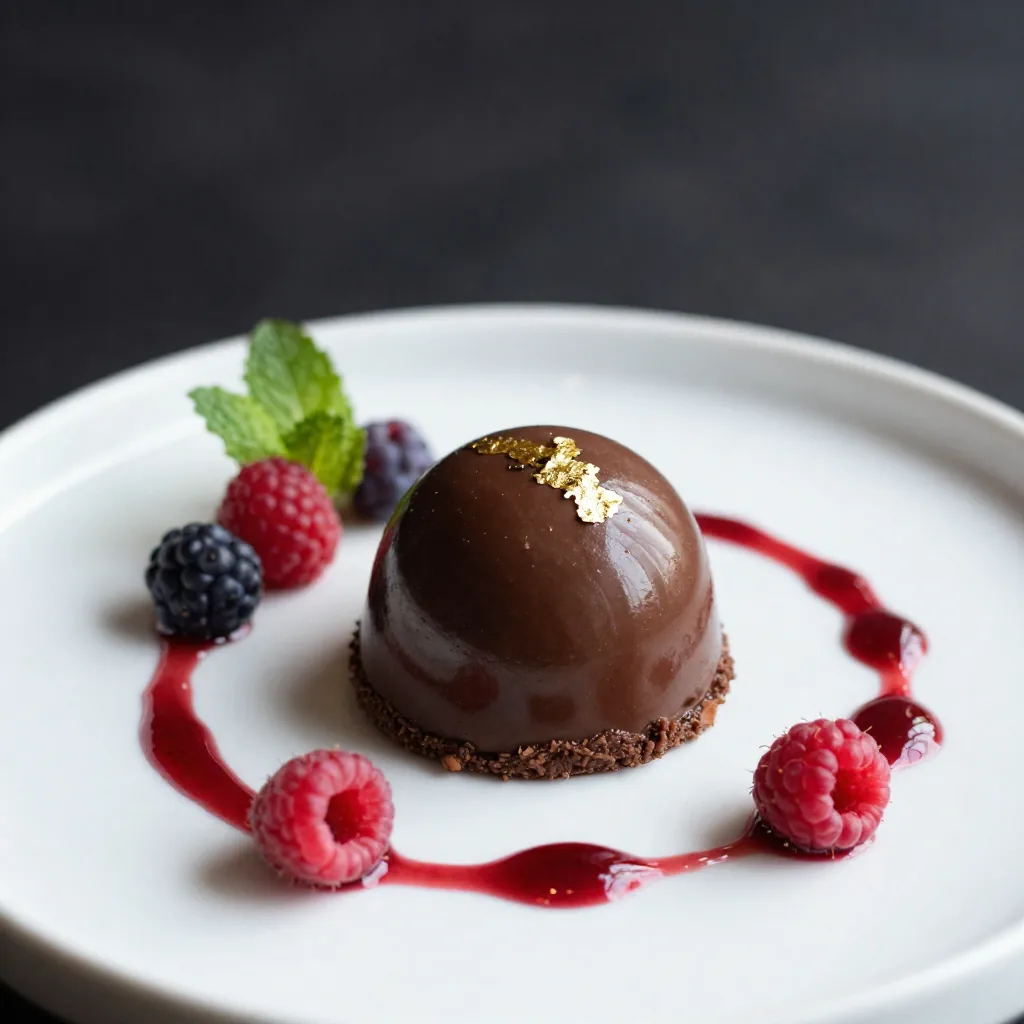
Capture 8 Parts of Every Picture With Image to Prompt
A vague prompt loses what made the picture work. Each photo to prompt result follows one order: subject, setting, medium and style, composition, lighting, color palette, textures and details, then quality terms, so nothing important is skipped.
Name the Right Medium, Photo or Art
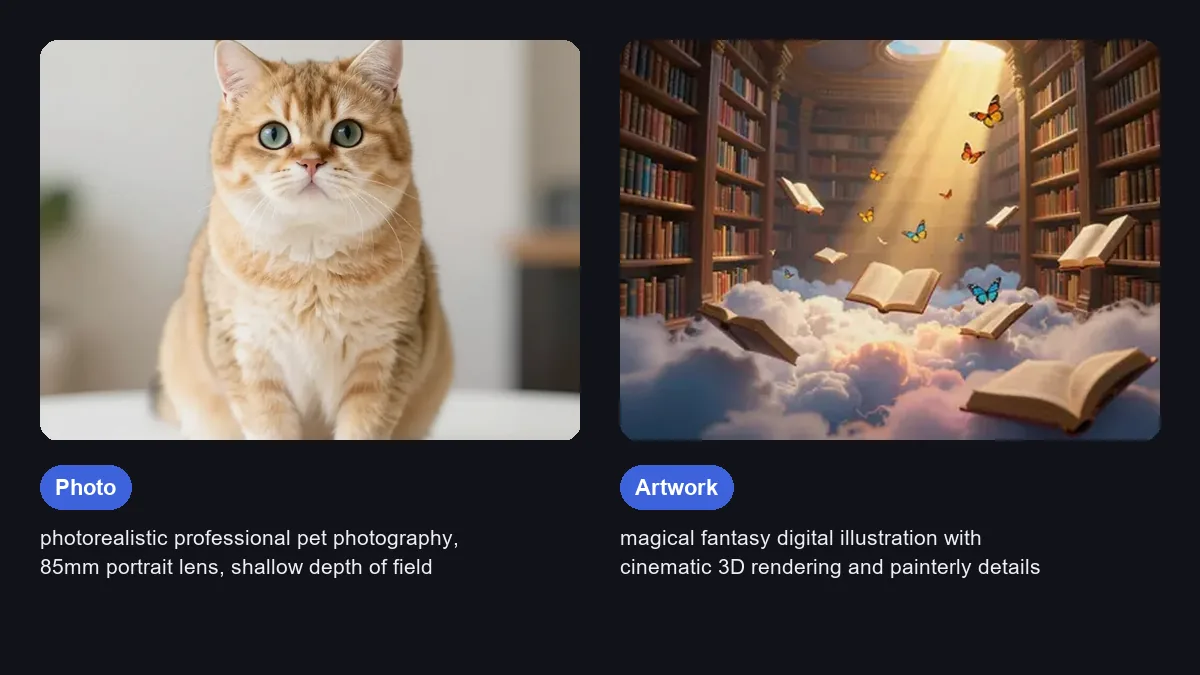
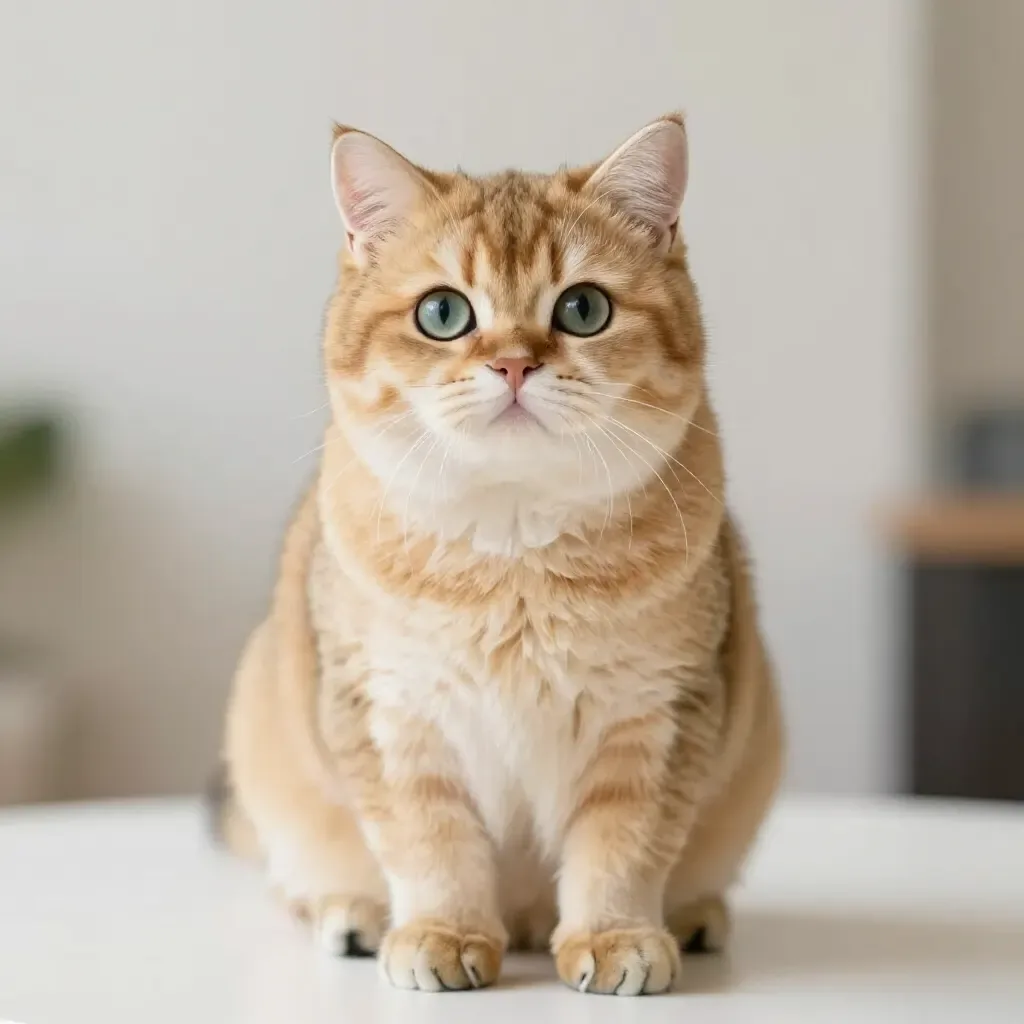
A photo needs camera words and a painting needs art words. Photos get lens and depth of field terms, artwork gets terms such as digital illustration, watercolor or 3D render. Our cat photo came back as 85mm pet photography.
Get a Motion Prompt for Image to Video
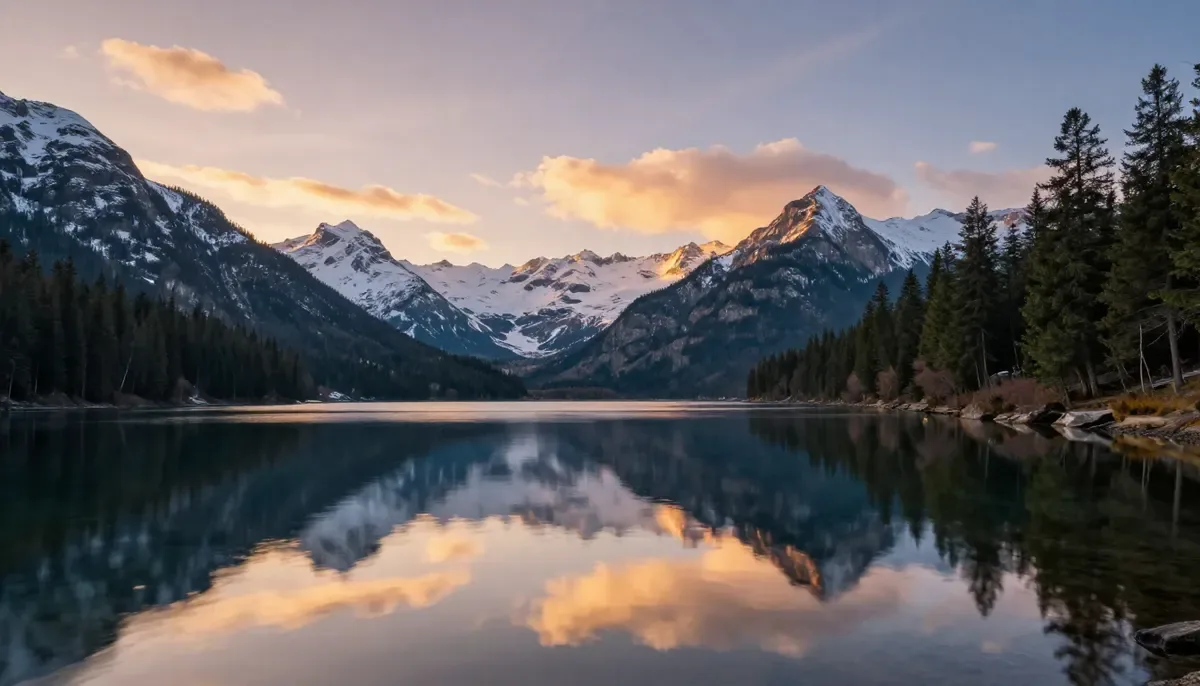
Animating a still is easier when you know what should move. Next to the image prompt you get one or two sentences with a camera move and the natural motion of things already in the frame, such as ripples on a lake.
Send It to 3 Generators in One Click
No copying between tabs. Use in Text to Image fills the prompt box, Use in Image to Image adds your picture as the reference, and Use in Image to Video sets it as the first frame with the motion prompt filled in.
Fit Every Prompt Box at Up to 800 Characters
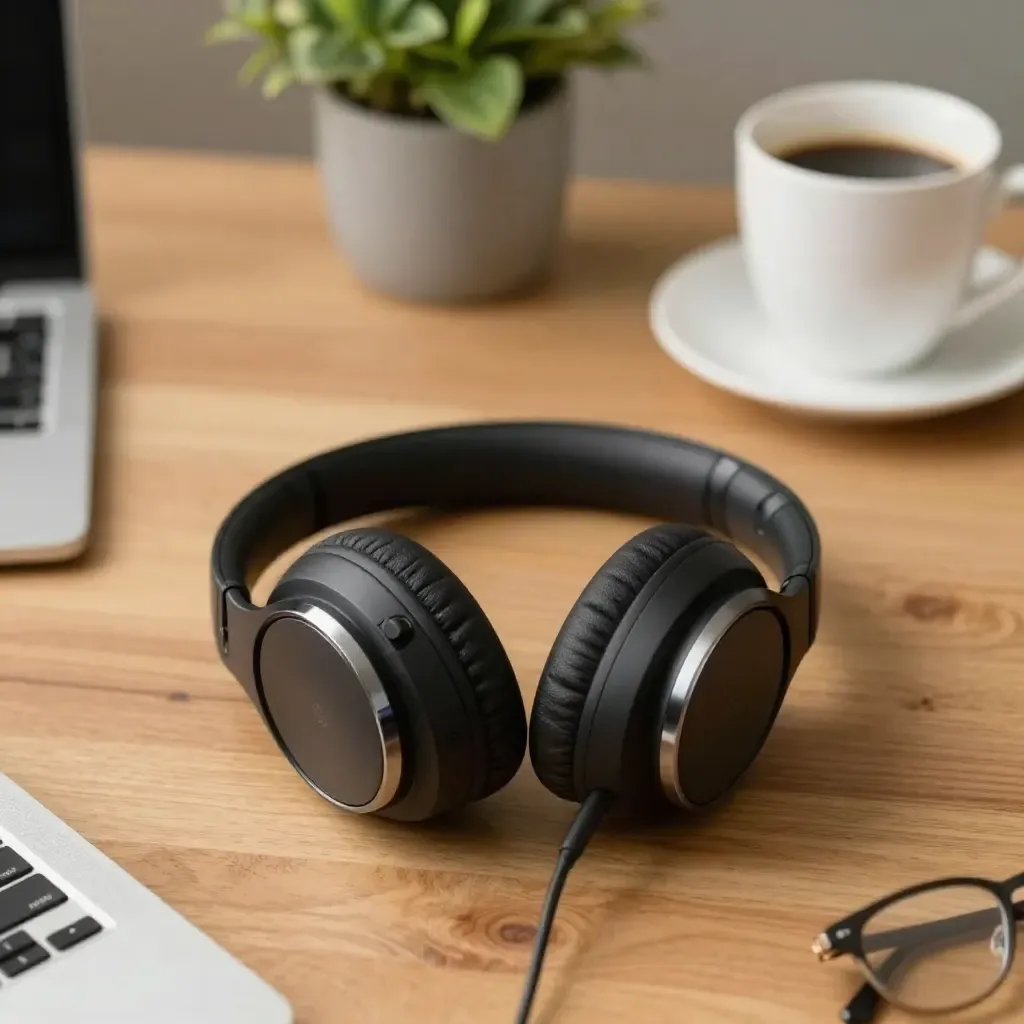
Long prompts get cut off by short input boxes. Every image prompt stays at or under 800 characters, so it fits Text to Image and Image to Image as is and still has room for your own edits.

Describe What It Sees, Never Who
Picture to prompt describes people by what is visible, such as age range, hair, clothing and pose, and never names or guesses who anyone is. Logos and brand marks are described by their look, so prompts stay safe to reuse.
Pay 2 Credits per Picture
Each picture costs 2 credits and you are only charged for prompts you receive. Every prompt is saved in your history, so you can reopen it, copy it again or send it to another generator later.
Frequently Asked Questions About Image to Prompt
Have another question? Contact our team at support@seedance-2ai.org.
What is an image to prompt generator?
It is a tool that works backward from a finished picture: you give it an image and an image to prompt generator returns the words that describe it, in the order an AI image model reads them. On GenWorldAI one upload gives you two results: a detailed image prompt in English and a short motion prompt for turning the picture into a video.
How do I turn a photo into a prompt?
Sign in, upload the photo in the box above and click Generate. Each run takes one picture. When the prompt appears, copy it or click Use in Text to Image, Use in Image to Image or Use in Image to Video to open that generator with everything filled in.
What kinds of pictures work with picture to prompt?
It works with photos and artwork alike: landscapes, food, products, pets, interiors, illustrations, paintings and 3D renders. It names the medium it sees, so a photo gets camera and lens terms and an illustration gets art terms. A sharp, well-lit picture gives the most detailed prompt.
Which file types and sizes can I upload?
Upload a JPEG, PNG or WebP file of up to 10 MB. You can click the upload box, drag a file onto it or paste a picture you copied. The tool reads one picture at a time, and every upload passes a content check before it is used.
How much does image to prompt cost?
Each picture costs 2 credits, and you are only charged for prompts you receive. New accounts get 2 free credits, enough to try it once. Credits come with every plan and credit pack on the pricing page.
What is the motion prompt for?
The motion prompt tells the Image to Video generator how to bring your picture to life. It gives one camera move, such as a slow push in, and the natural motion of things already in the scene, like steam, fur, leaves or water. Click Use in Image to Video to start a clip with your picture as the first frame.
Can I use the prompt in other AI image tools?
Yes. The image prompt is plain English text with comma-separated details, a format most AI image generators accept. Copy it with one click and paste it wherever you like. The prompts are written with the GenWorldAI generators in mind, where they fit the prompt box without trimming.
What happens with photos of people?
The tool describes people only by what you can see: an approximate age range, hair, clothing, expression and pose. It never names anyone or guesses who a person is, even a well-known face, and it describes brand logos by their look rather than their name.
Can I use it as an image description generator?
Yes. Each result is a detailed, ordered description of the picture, covering the subject, setting, style, light and colors, so it also works as an image description generator. Use it as notes for captions and alt text, or to record the look of a reference picture for your team.
Can I edit the prompt before I use it?
Yes. Both the image prompt and the motion prompt can be edited before you copy or send them, for example to change the style or the time of day. Your results are saved in the History tab, so you can open an earlier prompt and use it again.
Ready to Try Image to Prompt?
Upload a picture and get a detailed prompt and a motion prompt, ready for Text to Image, Image to Image or Image to Video. Each picture costs 2 credits, and new accounts get 2 free credits.
- Secure & Private
- 2 Free Credits on Sign-up
- No Card Needed to Sign Up