
TL;DR
Seedance is a multi-modal AI video generation platform built by ByteDance that turns images, videos, audio, and text into cinematic-quality videos. With character consistency, precise camera control, and up to 1080p output, Seedance 2.0 is one of the most powerful AI video tools available in 2026. Free credits are available for every new user — start creating now.
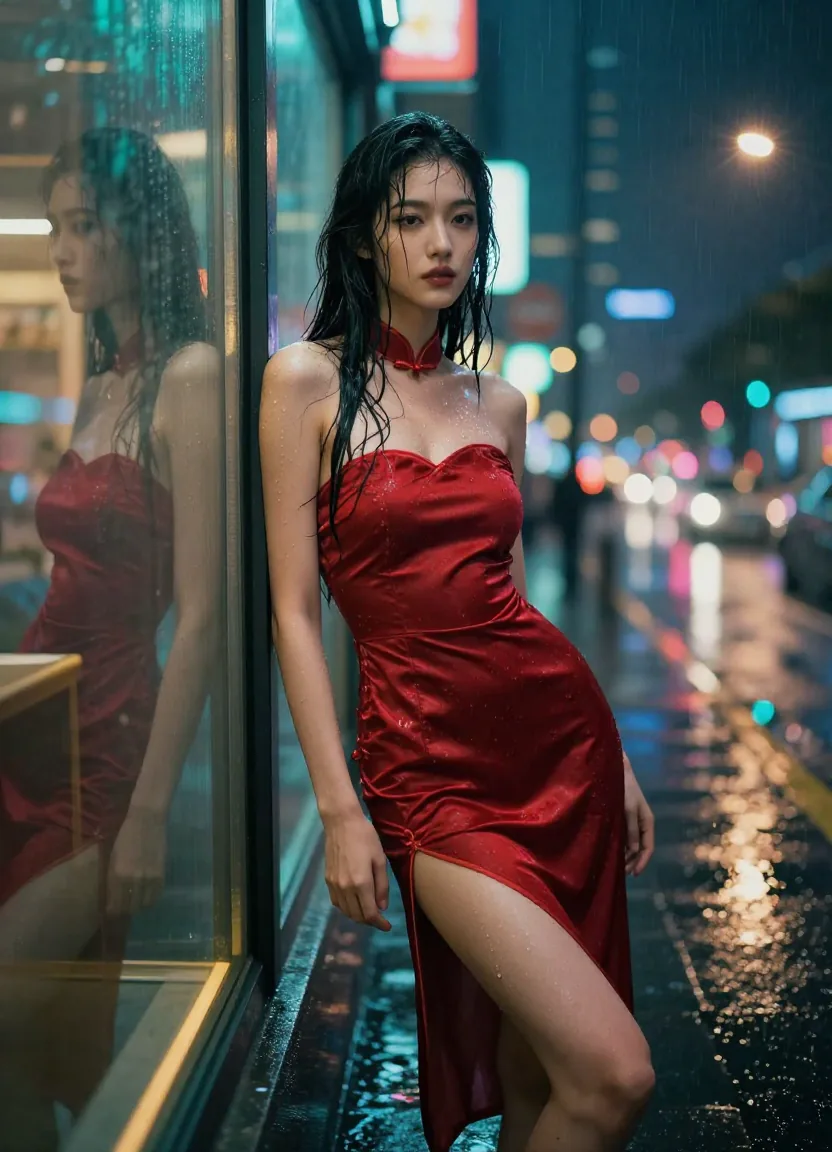
A cinematic video frame generated by Seedance 2.0 — showcasing the platform's ability to produce movie-quality visuals from a single text prompt.
What Is Seedance AI?
Seedance is an AI video generation platform developed by ByteDance's Seed team. Unlike traditional video editors that require hours of manual work, Seedance uses advanced diffusion models to generate complete video sequences from simple inputs — a photo, a text description, an audio clip, or even another video.
The name "Seedance" comes from ByteDance's internal AI research division called Seed, combined with the idea of making images "dance" — literally bringing still content to life through AI.
A Brief History of Seedance
Seedance has evolved rapidly since its initial release:
| Version | Release Period | Key Capability |
|---|---|---|
| Seedance 1.0 Lite | Early 2025 | Basic text-to-video, fast generation |
| Seedance 1.0 Pro | Mid 2025 | Higher quality, longer videos, better consistency |
| Seedance 2.0 | Late 2025 | Multi-modal input, audio generation, camera control |
Seedance 2.0 represents a significant leap forward. While earlier versions were limited to single-modality input (mostly text or a single image), Seedance 2.0 accepts four input types simultaneously: images (up to 9), videos (up to 3), audio files, and text prompts. You can combine up to 12 files across different modalities in a single generation request.
Who Makes Seedance?
Seedance is developed by ByteDance, the same company behind TikTok and Douyin. ByteDance's Seed research team has published several papers on video generation and multi-modal AI, and Seedance is the commercial application of that research. This isn't a small startup experiment — it's backed by one of the world's largest tech companies with deep expertise in video technology.
How Seedance Works: The Multi-Modal Architecture
At its core, Seedance 2.0 uses a diffusion-based video generation architecture that can process multiple input modalities simultaneously. Here's what that means in practical terms.
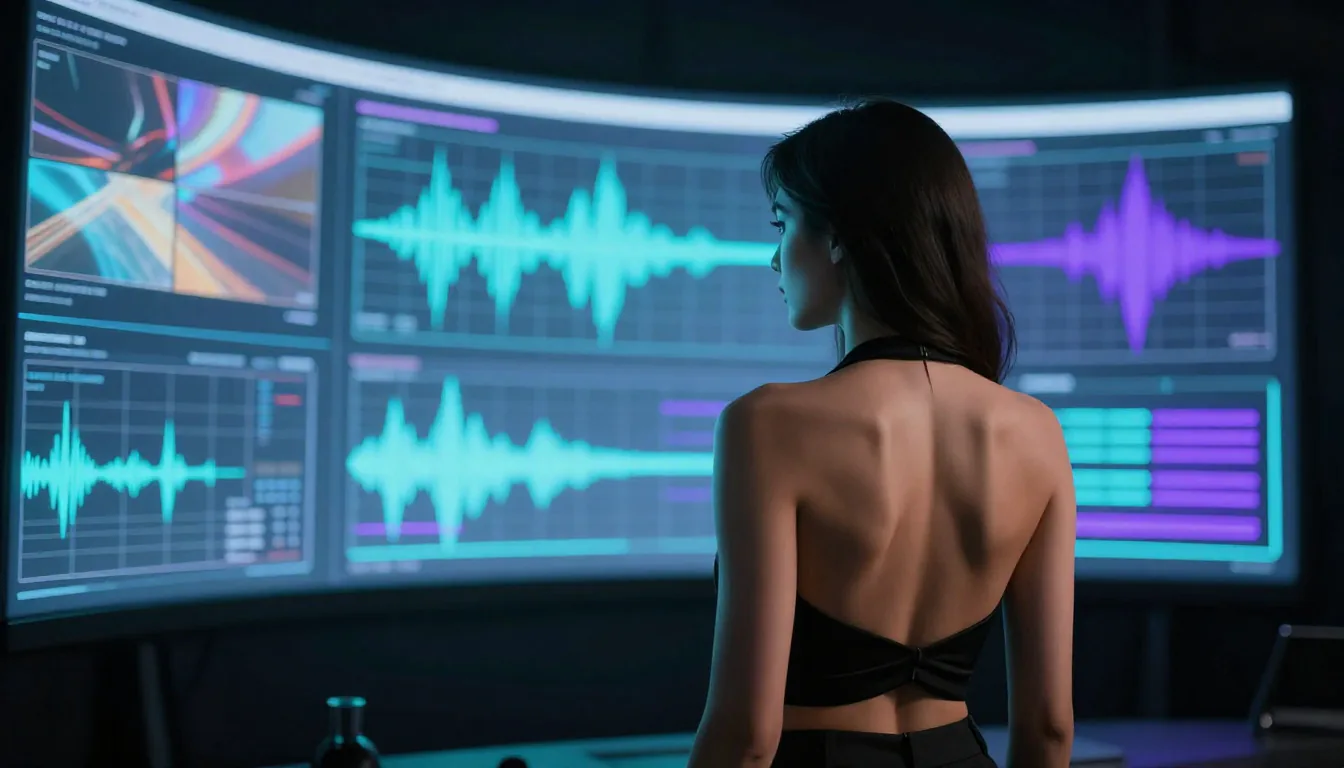
Seedance 2.0's multi-modal architecture processes images, videos, audio, and text simultaneously — a visual representation of the platform's input flexibility.
The Four Input Modalities
1. Image Input (up to 9 images) Upload reference photos — portraits, product shots, landscapes — and Seedance will animate them into video sequences while maintaining the visual identity of the subjects.
2. Video Input (up to 3 clips, total ≤15s) Reference videos for motion, camera movement, and choreography. Seedance extracts the movement pattern and applies it to your generated content.
3. Audio Input (MP3, total ≤15s) Music or sound effects that the video will sync to. The AI understands beats, tempo, and mood to create matching visuals.
4. Text Prompt Natural language descriptions of what you want. The more specific your prompt, the better the result — we cover this in depth in our Seedance Prompt Guide.
How It Differs from Text-Only Generators
Tools like Sora rely almost entirely on text descriptions. This means you're writing complex paragraphs trying to describe exactly what a scene should look like. With Seedance 2.0, you can show the AI what you want:
- Want a specific face? Upload a photo.
- Want a specific dance move? Upload a reference video.
- Want a specific vibe? Upload the soundtrack.
This multi-modal approach dramatically reduces the gap between what you imagine and what the AI produces.
Seedance Model Versions Compared
Seedance offers multiple model versions, each optimized for different use cases and budgets.
| Feature | Seedance 1.0 Lite | Seedance 1.0 Pro | Seedance 2.0 |
|---|---|---|---|
| Max Resolution | 720p | 1080p | 1080p |
| Max Duration | 5 seconds | 10 seconds | 15 seconds |
| Input Modalities | Text only | Text + Image | Text + Image + Video + Audio |
| Character Consistency | Basic | Good | Excellent |
| Camera Control | None | Limited | Full (via reference video) |
| Audio Generation | No | No | Yes |
| Credit Cost | ~6 credits | ~8 credits | ~10 credits |
| Best For | Quick drafts, previews | Social media content | Professional production |
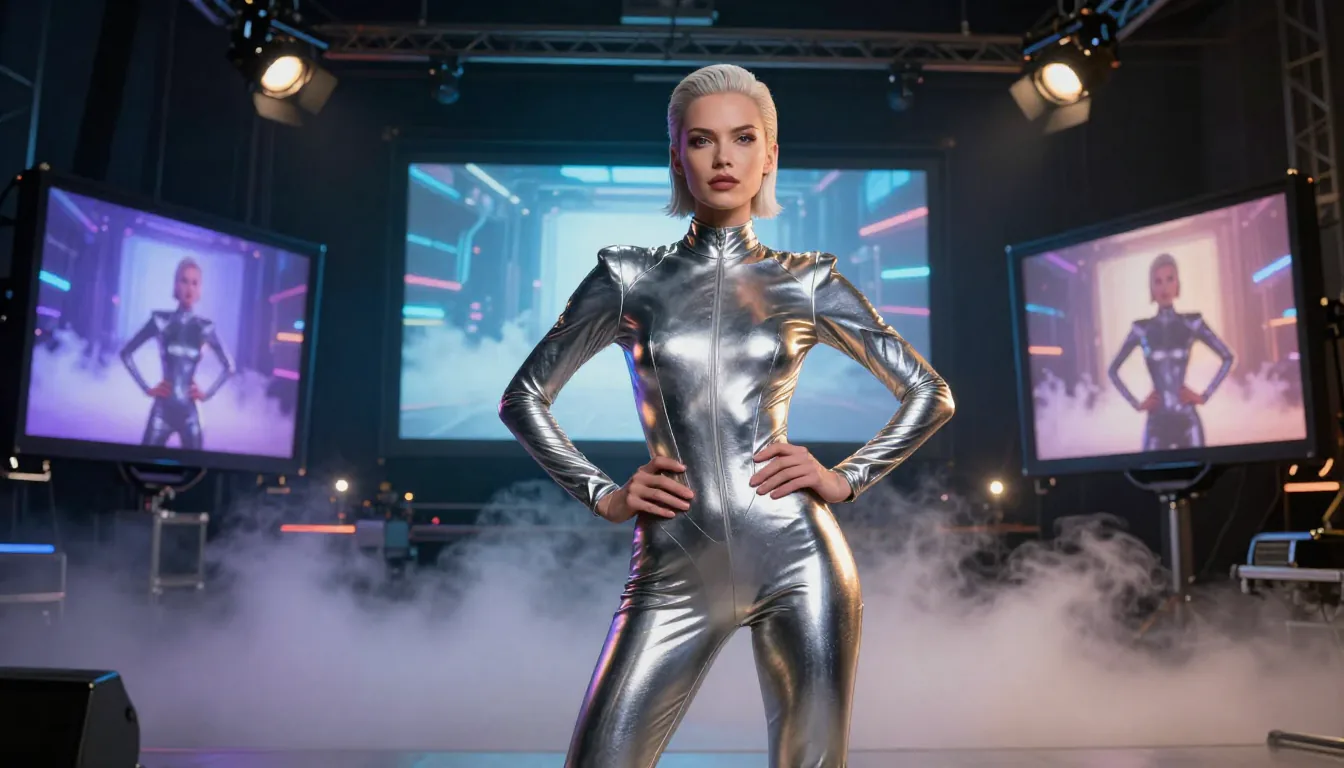
Different Seedance models produce varying levels of quality — from quick Lite drafts to cinema-grade 2.0 output.
Which Model Should You Choose?
-
Seedance 1.0 Lite: Best for rapid prototyping. When you're testing prompt ideas and want fast results without burning through credits, Lite is your go-to.
-
Seedance 1.0 Pro: The sweet spot for most creators. Good quality at a reasonable credit cost, suitable for social media content and marketing videos.
-
Seedance 2.0: When quality matters. Use this for professional content, client work, or any video that needs to look polished. The multi-modal input gives you far more control over the final result.
Key Features of Seedance 2.0
1. Character Consistency
One of the biggest challenges in AI video generation is keeping characters looking the same across frames. Seedance 2.0 solves this with its character consistency engine — faces, clothing, body proportions, and even small details like jewelry stay identical throughout the entire video.

The same character across three completely different scenes — Seedance 2.0 maintains perfect face and body consistency regardless of environment, lighting, or wardrobe changes.
This is a game-changer for anyone creating short dramas, serialized content, or brand campaigns where a consistent character is essential.
2. Motion and Camera Control
Upload a reference video, and Seedance 2.0 will replicate the camera movements and subject motion. Want a smooth dolly shot? A dramatic crane reveal? A dynamic tracking shot following an action scene? Simply find a reference clip with that camera movement, upload it, and describe your scene.
This feature alone eliminates hours of prompt engineering. Instead of trying to describe "a slow push-in from medium shot to close-up with a slight left-to-right pan," you just show the AI what you mean.
3. Multi-Modal Input
As detailed above, Seedance 2.0 accepts images, videos, audio, and text simultaneously. This isn't just a gimmick — it fundamentally changes the creative workflow:
- Music video creators can upload a track and get visuals that match the beat.
- Filmmakers can upload storyboard sketches plus reference footage to get pre-visualization clips.
- E-commerce sellers can upload product photos and get animated lifestyle videos.
4. Built-in Audio Generation
Seedance 2.0 can automatically generate context-aware sound effects and background music. The audio generation understands what's happening in the video — footsteps, wind, ambient sound — and creates matching audio. You can also upload your own audio to sync the video to specific beats or dialogue.
5. Watermark-Free Output
All videos generated with Seedance 2.0 are completely watermark-free. You download clean, professional-quality files ready for immediate use in any context — social media, client presentations, commercial campaigns.
Seedance vs Other AI Video Generators
How does Seedance stack up against the competition in 2026? Here's an honest comparison.
| Feature | Seedance 2.0 | Sora 2 | Kling 2.6 | Wan |
|---|---|---|---|---|
| Developer | ByteDance | OpenAI | Kuaishou | Alibaba |
| Input Types | Image + Video + Audio + Text | Text + Image | Text + Image | Text + Image |
| Max Duration | 15s | 20s | 10s | 5s |
| Max Resolution | 1080p | 1080p | 1080p | 720p |
| Character Consistency | Excellent | Good | Good | Fair |
| Camera Control | Reference video | Text only | Text only | Text only |
| Audio Generation | Built-in | No | No | No |
| Watermark-Free | Yes | Yes (paid) | Yes (paid) | Yes (paid) |
| Free Tier | Yes | Limited | Limited | Yes |
| Starting Price | $9.90/mo | $20/mo | $15/mo | Free (limited) |
Where Seedance Wins
- Multi-modal input: No other tool matches Seedance's ability to combine images, videos, audio, and text simultaneously.
- Camera control via reference video: Instead of trying to describe camera movements in text, you show what you want.
- Built-in audio: Saves a separate step in the workflow.
- Price-to-quality ratio: Competitive pricing with free tier access.
Where Others May Be Better
- Sora 2 supports longer videos (up to 20 seconds) and has a strong brand reputation.
- Kling 2.6 has excellent motion quality and is improving rapidly.
- Wan is open-source, which matters for some technical users.
The honest take: Seedance 2.0 is the best all-around choice for creators who need multi-modal flexibility and don't want to juggle multiple tools. If your primary need is maximum video length, Sora might be a better fit. If you need open-source models for self-hosting, look at Wan.
Who Is Seedance For?
Seedance 2.0 serves a wide range of users. Here are the primary use cases:

From indie filmmakers to marketing teams — Seedance 2.0 serves creators who need professional-quality AI video generation.
Content Creators & YouTubers
Create eye-catching thumbnails-to-video content, B-roll footage, intros, and transitions without a camera crew. Seedance's character consistency means you can create a virtual presenter that looks the same across every video.
Filmmakers & Video Producers
Pre-visualize scenes before shooting. Test camera angles, lighting moods, and character looks before spending production budget. Use reference videos to demonstrate exact camera movements you want the AI to replicate.
Marketing Teams & Agencies
Generate product showcase videos, ad creatives, and social media content at scale. At $9.90/month for 300 credits, the cost per video is a fraction of traditional production.
E-Commerce Sellers
Turn product photos into dynamic lifestyle videos. Upload your product images and get animated content showing products in context — no studio, no models, no photographer needed.
Indie Game Developers
Create cinematic trailers, cutscenes, and promotional materials. The anime and fantasy style generation is particularly strong, making it viable for game marketing on a small budget.
Seedance Pricing: Is It Free?
Yes, Seedance offers free credits to every new user. You can start generating AI videos without paying anything or entering a credit card.
Here's the full pricing breakdown:
| Plan | Price | Credits | Best For |
|---|---|---|---|
| Free | $0 | Signup bonus | Trying it out |
| Starter | $9.90/mo | 300/month | Regular creators |
| Pro | $19.90/mo | 800/month | Active professionals |
| Business | $49.90/mo | 2,500/month | Teams and studios |
Credit costs per generation:
- Text-to-Video: 6 credits
- Image-to-Video: 8 credits
- Video-to-Video: 10 credits
That means on the Starter plan at $9.90/month, you get roughly 50 text-to-video generations or 37 image-to-video generations per month. Annual plans save you 2 months (e.g., Pro annual is $199/year instead of $238.80).
One-time credit packs are also available if you prefer not to subscribe — starting at $9.99 for 200 credits that never expire.
For a deeper dive into maximizing your free credits, read our Seedance Free Guide.
Full pricing details are available on the pricing page.
FAQ
What is Seedance AI and how does it work?
Seedance is a multi-modal AI video generation platform by ByteDance. It uses diffusion-based models to convert images, videos, audio, and text inputs into cinematic-quality video output. You upload your reference materials, describe what you want in natural language, and the AI generates a complete video sequence.
Is Seedance free to use?
Yes. Every new user receives free credits upon signing up. No credit card is required. For ongoing use, paid plans start at $9.90/month. You can also purchase one-time credit packs starting at $9.99 that never expire.
Is Seedance open source?
The Seedance AI model itself is developed by ByteDance and is not fully open-source. Our platform provides a user-friendly interface with credit management, video history, and multi-model support, making advanced AI video generation accessible to everyone.
Does Seedance support audio generation?
Yes. Seedance 2.0 includes built-in audio generation that creates context-aware sound effects and background music. You can also upload your own audio files (MP3, total ≤15s) to sync video content to specific beats, dialogue, or music.
What is the difference between Seedance 1.0 and 2.0?
Seedance 1.0 supported text-only or text+image input with basic video generation. Seedance 2.0 adds multi-modal input (image + video + audio + text simultaneously), superior character consistency, reference video-based camera control, built-in audio generation, and significantly higher output quality. See the comparison table above for full details.
Does Seedance have content restrictions?
Seedance has standard content moderation policies consistent with major AI platforms. Content that violates guidelines — including illegal content, explicit material, and content that infringes on others' rights — is restricted. Within those boundaries, creative freedom is broad.
Conclusion
Seedance 2.0 is one of the most capable AI video generators available in 2026. Its multi-modal architecture, character consistency engine, and reference video-based camera control put it ahead of most competitors for general-purpose AI video creation.
Whether you're a content creator looking to produce more engaging content, a filmmaker exploring AI-powered pre-visualization, or a marketer who needs video content at scale — Seedance offers a compelling combination of quality, flexibility, and pricing.
The best way to understand Seedance is to try it. Free credits are available for every new user, no credit card required.
Start creating AI videos for free →
Ready to learn more? Read our complete guide on how to use Seedance, explore our Seedance prompt examples for inspiration, or see real output in our 10 creative use cases showcase. Comparing tools? Read Seedance vs Sora, Seedance vs Kling, Seedance vs Google Veo 3, or our best AI video generators 2026 comparison.
