
Turn Anything Into an Adorable AI Squish Video
Upload a photo of an object, toy or character and watch it get squished like mochi. One photo in, a short squish video out. Sign in to generate; each video costs 15 credits.
AI Squish Video Generator
Upload Image
See the AI Squish Video Generator in Action: Before & After
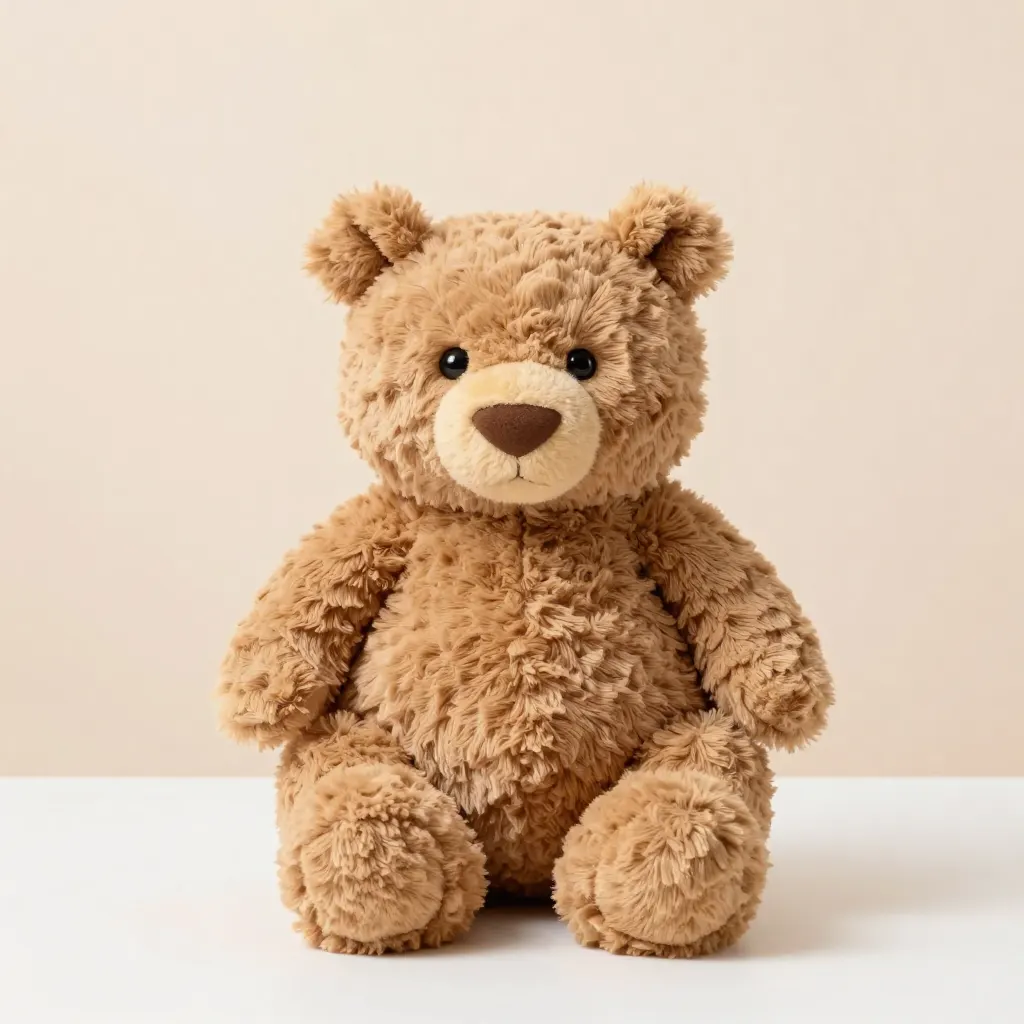
Squishy Teddy Bear
An AI squish video generator example of a plush teddy bear getting squished into adorable mochi form
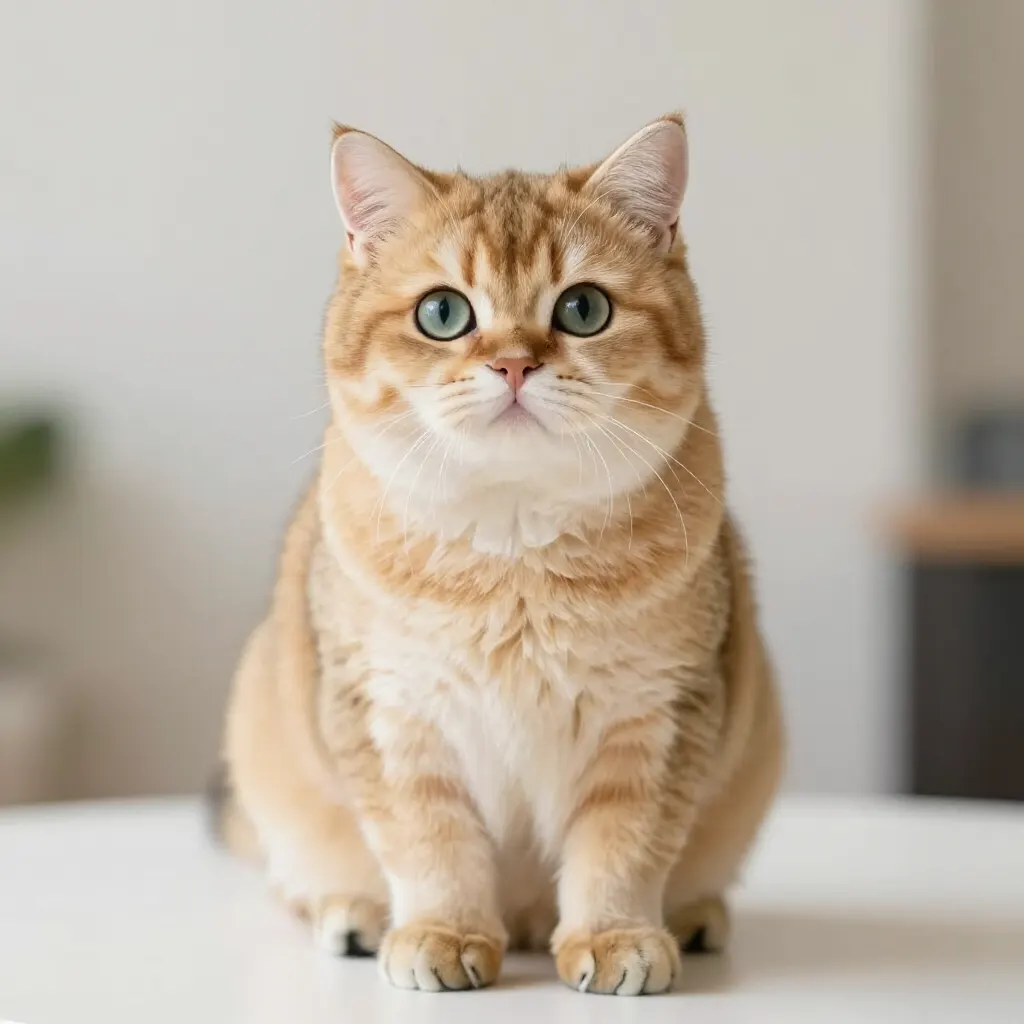
Mochi Cat
A cat photo squished and bounced like soft mochi
Make an AI Squish Video in 3 Simple Steps
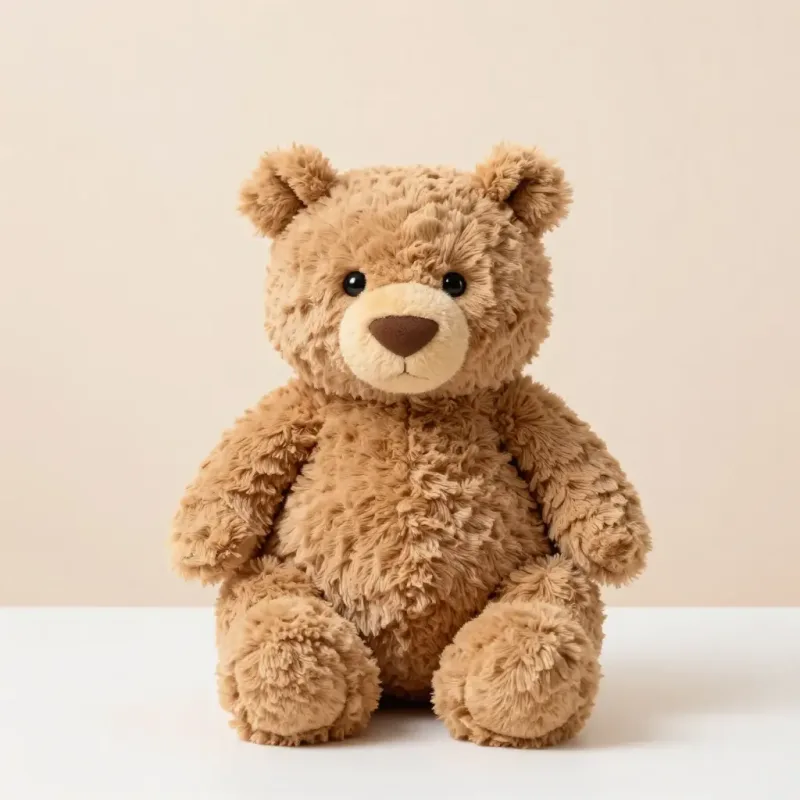
Upload Any Photo
Upload a photo of anything you want to see squished: stuffed animals, figurines, food, pets or people. A clear subject works best. JPG, PNG and WebP are supported, up to 10 MB.
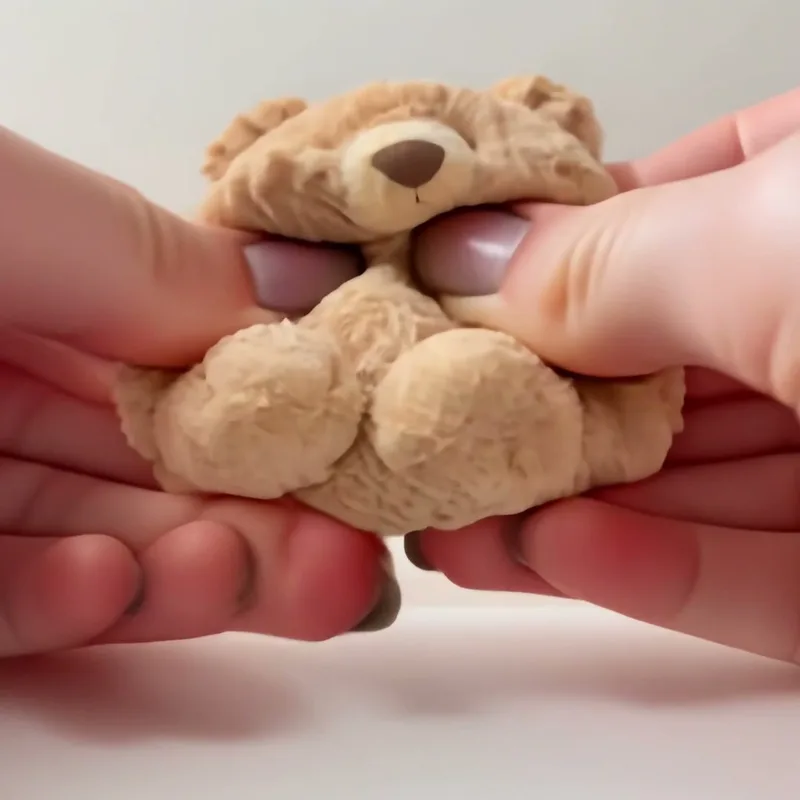
AI Creates the Squish
The AI animates your subject being squished and bouncing back like soft mochi. There is no prompt to write. A progress bar shows while it works, and the video appears in History when it is ready.
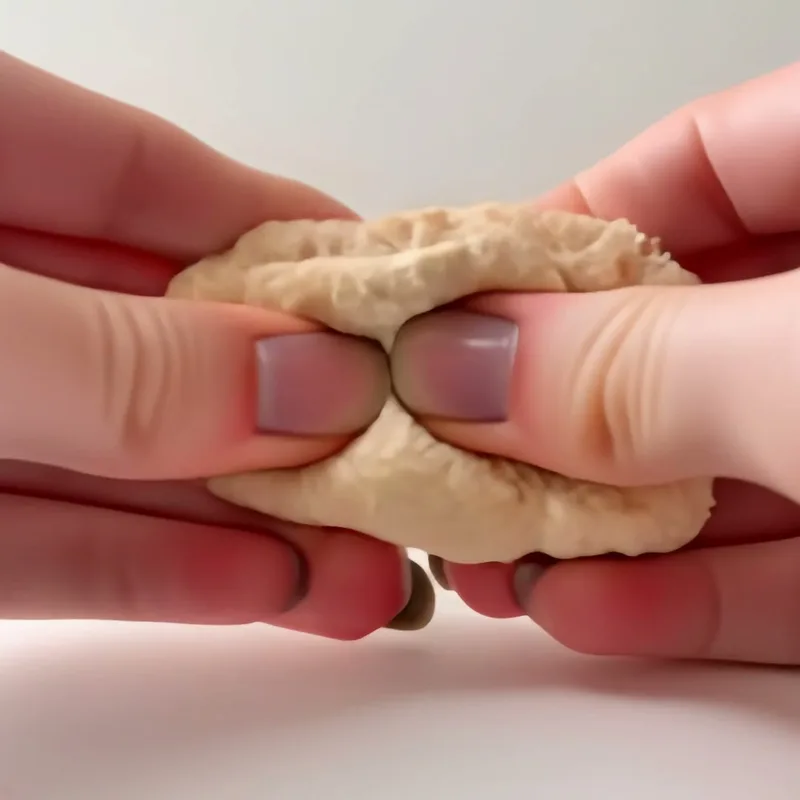
Download & Share
Play your squish video in History and download it for TikTok, Instagram Reels or a meme. Downloads carry a GenWorldAI watermark until your account makes its first purchase (any plan or credit pack).
A Satisfying AI Squish & Mochi Effect
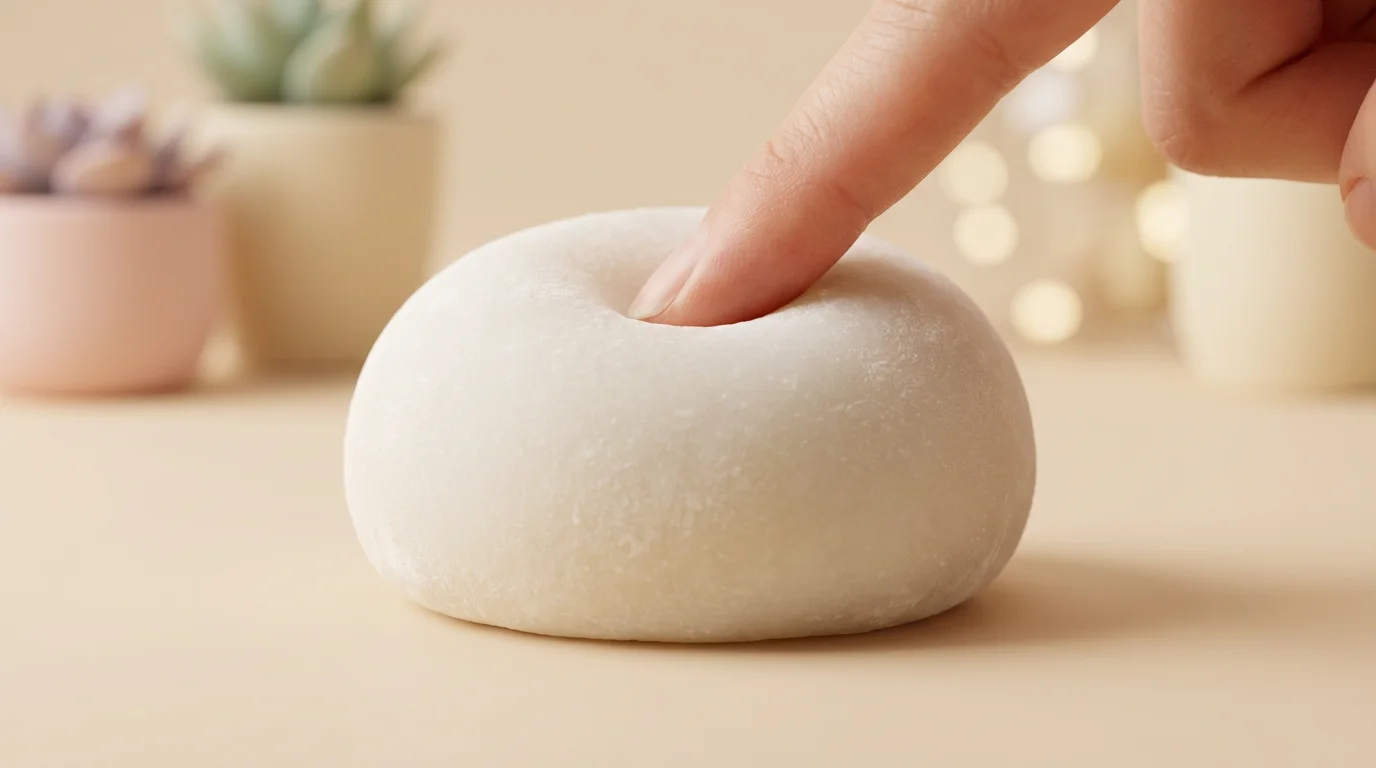
Satisfying Mochi Physics
The AI animates your subject squishing, bouncing and wobbling like soft mochi: the same playful squish look you may have seen in short videos.
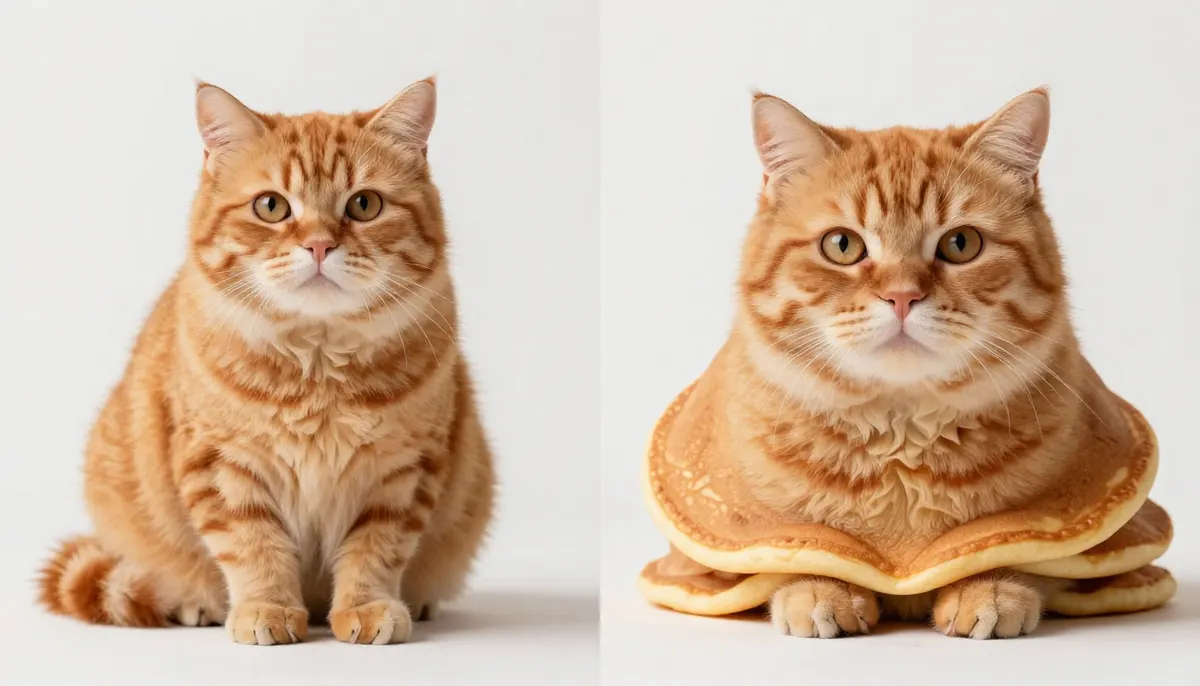
Works With Any Subject
From plush toys and figurines to pets and people, the squish effect works on many kinds of subjects. The video starts from your photo, and the AI aims to keep its look while it squishes.
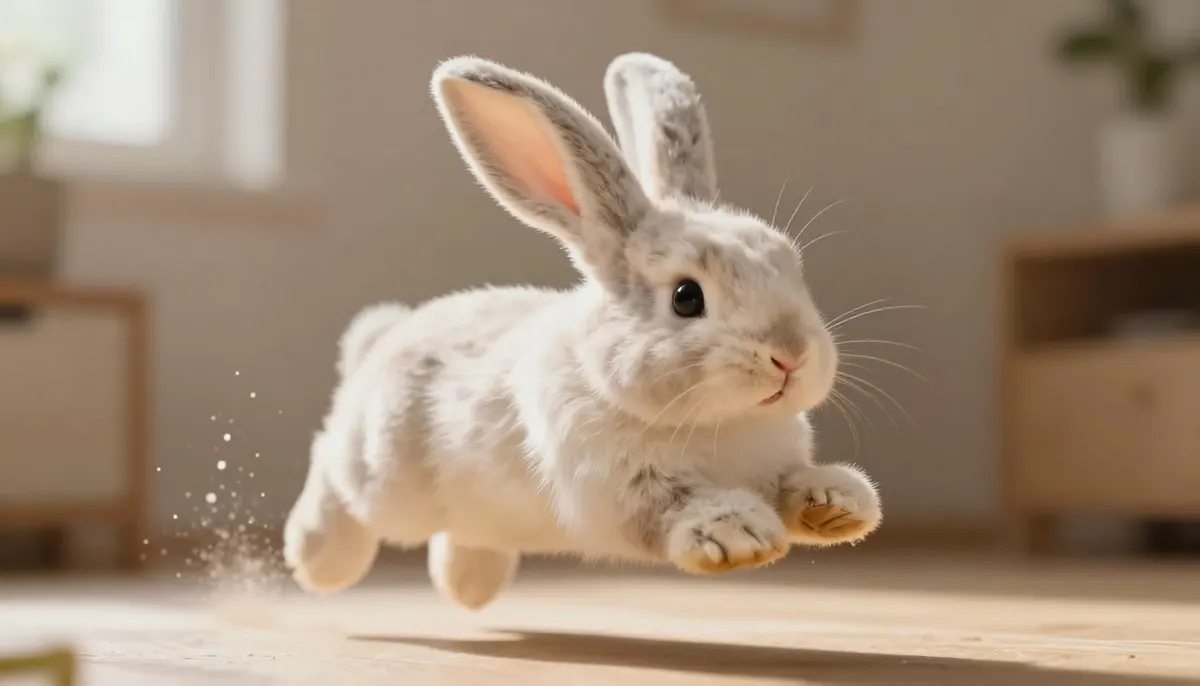
Made for Social Media
Squish clips are short and playful, which suits TikTok, Instagram Reels and YouTube Shorts. Download the clip and post it wherever you like.
Zero Configuration
No prompt and no settings to adjust. Upload a photo and click Generate, and the AI handles the squish. Every squish video costs the same 15 credits.
Saved in Your History
Every squish video is saved in History, where you can play it again and download it. Downloads carry a watermark until your account's first purchase; any plan or credit pack removes it.
Share Anywhere
Download your squish video and post it on TikTok, Instagram Reels, YouTube Shorts or X, or send it to friends.
Frequently Asked Questions About AI Squish Generator
Have more questions? Contact us at support@seedance-2ai.org.
What is the AI Squish Generator?
The AI Squish Generator turns a photo into a short video of its subject being squished like soft mochi, the playful squish effect you may have seen on TikTok and Instagram.
How do I make a squish video?
Sign in, upload a photo of a toy, pet, food or person, and click Generate. The AI makes the squish animation; there is no prompt and nothing to set. The finished video appears in History.
Is the AI Squish Generator free?
New accounts get 2 free credits, which is not enough for a squish video: each one costs 15 credits. Credits come with a plan (from $10 a month) or a one-time credit pack (from $9.99, and pack credits never expire).
What kind of photos work best?
Photos with a clear, centered subject against a simple background work best. Stuffed animals, figurines and rounded objects squish especially well, but you can try almost any subject. JPG, PNG and WebP are supported, up to 10 MB.
How long are the squish videos?
About 5 seconds; the effect sets the length.
Can I use squish videos for commercial content?
Personal use is open to every account. Commercial use (ads, client work, products, monetized channels) comes with your account's first purchase, a plan or a credit pack, and covers everything you made with the account, including earlier work. Make sure your photos are yours to use and don't infringe anyone's rights (see the Terms of Service). Downloads carry a GenWorldAI watermark until your account makes its first purchase; any plan or credit pack removes it.
Ready to Try the AI Squish Video Generator?
Upload any photo and use the AI squish video generator to turn it into an adorable squishy mochi video. Each video costs 15 credits.
- Secure & Private
- No Card Needed to Sign Up