
Turn Two Photos Into a Heartwarming AI Hug Video
Upload one photo of each person. GenWorldAI joins the two photos into one picture and animates them into a short hug video. Sign in to generate; each video costs 15 credits.
AI Hug Video Generator
Person 1
Person 2
See the AI Hug Video Generator in Action: Before & After

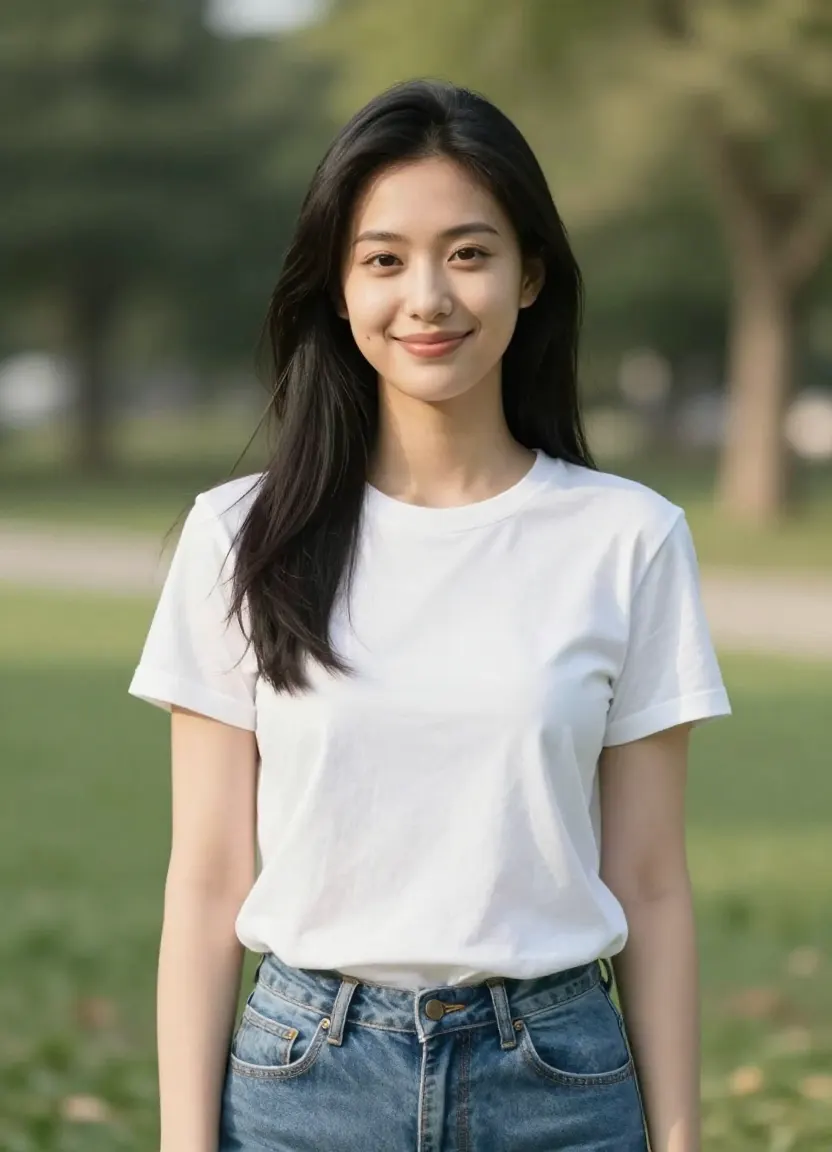
Friends Reunion Hug
An AI hug video generator example that combines two separate photos into a warm, heartfelt embrace
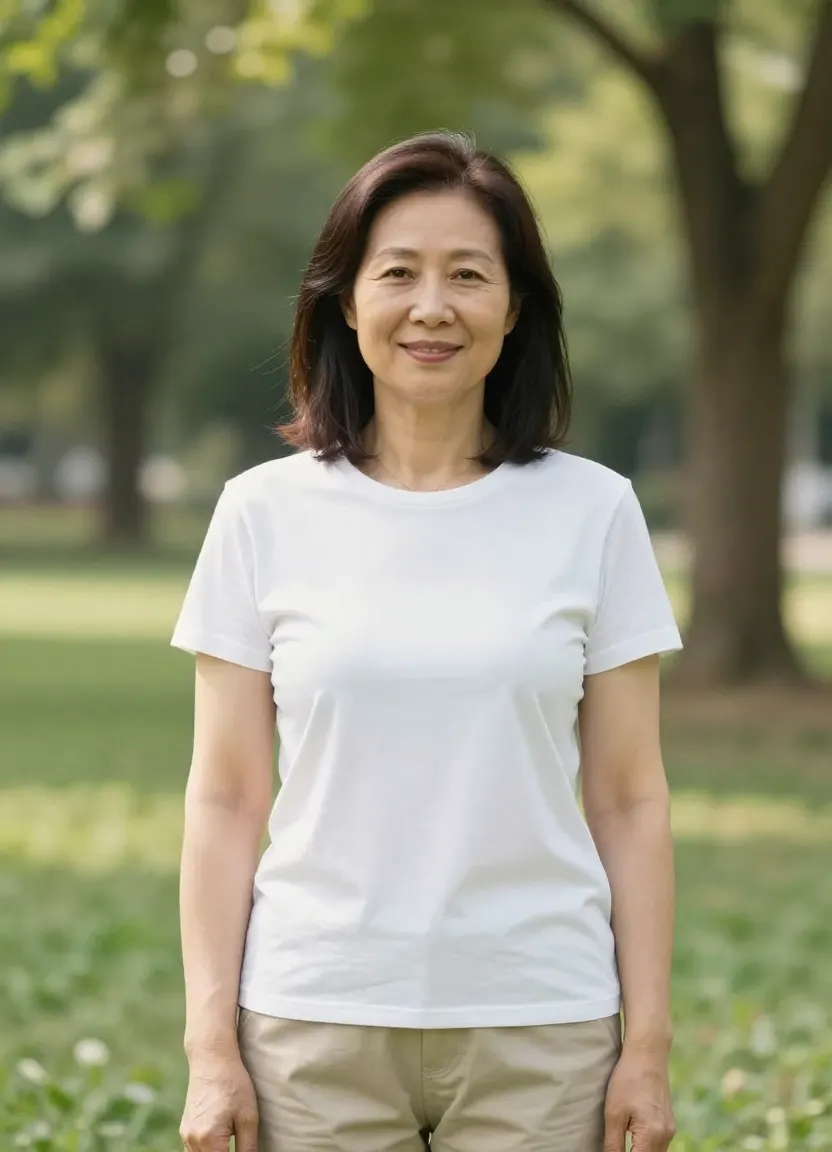
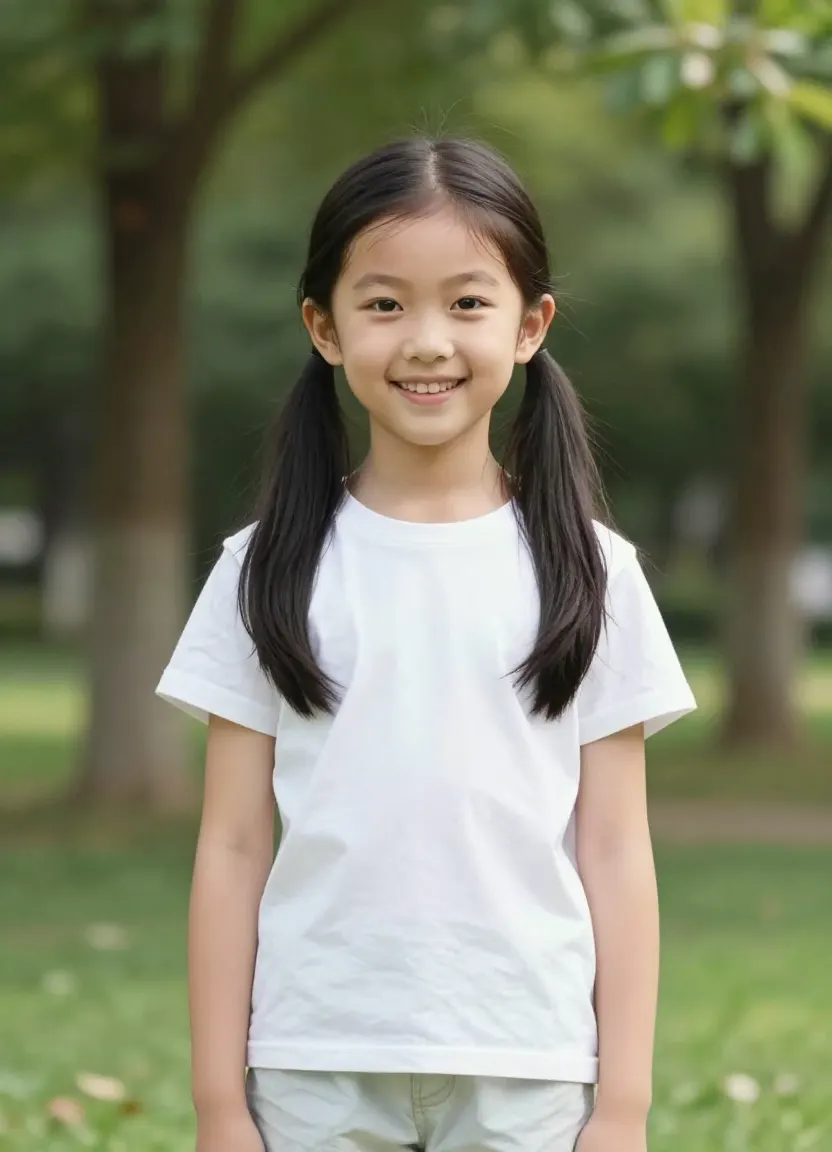
Family Embrace
Another AI hug video generator example that merges two family photos into a tender hug moment
Create an AI Hug Video in 3 Simple Steps
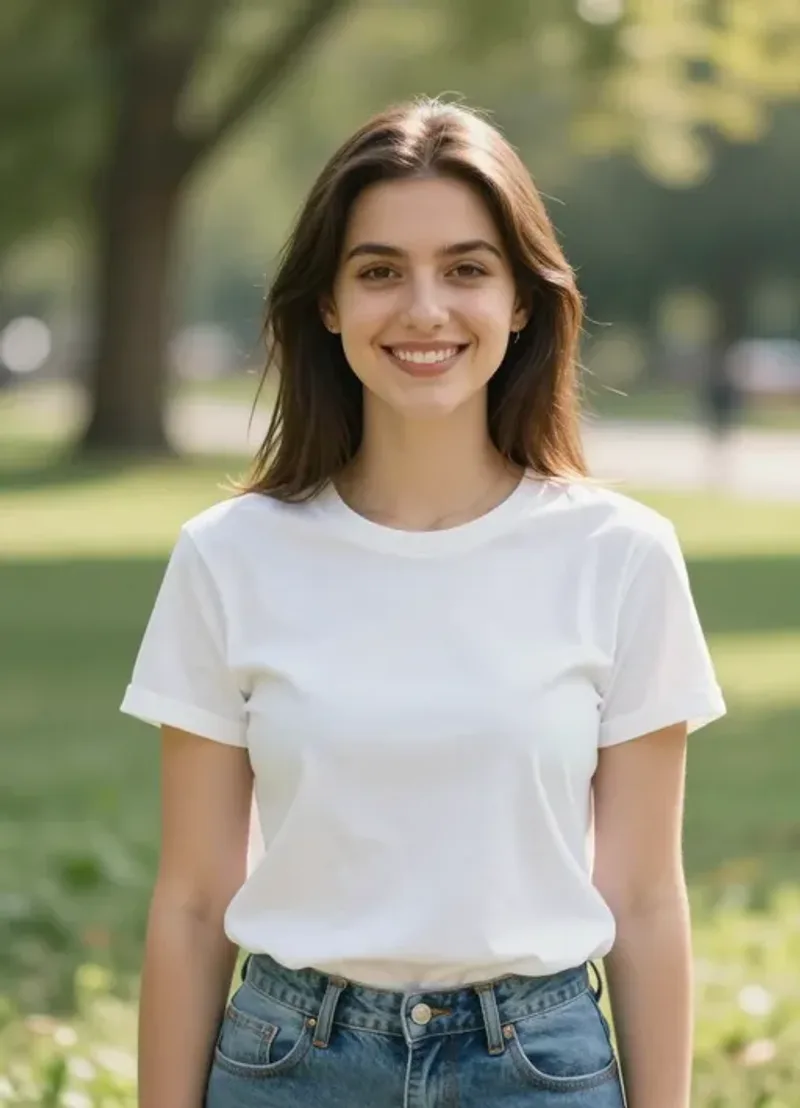
Upload Two Photos
Upload two clear photos, one of each person. Well-lit photos with visible faces and upper bodies work best. JPG, PNG and WebP are supported, up to 10 MB each.
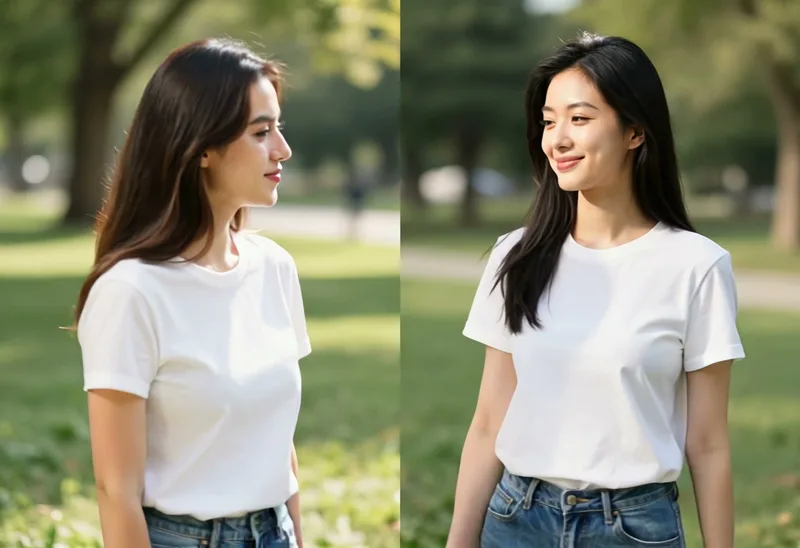
AI Stitches & Generates the Hug
GenWorldAI joins the two photos side by side, and the AI animates the two people into a hug. There is no prompt to write. A progress bar shows while it works, and the video appears in History when it is ready.
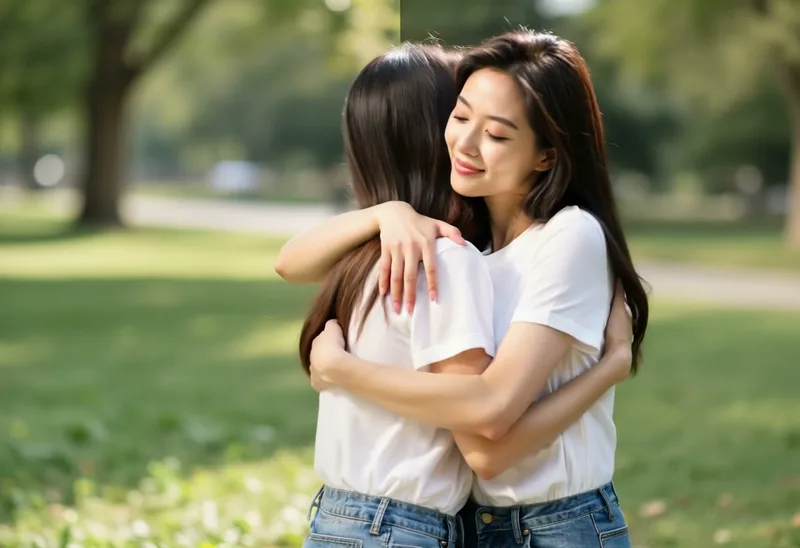
Download & Share
Play your AI hug video in History and download it to share or send to friends. Downloads carry a GenWorldAI watermark until your account makes its first purchase (any plan or credit pack).
What You Get From the AI Hug Video Generator

Natural Hug Motion
The AI animates the two people moving into an embrace and works out arm placement and body lean for you, aiming for motion that looks natural and warm.
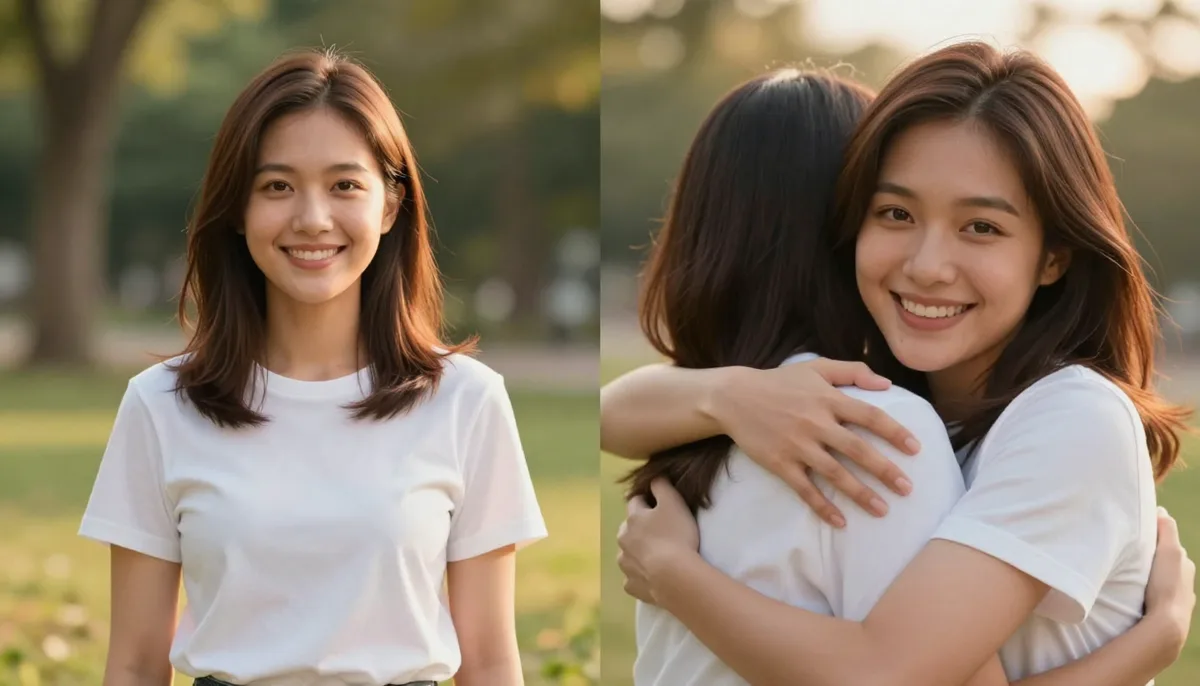
Made From Your Own Photos
The video starts from your two photos, and the AI aims to keep each person's face, hair and clothing as they are. Clear, well-lit photos give it the most to work with.
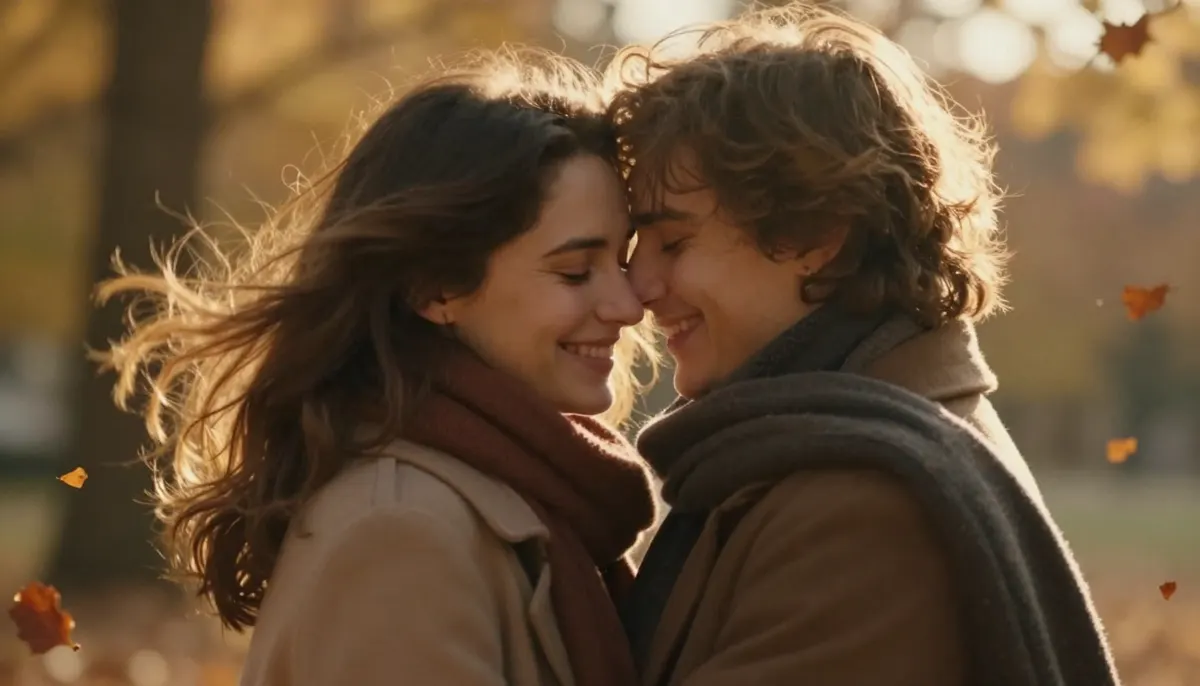
Expressions From the AI
Facial expressions during the hug are made by the AI, so they vary from photo to photo. Photos where both faces are clearly visible tend to work best.

One-Click Generation
No prompt and no settings. Upload two photos and click Generate, and the AI handles the rest. Every hug video costs the same 15 credits.
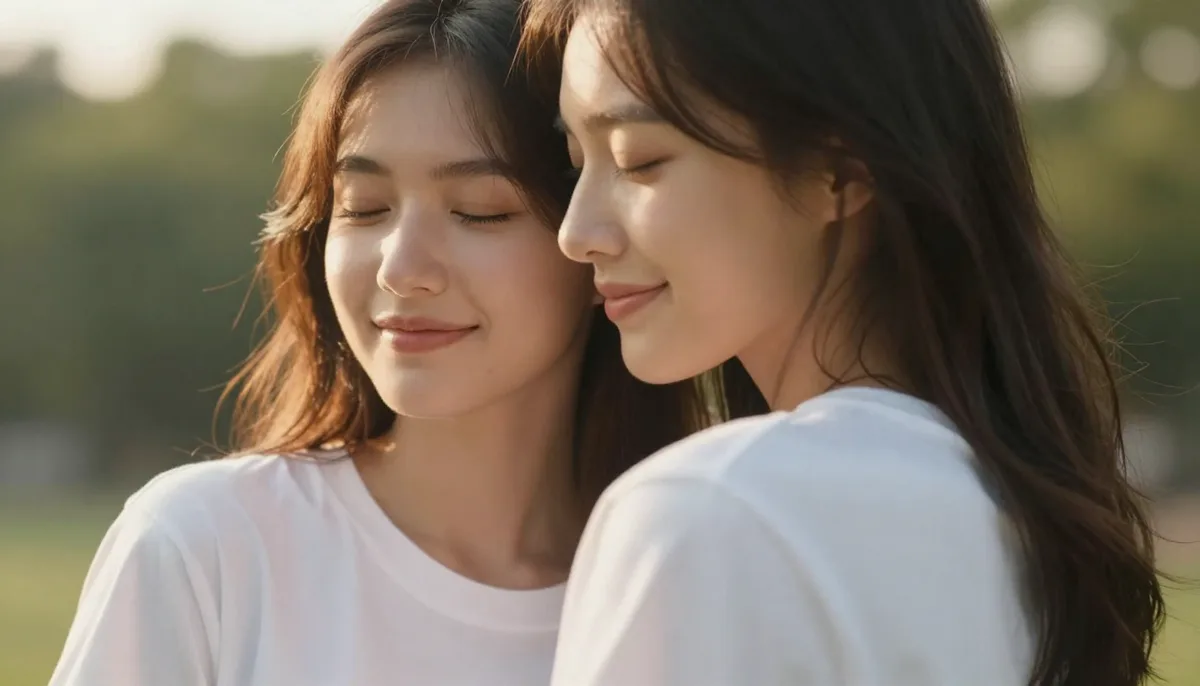
Saved in Your History
Every hug video is saved in History, where you can play it again and download it. Downloads carry a watermark until your account's first purchase; any plan or credit pack removes it.
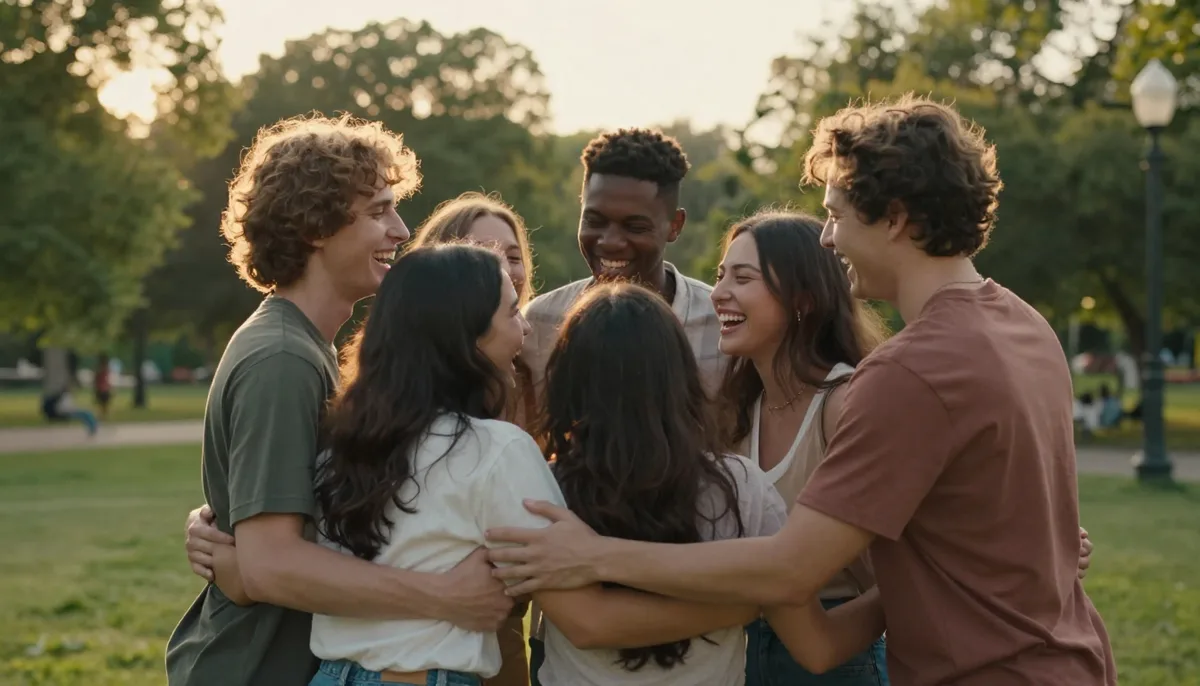
Share Anywhere
Download your AI hug video and share it on TikTok, Instagram, WhatsApp, or any platform. A simple way to send friends and family a hug from far away.
Frequently Asked Questions About AI Hug Generator
Have more questions? Contact us at support@seedance-2ai.org.
What is the AI Hug Generator?
The AI Hug Generator turns two photos, one of each person, into a short video of them hugging. GenWorldAI joins the two photos into one picture, and the AI then animates the embrace.
How do I use the AI Hug Generator?
Sign in, upload two clear photos (one per person), then click Generate. A progress bar shows while it works, and the finished video appears in History. There is no prompt to write and nothing to set.
Is the AI Hug Generator free?
New accounts get 2 free credits, which is not enough for a hug video: each one costs 15 credits. Credits come with a plan (from $10 a month) or a one-time credit pack (from $9.99, and pack credits never expire).
What photo formats are supported?
We support JPG, PNG, and WebP formats with a maximum file size of 10MB. For best results, use well-lit photos where the subjects' faces and upper bodies are clearly visible.
How long does generation take?
It depends on how busy the service is. A progress bar shows while it works, and the video appears in History when it is ready, so you can leave the page and come back to it. If a generation fails, its credits are returned automatically.
Can I use AI Hug videos for commercial purposes?
Personal use is open to every account. Commercial use (ads, client work, products, monetized channels) comes with your account's first purchase, a plan or a credit pack, and covers everything you made with the account, including earlier work. Make sure your photos are yours to use and don't infringe anyone's rights (see the Terms of Service). Downloads carry a GenWorldAI watermark until your account makes its first purchase; any plan or credit pack removes it.
Ready to Create With the AI Hug Video Generator?
Upload two photos and use the AI hug video generator to turn them into a heartwarming embrace. Each video costs 15 credits.
- Secure & Private
- No Card Needed to Sign Up